
 Formaal Teregis Etsap Oli566 StevieTwoSkates MrPerlsen1003 mikktet jeteye2605 stronka Noffke BoaVista vh77 kuanios Box_Face joakimsallstrom Dracobuild kingmurry MrKundi Kanna57 TQace sigvee Owlan1026 Magyarorszag_ benjp2k1 abbe71 ZakunaHsK Lourido Raibo Dakam thehorseman12 FreshArcher Gizmo_zh GeofGolden Atesu SGA1994 cttmm Thegamelover Azzabrown1 DrakeSoul199 Xeue IAmHanson kingnoober diamondandgold SunilX Huughler cleveland_24 kman29 Young_Traplord Xenqui eldesteagle CaptainHB GringoHoneymoon Stefman05 Rierza simonxboy SHISSNEGERAMK rednotreal Geavonii Weash xXTjasseXx
Minecraft skin of philip_160. Rotate the 3D model with your mouse or finger to view the skin from every angle, then download it as a PNG file and use it in Minecraft: Bedrock Edition or Java Edition for free. Rate the skin with stars to help other players find the best skins in our collection.
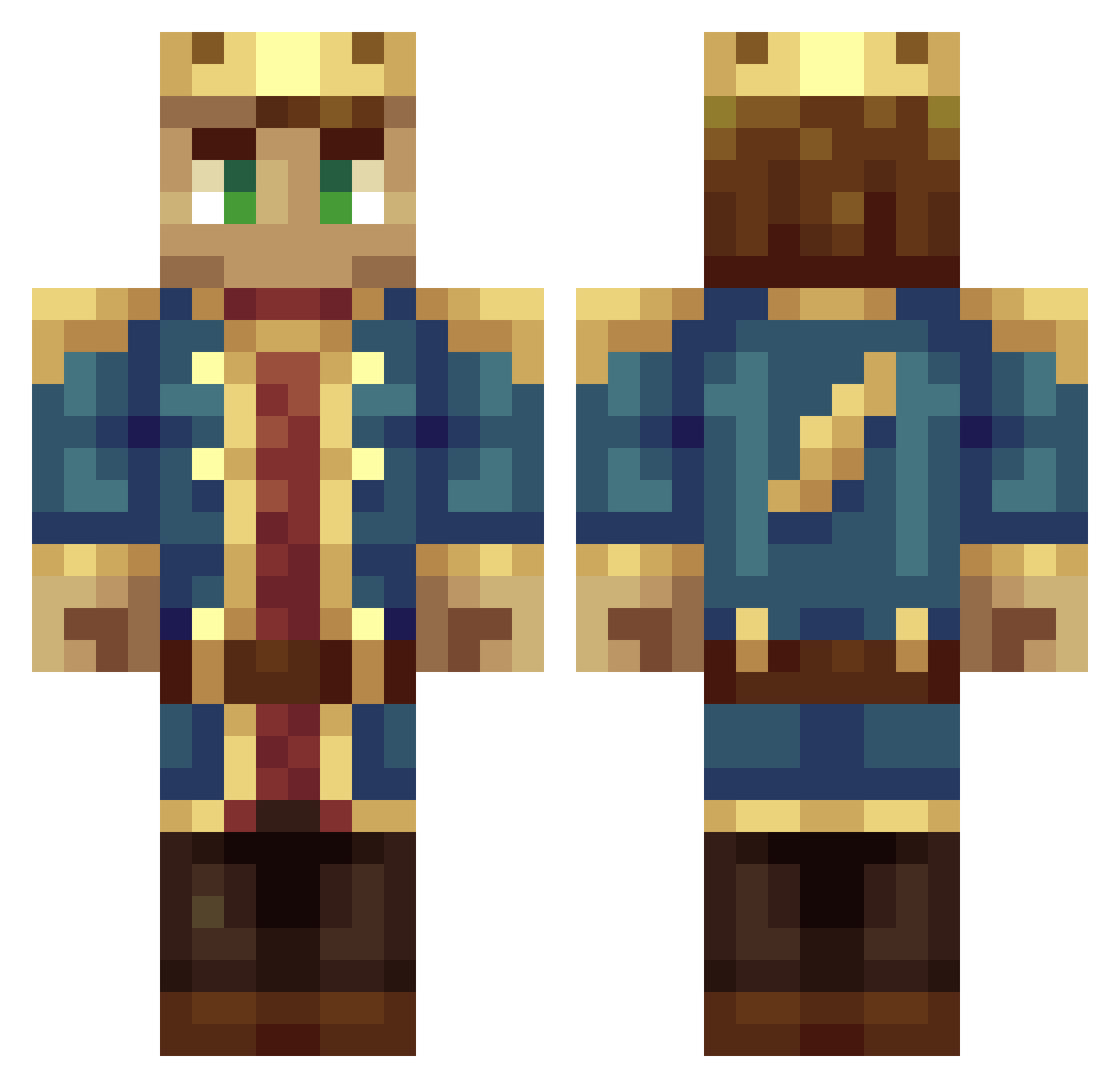
How to install the philip_160 skin
- Press the Download button above to save the skin as a PNG file.
- Minecraft: Bedrock Edition (PE): open the Dressing Room from the main menu (or tap your character → Edit Character), go to Classic Skins → Owned, press the + (new skin) button, choose the downloaded PNG and pick the Classic (Steve) model. Works on PC and mobile; consoles cannot import custom skins.
- Minecraft: Java Edition: open the Minecraft Launcher, go to the Skins tab, click New Skin, load the PNG, pick the Classic (Steve) model and press Save & Use. You can also upload it at minecraft.net → Profile → Change Skin.
The skin does not show up after import - what should I do?
Restart Minecraft and open the Dressing Room again - imported skins sometimes appear only after a restart. Also make sure you selected the imported skin and picked the Classic (Steve) model.
Which model should I choose, Classic or Slim?
This skin is designed for the Classic (Steve) model. If you pick the wrong model, the arms of the skin will look stretched or squeezed.
Is this skin free to use?
Yes. Press Download, save the PNG file and use it in Minecraft: Bedrock Edition or Java Edition - no payment or registration needed. The skin also works on multiplayer servers and Realms.
More DSMP Minecraft skins
More skins
Looking for more? Go back to all Minecraft skins and check the top skins of the week, month and all time, or find any player's skin by nickname.