
 genn0419 Xx_Gabry_xX Keriyas_ Fefs0_0 MikhaLoi eyo07 SightFelipe vSortey33 luffygear7 oneOd1n BurakTR59 B_Kayn_R Dakito2D wasiAhao LDborsuk Forrest1113 uhmacks LucasIcasu Sr_Crunch dotPsychotiQ Q7O7 Sleep6803 Honey9765 MiniNem Wooper0_0 Hy0Jun Cookinjail ZeroIbraheem BigBoiOnBlock meimeiyang Domo85 NotGeoProbably kdg0909 mikanber GazhStrike SarunArpema Infinite____ something0123 h9earth NickoSSJ wraatthh stkkk_ jdrp ErosYT Loading_Software DaBoiNiko Loche_ edvin7ers1 takezz_ cyyyyy06 starlord051 XUAN1210 Juliobm91 snakeslayer25 Donotouch pepper8566 Skarri Predator099 GojoSatoru6969 _ethyy
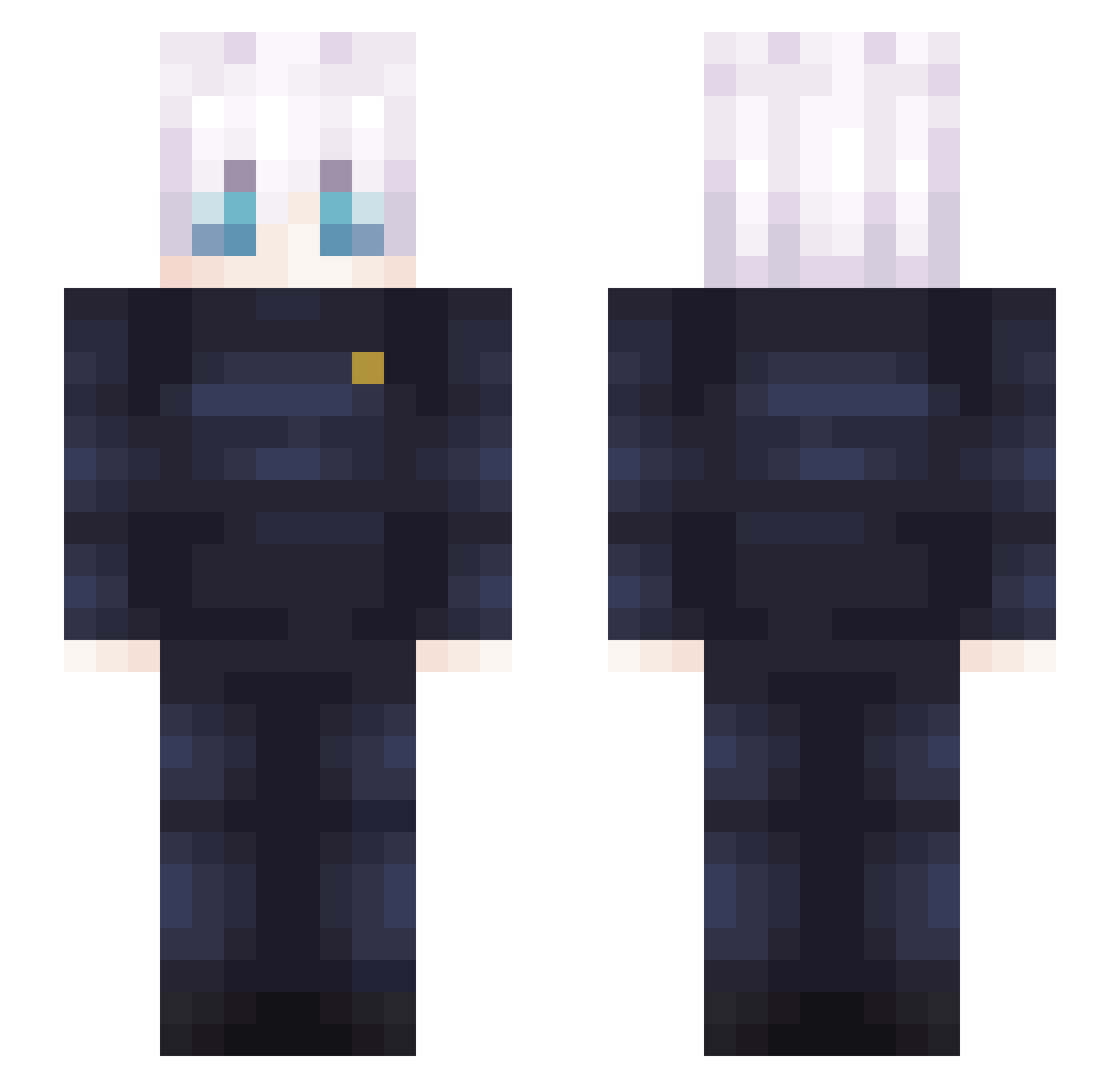
Minecraft skin of Isithunzi. Rotate the 3D model with your mouse or finger to view the skin from every angle, then download it as a PNG file and use it in Minecraft: Bedrock Edition or Java Edition for free. Rate the skin with stars to help other players find the best skins in our collection.
How to install the Isithunzi skin
- Press the Download button above to save the skin as a PNG file.
- Minecraft: Bedrock Edition (PE): open the Dressing Room from the main menu (or tap your character → Edit Character), go to Classic Skins → Owned, press the + (new skin) button, choose the downloaded PNG and pick the Slim (Alex) model. Works on PC and mobile; consoles cannot import custom skins.
- Minecraft: Java Edition: open the Minecraft Launcher, go to the Skins tab, click New Skin, load the PNG, pick the Slim (Alex) model and press Save & Use. You can also upload it at minecraft.net → Profile → Change Skin.
The skin does not show up after import - what should I do?
Restart Minecraft and open the Dressing Room again - imported skins sometimes appear only after a restart. Also make sure you selected the imported skin and picked the Slim (Alex) model.
Which model should I choose, Classic or Slim?
This skin is designed for the Slim (Alex) model. If you pick the wrong model, the arms of the skin will look stretched or squeezed.
Is this skin free to use?
Yes. Press Download, save the PNG file and use it in Minecraft: Bedrock Edition or Java Edition - no payment or registration needed. The skin also works on multiplayer servers and Realms.
More Satoru Gojo Minecraft skins
See all 1375 Satoru Gojo skins
More skins
Looking for more? Go back to all Minecraft skins and check the top skins of the week, month and all time, or find any player's skin by nickname.