
 meakth lucasEclay wolfangHD Schnuffi_09 Gonzalodesanta Miraltune Indira1000 metehankirsanli panDragon21 DestormFinalrips FluffyKoala11 SantaDoinLines Type_C20 adrix_rp reemiemi214 rakesCz_ Quartex_35 DJPeterlyMix miso_nigiri Sigmaboi_67 eashan94 Tadok1ra x___GOD___x lukispelar Unhappy666 DNSL2 Gabrieelima GrmnDvl Ivanssky GameButtonofc Sotamopsi88 TheRealFeeRGG LeoCouto AnimalCaribou42 Strafeza _TheJakeHome_ UgurSuat xShockbladexZedx Morten_790 SDGPIUSDGOIUGNOG LixiosDelios_ DoubleDD73 iYANSS Ridiculus erlind19 lLLRUSSIAN EvictionCMT Swichh imEKOSH Aristarchos4006 Rafety052 IGForever Zss000 MD_BOY chikepei Keeyron DesiredFear Leevi699 Skullnight2412 BigsBull
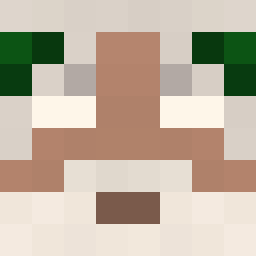
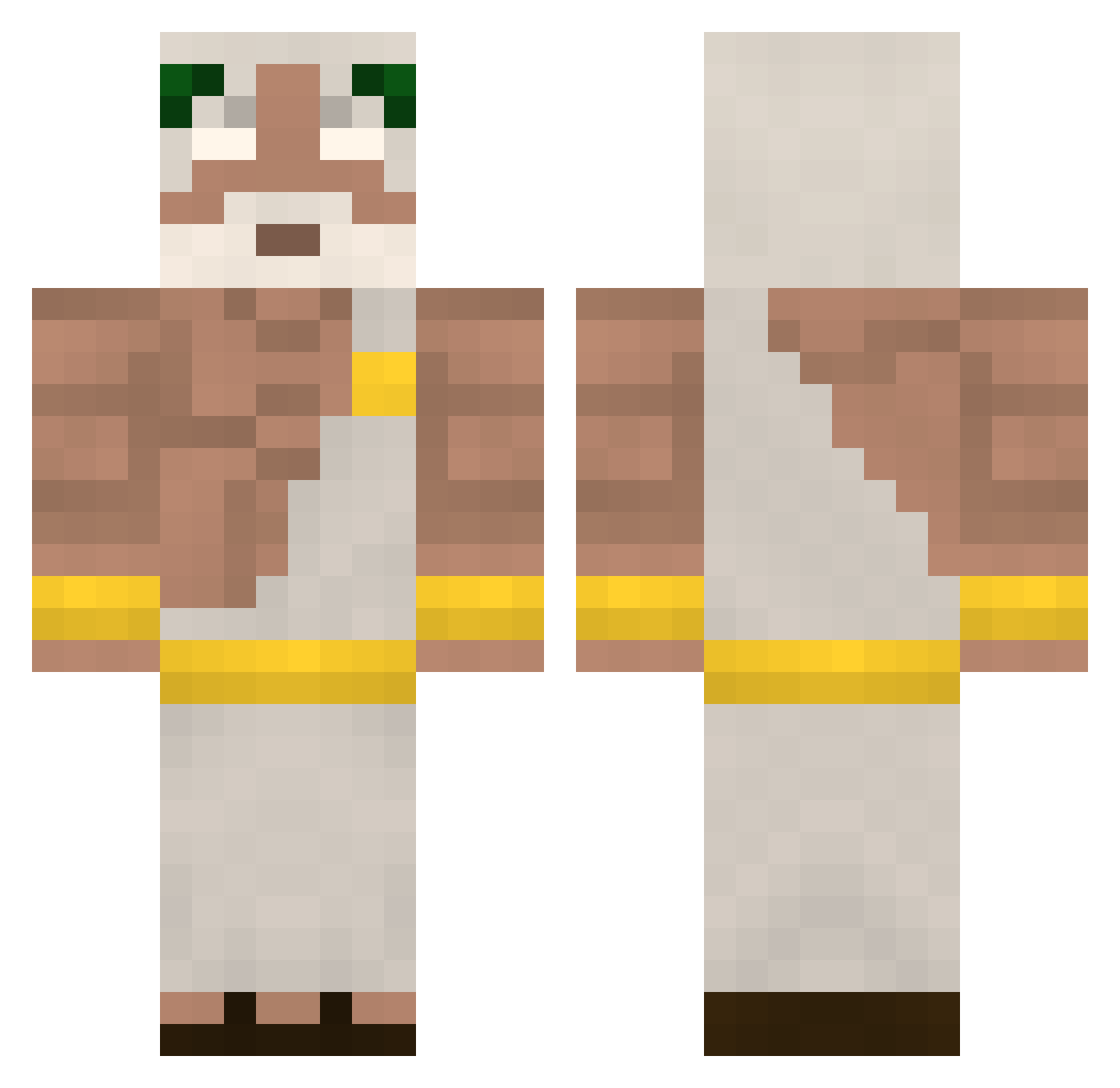
Minecraft skin of yumeozz. Rotate the 3D model with your mouse or finger to view the skin from every angle, then download it as a PNG file and use it in Minecraft: Bedrock Edition or Java Edition for free. Rate the skin with stars to help other players find the best skins in our collection.
How to install the yumeozz skin
- Press the Download button above to save the skin as a PNG file.
- Minecraft: Bedrock Edition (PE): open the Dressing Room from the main menu (or tap your character → Edit Character), go to Classic Skins → Owned, press the + (new skin) button, choose the downloaded PNG and pick the Classic (Steve) model. Works on PC and mobile; consoles cannot import custom skins.
- Minecraft: Java Edition: open the Minecraft Launcher, go to the Skins tab, click New Skin, load the PNG, pick the Classic (Steve) model and press Save & Use. You can also upload it at minecraft.net → Profile → Change Skin.
The skin does not show up after import - what should I do?
Restart Minecraft and open the Dressing Room again - imported skins sometimes appear only after a restart. Also make sure you selected the imported skin and picked the Classic (Steve) model.
Which model should I choose, Classic or Slim?
This skin is designed for the Classic (Steve) model. If you pick the wrong model, the arms of the skin will look stretched or squeezed.
Is this skin free to use?
Yes. Press Download, save the PNG file and use it in Minecraft: Bedrock Edition or Java Edition - no payment or registration needed. The skin also works on multiplayer servers and Realms.
More Zeus Minecraft skins
More skins
Looking for more? Go back to all Minecraft skins and check the top skins of the week, month and all time, or find any player's skin by nickname.