
 n1yak OLuige Lestart Bubluoteka Joyben Sherpead Awxapa6ek Senna7814 SpAcEDoG7354 Mr_Sanjeet Arlind14 HellTrial Zoerio _blockmaster2008 simp_denied Spakatrons Durmus28 Kabelek_ ZenciKuzy Gitek_ SantiMig frankthetank0507 Rhuanzinhow Alezzs AdemeRebaixado DFAFinanzamt2 jolisvaldo 1800HANK naabeast123 Bonniess loyqza M4rins__ OE99 EmirhanBaBa Quintavious123 Kaiewski s4bob DergunDerf Karotuzom lvows Prodigyyo ffoour BartuKE cahsey ArthurNx reltiHOK Marcelinhopvp12 Blockamer MirandaMlkMau Xmasterrr R0molus isuzu0927 Cacetino deno2321 AkolAQQ SloGun D4V1X77 FelVes13 Tyme_Kill11 cumboychik
Minecraft skin of halyusuf_. Rotate the 3D model with your mouse or finger to view the skin from every angle, then download it as a PNG file and use it in Minecraft: Bedrock Edition or Java Edition for free. Rate the skin with stars to help other players find the best skins in our collection.
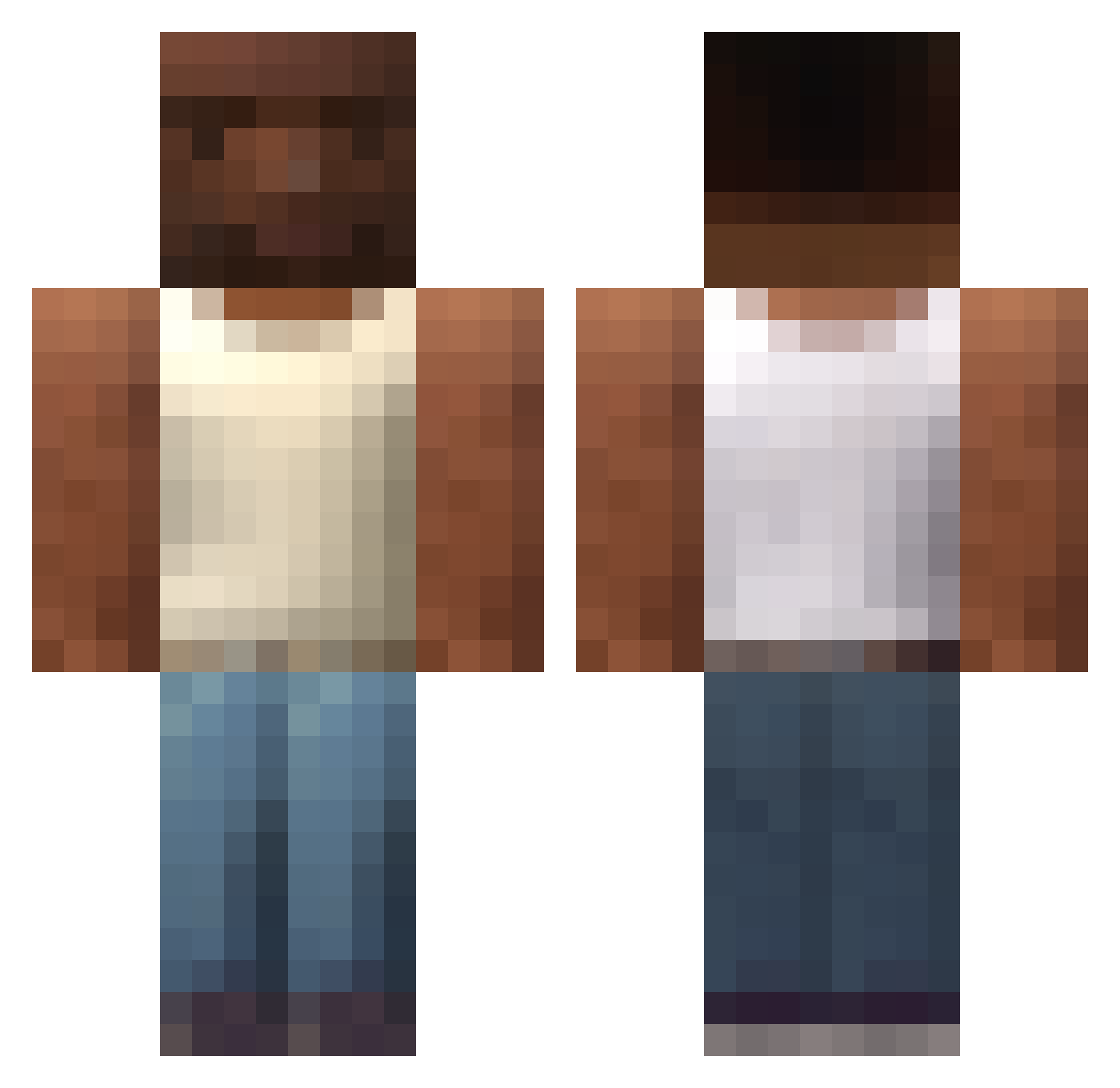
How to install the halyusuf_ skin
- Press the Download button above to save the skin as a PNG file.
- Minecraft: Bedrock Edition (PE): open the Dressing Room from the main menu (or tap your character → Edit Character), go to Classic Skins → Owned, press the + (new skin) button, choose the downloaded PNG and pick the Classic (Steve) model. Works on PC and mobile; consoles cannot import custom skins.
- Minecraft: Java Edition: open the Minecraft Launcher, go to the Skins tab, click New Skin, load the PNG, pick the Classic (Steve) model and press Save & Use. You can also upload it at minecraft.net → Profile → Change Skin.
The skin does not show up after import - what should I do?
Restart Minecraft and open the Dressing Room again - imported skins sometimes appear only after a restart. Also make sure you selected the imported skin and picked the Classic (Steve) model.
Which model should I choose, Classic or Slim?
This skin is designed for the Classic (Steve) model. If you pick the wrong model, the arms of the skin will look stretched or squeezed.
Is this skin free to use?
Yes. Press Download, save the PNG file and use it in Minecraft: Bedrock Edition or Java Edition - no payment or registration needed. The skin also works on multiplayer servers and Realms.
More skins
Looking for more? Go back to all Minecraft skins and check the top skins of the week, month and all time, or find any player's skin by nickname.