
 DuartzZz CrocoGaming63 atzsvt qxz_ferlex flashtime361 AestheticJAVA99 vampirefai Arian2k Xnyr0X_ Tendo678 Paszkins LivingZombz xulnn Multi_800 snonks arKzyyy GoDZilla3K2 MrObamaCare420 Froomeren23 haanz0 katbriar Takota_ beefstew07 pcairsoftfreak1 Juul0_0 swoupr L3554U715M margotdacow megapoopie69 Galore69 auther365 CloakedPuma123 haallluuu Miss_Mystery_ phil_ds KroniiLover1 Pain4all soupsicle PassTheButter22 Oskarpetersen123 Xtrm3336 shaxdy3007 Mikelitus14 Jazz_Macca99 Sobhd PHANTOM_MOTNAHP grzybis LTBlake daramram1 paskat_ thekirkstein St_Ronk ffrescp diditonpurpose AdolphK R4inyD4y5 MrHaZo Negro676767 peGOrg FITITOOOOO
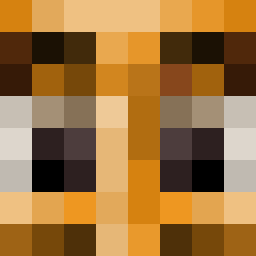
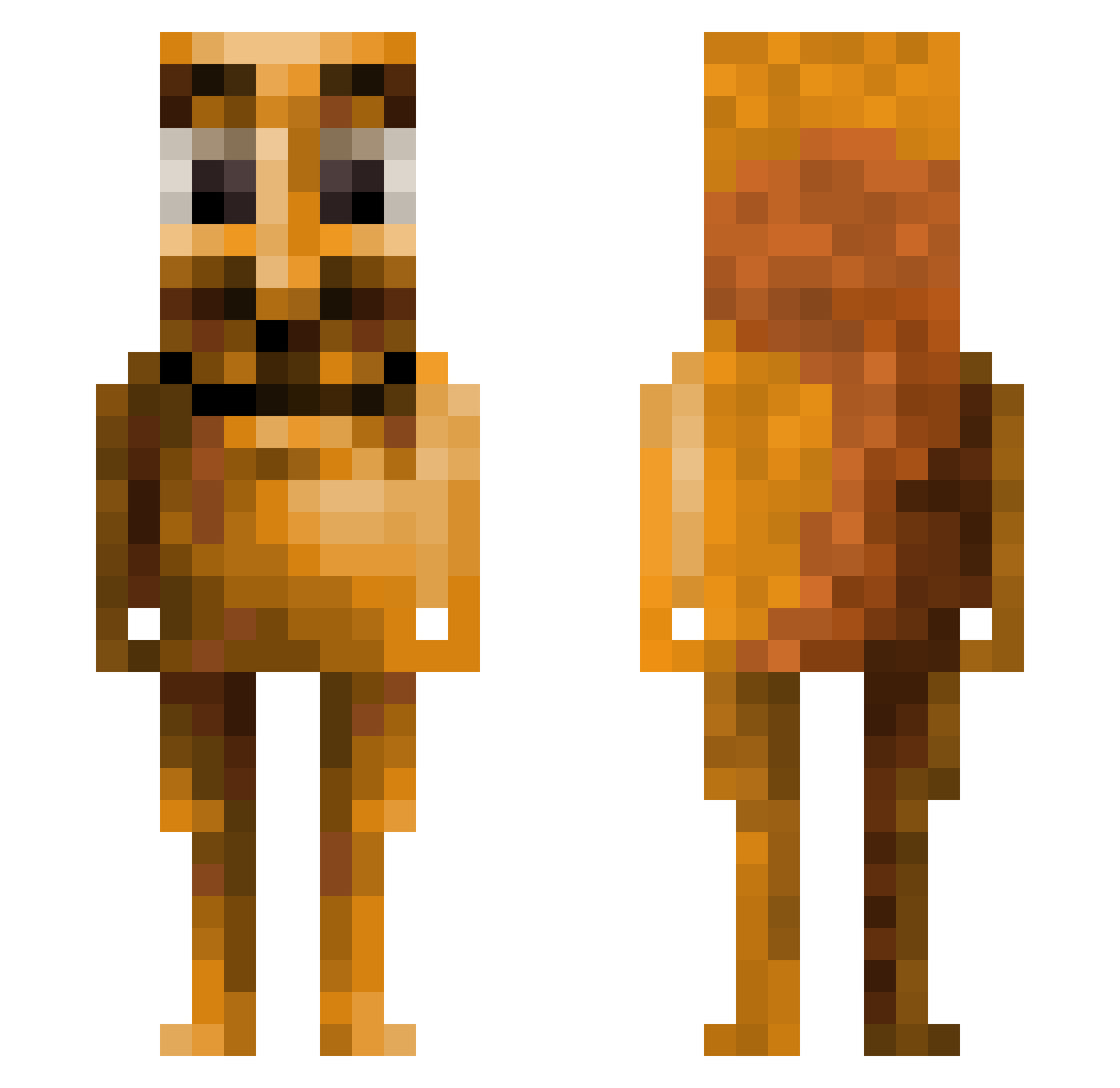
Minecraft skin of _Domstii. Rotate the 3D model with your mouse or finger to view the skin from every angle, then download it as a PNG file and use it in Minecraft: Bedrock Edition or Java Edition for free. Rate the skin with stars to help other players find the best skins in our collection.
How to install the _Domstii skin
- Press the Download button above to save the skin as a PNG file.
- Minecraft: Bedrock Edition (PE): open the Dressing Room from the main menu (or tap your character → Edit Character), go to Classic Skins → Owned, press the + (new skin) button, choose the downloaded PNG and pick the Classic (Steve) model. Works on PC and mobile; consoles cannot import custom skins.
- Minecraft: Java Edition: open the Minecraft Launcher, go to the Skins tab, click New Skin, load the PNG, pick the Classic (Steve) model and press Save & Use. You can also upload it at minecraft.net → Profile → Change Skin.
The skin does not show up after import - what should I do?
Restart Minecraft and open the Dressing Room again - imported skins sometimes appear only after a restart. Also make sure you selected the imported skin and picked the Classic (Steve) model.
Which model should I choose, Classic or Slim?
This skin is designed for the Classic (Steve) model. If you pick the wrong model, the arms of the skin will look stretched or squeezed.
Is this skin free to use?
Yes. Press Download, save the PNG file and use it in Minecraft: Bedrock Edition or Java Edition - no payment or registration needed. The skin also works on multiplayer servers and Realms.
More Squirrel Minecraft skins
More skins
Looking for more? Go back to all Minecraft skins and check the top skins of the week, month and all time, or find any player's skin by nickname.