
 ZamThatGuy oliwka7 SilvaBros CatsRdeBest2018 GuilhermeRDT Goldnight2 Puff60kRazzbar icydenniS_ pettinary10 _Lod0mir_ Fizzy_PVP YuliansMod Viikia AndyRBX ArmigoReiDoCoito Backpack_ Khrulhu69 nalgaz CreamCracker_ zombiepilf DoughN Llipton njavi911 Shlms pp75 ghtewh Awave tatkoaverage123 WarmMonas clarosan xXJudahXx lvzz_ nwcubeok deceasedanatidae meganaut78 Miheal MoominK120 Pawilun mrzco12 KAMIKZz Kacperos_PL chuchu1224 omiss322 Koparkaaa Ippokryt SahurMan MarinPav BOSSTRUMP14 Noelgaymc skittles_pin xXElchilefinoXx M3ch4n1c4l _M1ka46 K_z3 Murilo_Simsen uncdea FoogyIDK Ichiiin_ Andruario globoescuro
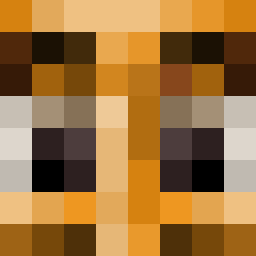
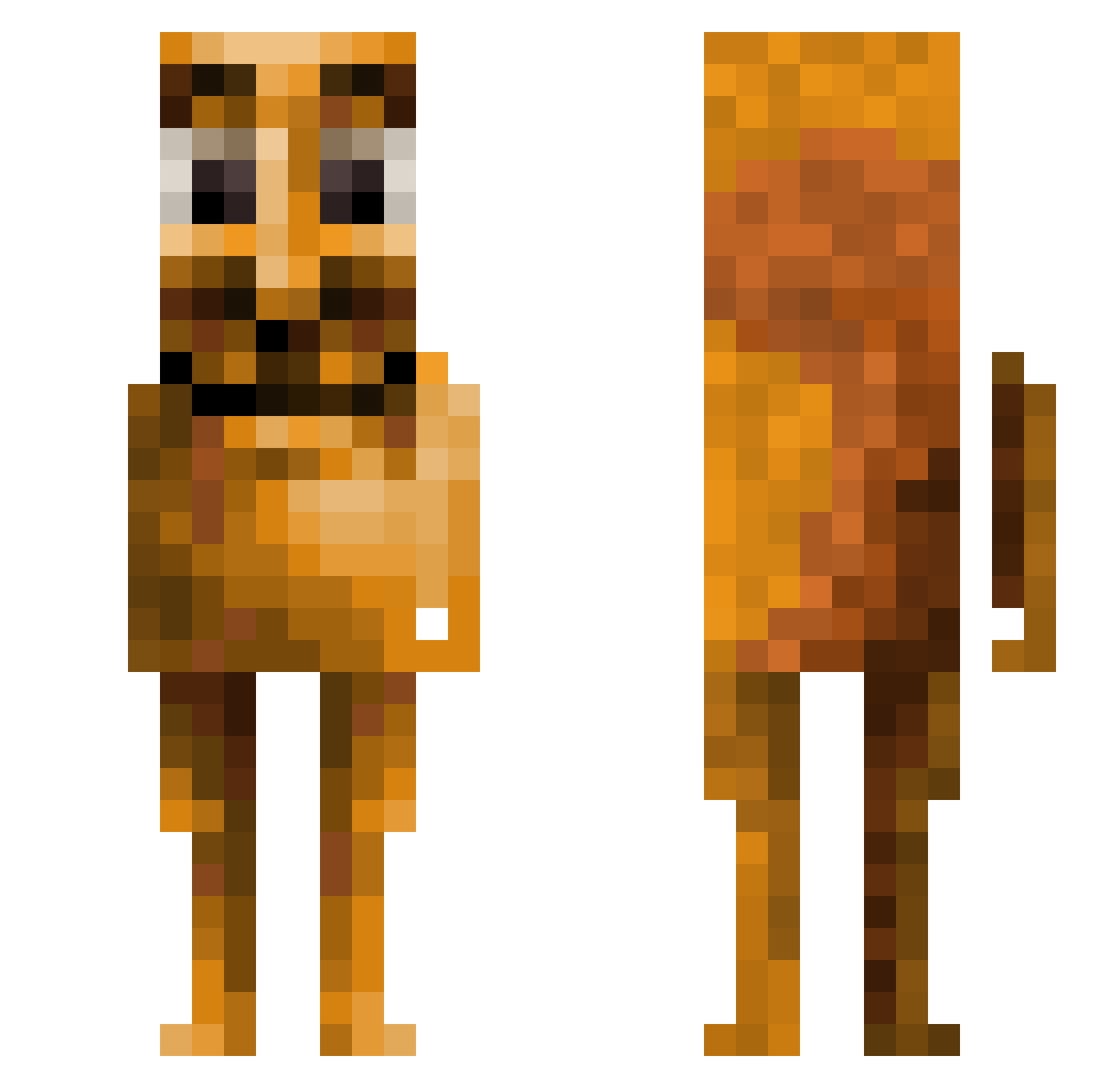
Minecraft skin of ZamThatGuy. Rotate the 3D model with your mouse or finger to view the skin from every angle, then download it as a PNG file and use it in Minecraft: Bedrock Edition or Java Edition for free. Rate the skin with stars to help other players find the best skins in our collection.
How to install the ZamThatGuy skin
- Press the Download button above to save the skin as a PNG file.
- Minecraft: Bedrock Edition (PE): open the Dressing Room from the main menu (or tap your character → Edit Character), go to Classic Skins → Owned, press the + (new skin) button, choose the downloaded PNG and pick the Slim (Alex) model. Works on PC and mobile; consoles cannot import custom skins.
- Minecraft: Java Edition: open the Minecraft Launcher, go to the Skins tab, click New Skin, load the PNG, pick the Slim (Alex) model and press Save & Use. You can also upload it at minecraft.net → Profile → Change Skin.
The skin does not show up after import - what should I do?
Restart Minecraft and open the Dressing Room again - imported skins sometimes appear only after a restart. Also make sure you selected the imported skin and picked the Slim (Alex) model.
Which model should I choose, Classic or Slim?
This skin is designed for the Slim (Alex) model. If you pick the wrong model, the arms of the skin will look stretched or squeezed.
Is this skin free to use?
Yes. Press Download, save the PNG file and use it in Minecraft: Bedrock Edition or Java Edition - no payment or registration needed. The skin also works on multiplayer servers and Realms.
More Squirrel Minecraft skins
More skins
Looking for more? Go back to all Minecraft skins and check the top skins of the week, month and all time, or find any player's skin by nickname.