
 ConnorByrnes madl3ss nessy103 newbowner15 SkaterrSlater Witjaa RAPPTOR1 matukuri GOMMELHD1 Lucian007 Gragas_Santa 4very13 firstpoke Alanjo Jurrassicnight Trekdawg Killer_Karnickel Marshall642 Derft ganendor V1RU5BL00D Scayrye Freshka fnaticbenNy Brokkoli93 NorXTream El_Ukulele fuzzypancake22 Sloril Rubiemeir PartyKing4 Zirdel vildx2 KolossalxTodger FunkyFungus BigCoots dam419 skullmusher Embxca TheBaconman35 skyking85 RoCkStaR517 Kkiko Eyre101 Slobberinherjaws clouto iTroughx JDBANGER imbackm8 Straightup2lazy floppiii kasukasu8810 allygaytor lucaadubz12 SneakyAlpacas jefmajor OgurchikMan Lewyboy99 CardMaster21 Tonisupertornado
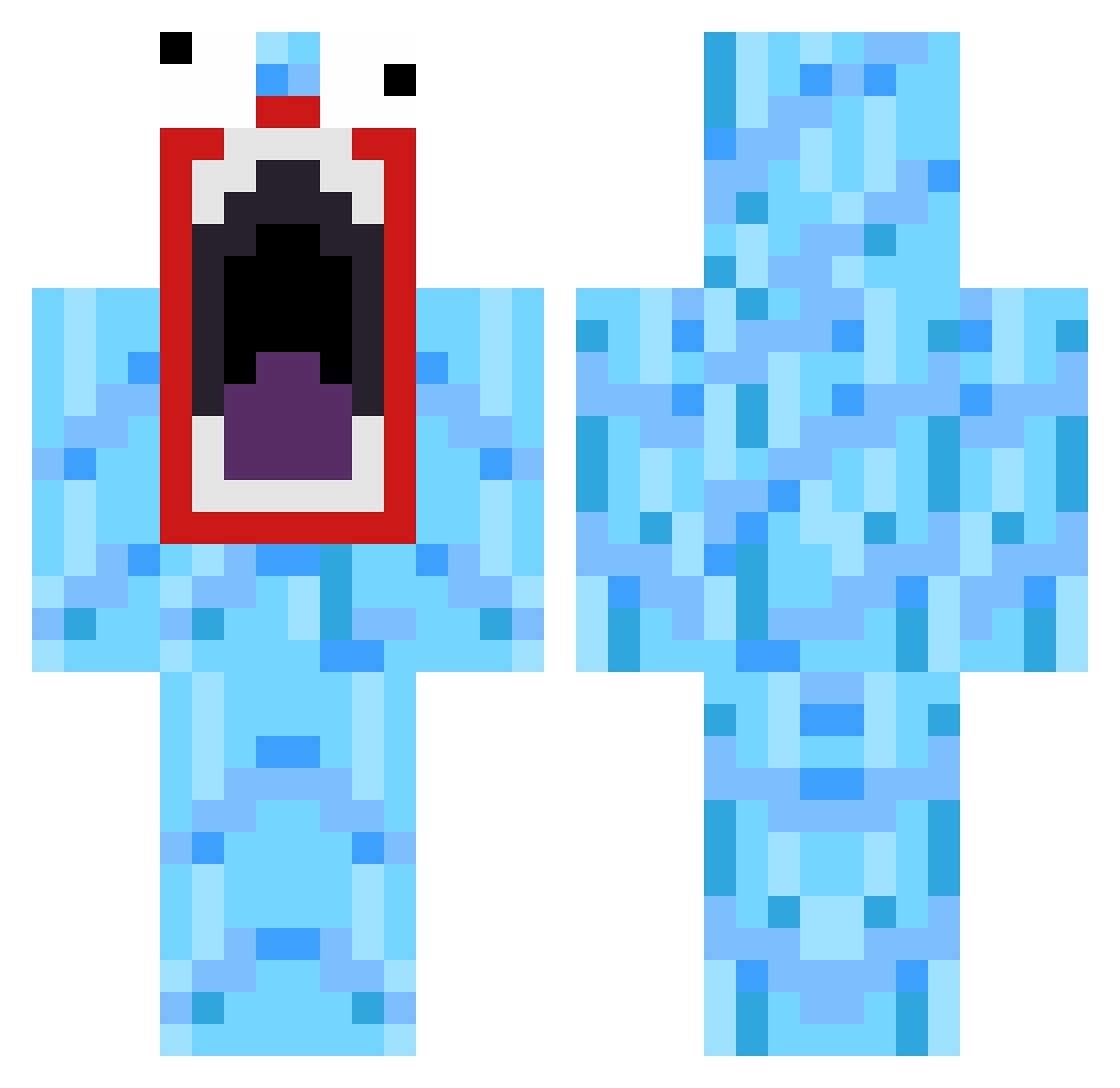
Minecraft skin of King_Pest_00. Rotate the 3D model with your mouse or finger to view the skin from every angle, then download it as a PNG file and use it in Minecraft: Bedrock Edition or Java Edition for free. Rate the skin with stars to help other players find the best skins in our collection.
How to install the King_Pest_00 skin
- Press the Download button above to save the skin as a PNG file.
- Minecraft: Bedrock Edition (PE): open the Dressing Room from the main menu (or tap your character → Edit Character), go to Classic Skins → Owned, press the + (new skin) button, choose the downloaded PNG and pick the Classic (Steve) model. Works on PC and mobile; consoles cannot import custom skins.
- Minecraft: Java Edition: open the Minecraft Launcher, go to the Skins tab, click New Skin, load the PNG, pick the Classic (Steve) model and press Save & Use. You can also upload it at minecraft.net → Profile → Change Skin.
The skin does not show up after import - what should I do?
Restart Minecraft and open the Dressing Room again - imported skins sometimes appear only after a restart. Also make sure you selected the imported skin and picked the Classic (Steve) model.
Which model should I choose, Classic or Slim?
This skin is designed for the Classic (Steve) model. If you pick the wrong model, the arms of the skin will look stretched or squeezed.
Is this skin free to use?
Yes. Press Download, save the PNG file and use it in Minecraft: Bedrock Edition or Java Edition - no payment or registration needed. The skin also works on multiplayer servers and Realms.
More Funny Minecraft skins
More skins
Looking for more? Go back to all Minecraft skins and check the top skins of the week, month and all time, or find any player's skin by nickname.