
 explorador96 daltonokay dokter1bruinbeer KilolMetre HaveDogDog NATHY24 DUDUDUNG_ FuegoBabyy Krazorr httpslimon Crisippo shinzzao _ksia_ F_x_ J30N9 sowonaa RICKYBEAR03 LazerBeast441 marcalicus xDonderstorm_ jackiesonn rebuilds xiongxiong_ pxrsaudd oberti100 ImJayJ Avox24 PolitoMarkiz Troxxic emosun dodochicken135 Aurass KimFireBear Bogus_K0mornik Jqssie Hikaeme_ dadayama Inexpensively LarsPunt NinjaGalaxyMax53 MattBangerz PosenMat Guggled yuan109 Maladk best_bear RufflesPlayz shep45612 ItsMeKristof GoldPhone Dlrjsdn_05 N3RU qudtls0724 Miguelon87 TomasAMG ChocolateBear8 Krozhin _FESTASHKA_ lbrotney architect42815
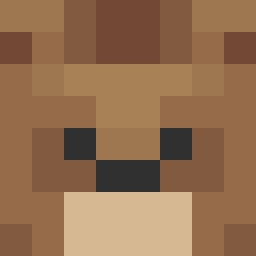
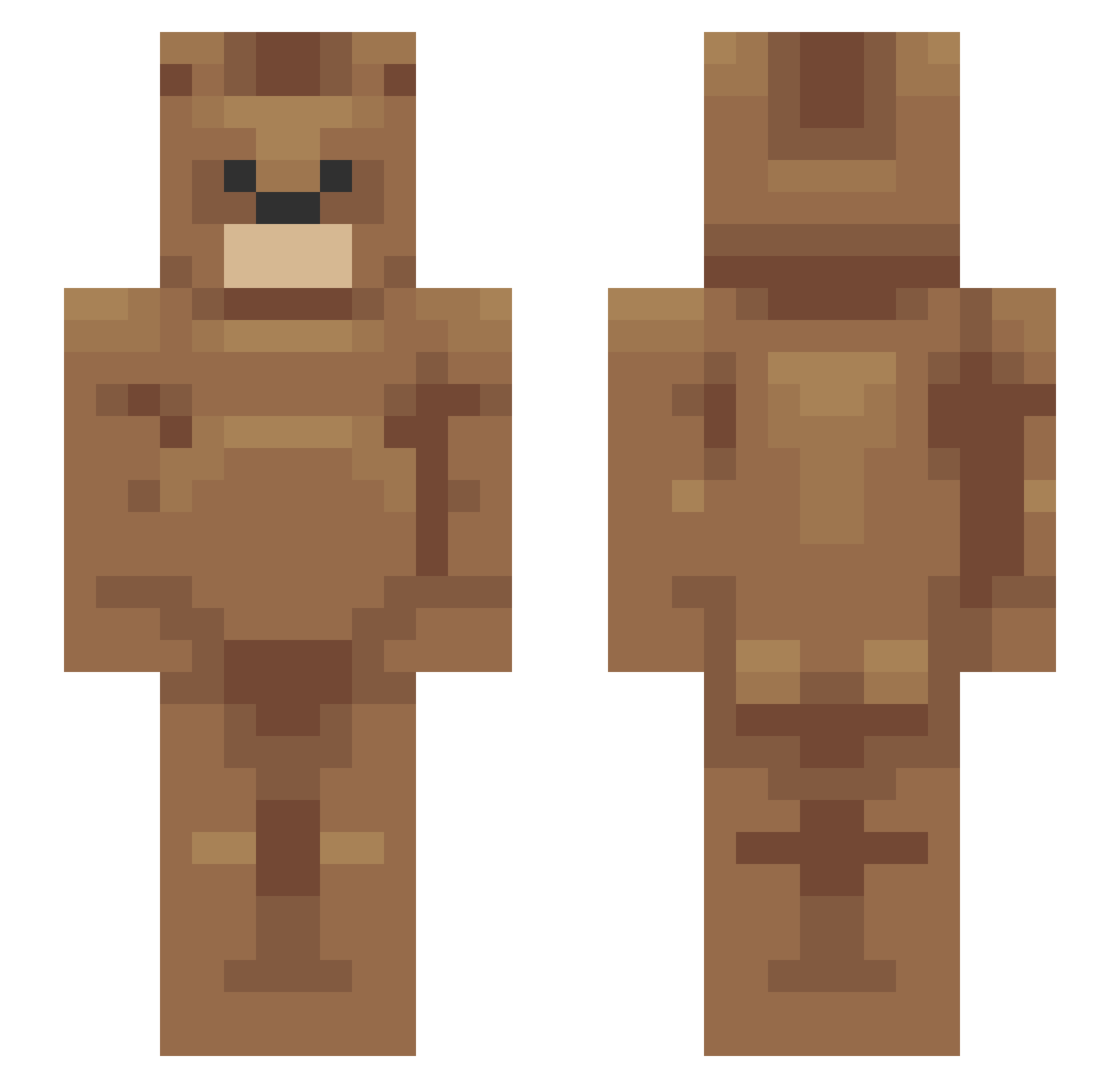
Minecraft skin of Dinwall. Rotate the 3D model with your mouse or finger to view the skin from every angle, then download it as a PNG file and use it in Minecraft: Bedrock Edition or Java Edition for free. Rate the skin with stars to help other players find the best skins in our collection.
How to install the Dinwall skin
- Press the Download button above to save the skin as a PNG file.
- Minecraft: Bedrock Edition (PE): open the Dressing Room from the main menu (or tap your character → Edit Character), go to Classic Skins → Owned, press the + (new skin) button, choose the downloaded PNG and pick the Slim (Alex) model. Works on PC and mobile; consoles cannot import custom skins.
- Minecraft: Java Edition: open the Minecraft Launcher, go to the Skins tab, click New Skin, load the PNG, pick the Slim (Alex) model and press Save & Use. You can also upload it at minecraft.net → Profile → Change Skin.
The skin does not show up after import - what should I do?
Restart Minecraft and open the Dressing Room again - imported skins sometimes appear only after a restart. Also make sure you selected the imported skin and picked the Slim (Alex) model.
Which model should I choose, Classic or Slim?
This skin is designed for the Slim (Alex) model. If you pick the wrong model, the arms of the skin will look stretched or squeezed.
Is this skin free to use?
Yes. Press Download, save the PNG file and use it in Minecraft: Bedrock Edition or Java Edition - no payment or registration needed. The skin also works on multiplayer servers and Realms.
More Bear Minecraft skins
More skins
Looking for more? Go back to all Minecraft skins and check the top skins of the week, month and all time, or find any player's skin by nickname.