
 AsapBlackout atomicjimmy XxSpeikxX Fatality13 uppsalapojken123 L3tsW4tchLP lavrentiew mrpancake20 mmaster14 Wolferion_2002 patatbakker13 Blackpanther2k kianr1243 antoinepuyol lansinn11 sirhughezz DarkShadowfallpm KingRognark KingOfKingLing CrytekMonster andycalvert BIGBL0CK OllySetterfield1 GokuG0D Zenkorys Fortressboy21 JoshuaDriver Kuphi Gagomatikk Jaydenprempeh MumboJumbo97 ApexGabe armani11 hotchocobo Charlyangelo Hunter_L24 DARTHKANITE minsuh30 shooter1070 Pasiak95 Babachiste Electronomnom Moumey sandflo09 bladesmith640 CJHubbard liljuk W1llson RJH_Minecraft Kaprisonn TheKingofCrafts synapsi7 RodneyTrotter2 Lugia1758 gmanof13 Ariven39 adellerwin adrian858 mooist WhatzzUpp
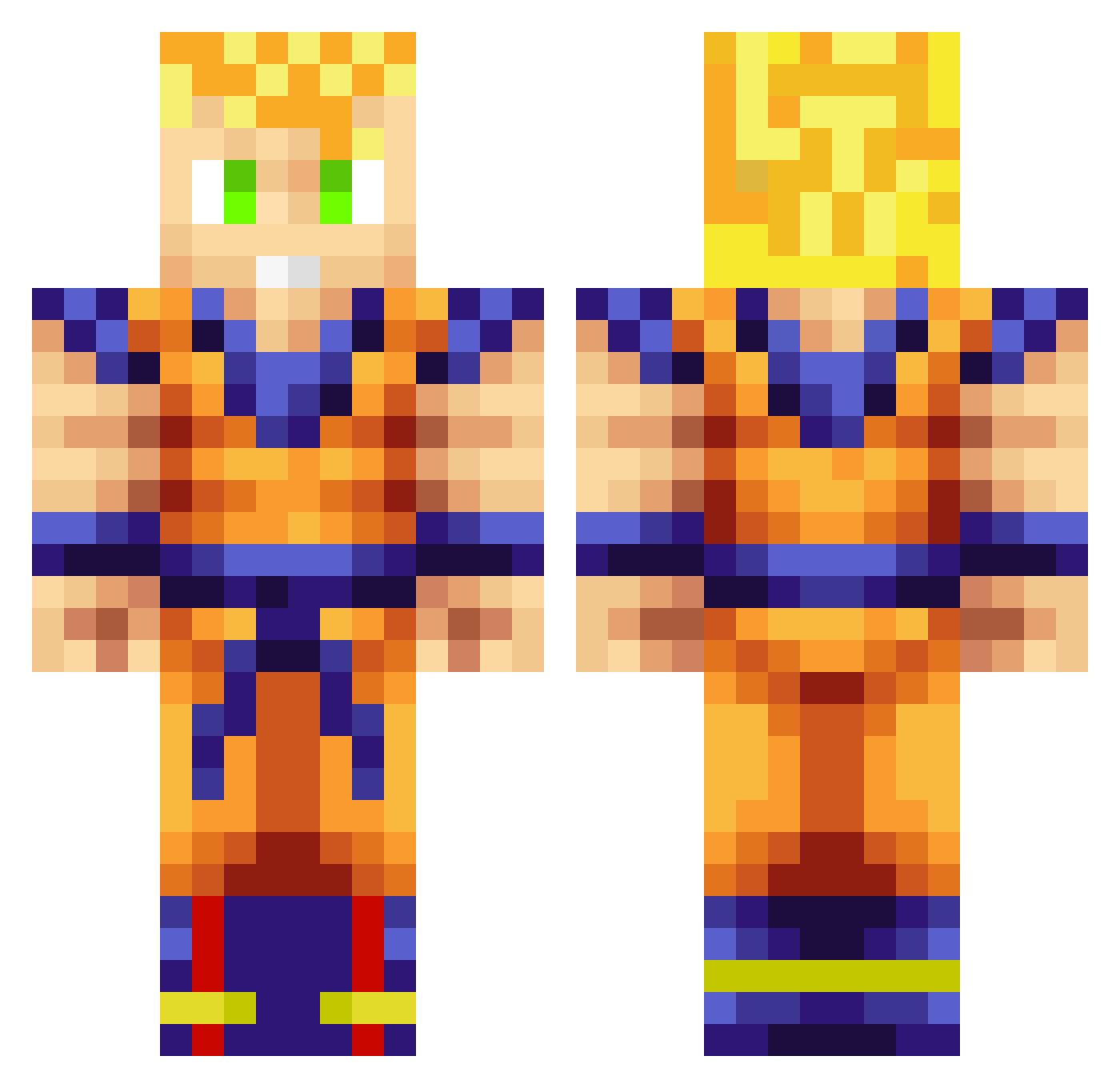
Minecraft skin of Locn. Rotate the 3D model with your mouse or finger to view the skin from every angle, then download it as a PNG file and use it in Minecraft: Bedrock Edition or Java Edition for free. Rate the skin with stars to help other players find the best skins in our collection.
How to install the Locn skin
- Press the Download button above to save the skin as a PNG file.
- Minecraft: Bedrock Edition (PE): open the Dressing Room from the main menu (or tap your character → Edit Character), go to Classic Skins → Owned, press the + (new skin) button, choose the downloaded PNG and pick the Classic (Steve) model. Works on PC and mobile; consoles cannot import custom skins.
- Minecraft: Java Edition: open the Minecraft Launcher, go to the Skins tab, click New Skin, load the PNG, pick the Classic (Steve) model and press Save & Use. You can also upload it at minecraft.net → Profile → Change Skin.
The skin does not show up after import - what should I do?
Restart Minecraft and open the Dressing Room again - imported skins sometimes appear only after a restart. Also make sure you selected the imported skin and picked the Classic (Steve) model.
Which model should I choose, Classic or Slim?
This skin is designed for the Classic (Steve) model. If you pick the wrong model, the arms of the skin will look stretched or squeezed.
Is this skin free to use?
Yes. Press Download, save the PNG file and use it in Minecraft: Bedrock Edition or Java Edition - no payment or registration needed. The skin also works on multiplayer servers and Realms.
More Goku Minecraft skins
More skins
Looking for more? Go back to all Minecraft skins and check the top skins of the week, month and all time, or find any player's skin by nickname.