
 AboS8R BarsLikeSoap Vinsmokek7 monkeybiof Anubis_lcs hmd134 bdon_tfkeer KAR0SHI44 Jasamesero Leaozim kohshia Bluefate_10 MiniSn0w TitoGuzmi Fawk3z NexusNomad Eru_O ShinseiSama Kingevim RagingITL MuchoGlizzy HypeMLG sStorm7 ARC_op Outbox231231 muayed12 F_Stappy Lokzey DanThas2323 ofritzur123 Thomyytb Drafixxx marimoo1456 DuChielstDoch DavidBR1302 MeloMyMind AbuShhr Roronoa_Zoro_30 chiyn SigmaTapon apple_tree7967 2DJJones2 SussySalih Edison666 Nacaedy ReservedKnight marima2 bruninpirs Z3NOSS Alexxd910 KeyzerWayy ukino Chino_543 aoyaama VitiAki AkhyyPotter Xareas Coralight ImNotToddix irvinwhite
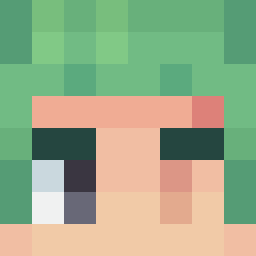
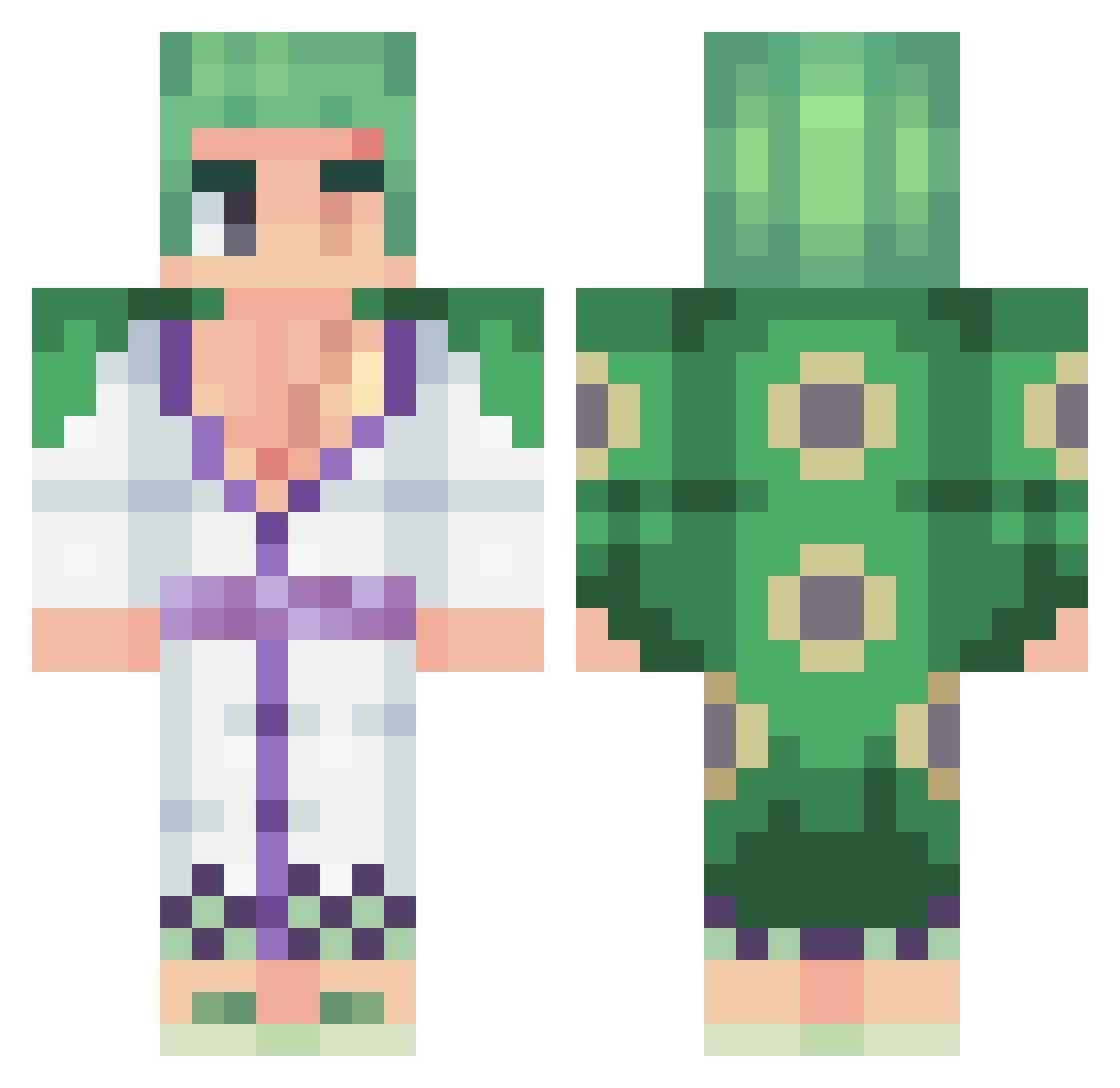
Minecraft skin of Pabloskiim. Rotate the 3D model with your mouse or finger to view the skin from every angle, then download it as a PNG file and use it in Minecraft: Bedrock Edition or Java Edition for free. Rate the skin with stars to help other players find the best skins in our collection.
How to install the Pabloskiim skin
- Press the Download button above to save the skin as a PNG file.
- Minecraft: Bedrock Edition (PE): open the Dressing Room from the main menu (or tap your character → Edit Character), go to Classic Skins → Owned, press the + (new skin) button, choose the downloaded PNG and pick the Classic (Steve) model. Works on PC and mobile; consoles cannot import custom skins.
- Minecraft: Java Edition: open the Minecraft Launcher, go to the Skins tab, click New Skin, load the PNG, pick the Classic (Steve) model and press Save & Use. You can also upload it at minecraft.net → Profile → Change Skin.
The skin does not show up after import - what should I do?
Restart Minecraft and open the Dressing Room again - imported skins sometimes appear only after a restart. Also make sure you selected the imported skin and picked the Classic (Steve) model.
Which model should I choose, Classic or Slim?
This skin is designed for the Classic (Steve) model. If you pick the wrong model, the arms of the skin will look stretched or squeezed.
Is this skin free to use?
Yes. Press Download, save the PNG file and use it in Minecraft: Bedrock Edition or Java Edition - no payment or registration needed. The skin also works on multiplayer servers and Realms.
More Roronoa Zoro Minecraft skins
See all 335 Roronoa Zoro skins
More skins
Looking for more? Go back to all Minecraft skins and check the top skins of the week, month and all time, or find any player's skin by nickname.