
 LMR2613 Mr_Eastling KingKongDotCom Dahli NLRedBeard orioles910 Gude23 l0ser140 chrismork The_OG_potato Praveenrox1Rule MRj0ystick DNE3 kevintjuhhh DrJeffV2 RecklessChalk moralsmaster Ernie13 Hemppaa22 Eenkkrdikkelul NEVVINS gorraluddu retarget Kristiansen__ archie_wise TurtleMi GrantKing8642 AT09 SavageBeast008 LordOfMediocrity Anaiscoco LukHah kopkaasNL Jschutz2317 sweckz Party1234 TheMicroAnimals TCS550 Mister_QSIL katelynnn1 Scheld WoutDJMinecraft Devil2G KevinDG _eggmayo Mapper_007 iKishan wengle you_ni blugga_ origin_lake LUKE_71 Chaosglobe Rix NexGenXD Janous_ jeppela15 SolLev biggboyy skyslice45
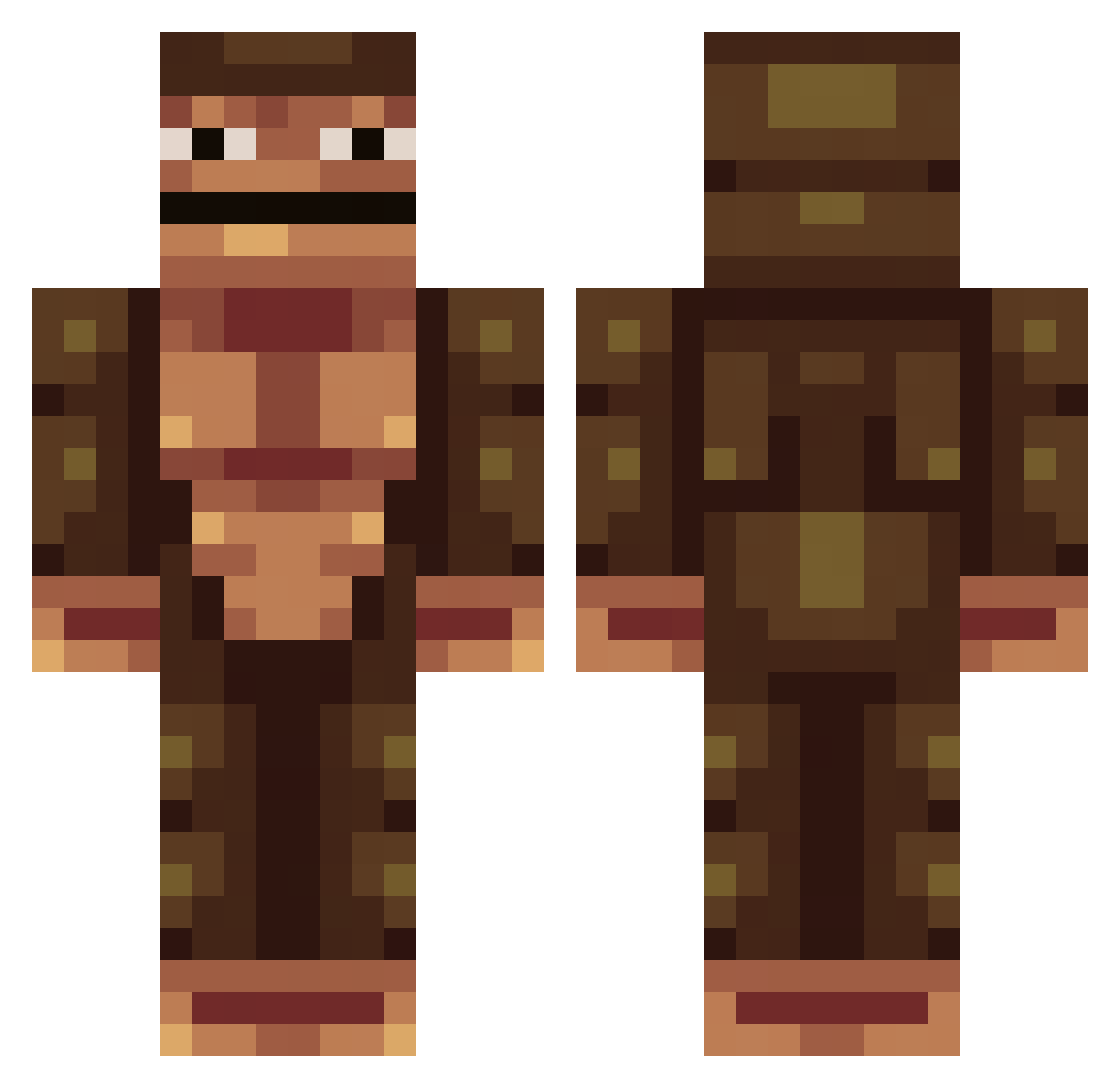
Minecraft skin of LinkMyButt. Rotate the 3D model with your mouse or finger to view the skin from every angle, then download it as a PNG file and use it in Minecraft: Bedrock Edition or Java Edition for free. Rate the skin with stars to help other players find the best skins in our collection.
How to install the LinkMyButt skin
- Press the Download button above to save the skin as a PNG file.
- Minecraft: Bedrock Edition (PE): open the Dressing Room from the main menu (or tap your character → Edit Character), go to Classic Skins → Owned, press the + (new skin) button, choose the downloaded PNG and pick the Classic (Steve) model. Works on PC and mobile; consoles cannot import custom skins.
- Minecraft: Java Edition: open the Minecraft Launcher, go to the Skins tab, click New Skin, load the PNG, pick the Classic (Steve) model and press Save & Use. You can also upload it at minecraft.net → Profile → Change Skin.
The skin does not show up after import - what should I do?
Restart Minecraft and open the Dressing Room again - imported skins sometimes appear only after a restart. Also make sure you selected the imported skin and picked the Classic (Steve) model.
Which model should I choose, Classic or Slim?
This skin is designed for the Classic (Steve) model. If you pick the wrong model, the arms of the skin will look stretched or squeezed.
Is this skin free to use?
Yes. Press Download, save the PNG file and use it in Minecraft: Bedrock Edition or Java Edition - no payment or registration needed. The skin also works on multiplayer servers and Realms.
More Colossal Titan Minecraft skins
See all 30 Colossal Titan skins
More skins
Looking for more? Go back to all Minecraft skins and check the top skins of the week, month and all time, or find any player's skin by nickname.