
 shwanu Fyipu SubmarineXD HAOLIYOUPAI CappuccinoBunny The_Pandexi mizlee808 grim3aper22 ExoticEll johnsmith135 MenaRiggs seaweedsidd Kaygirlee kels2210 Barney_x hamnah sSleepyC astronaut006 xiaoeeeeeyu FruitWarrior12 Diamond_604 bbykaela 123CWS south_night Zercolee nagidayo Yoimiya_Zz lentobe ahcee_ XIAOCHU_ ki_be_ OldManSleeping Ph30n Core_xs REIDAESMERALDA orange245 charlie_aizawa da__xiong 0verflowing stooomified guri1111 irenehun slowzyext Annababy16 Crystal_as sxnpau Tyrelityris arcticissleepy popo1212 tansan3391 qqwwwpp Leblebi8 Cori1217 YUKIBEAR2000 rina_A Slient000 madss1526 AriaEN MixerAnge SleepyWoof
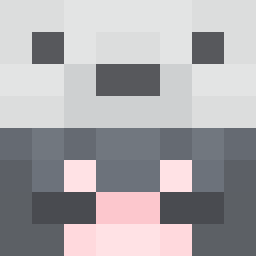
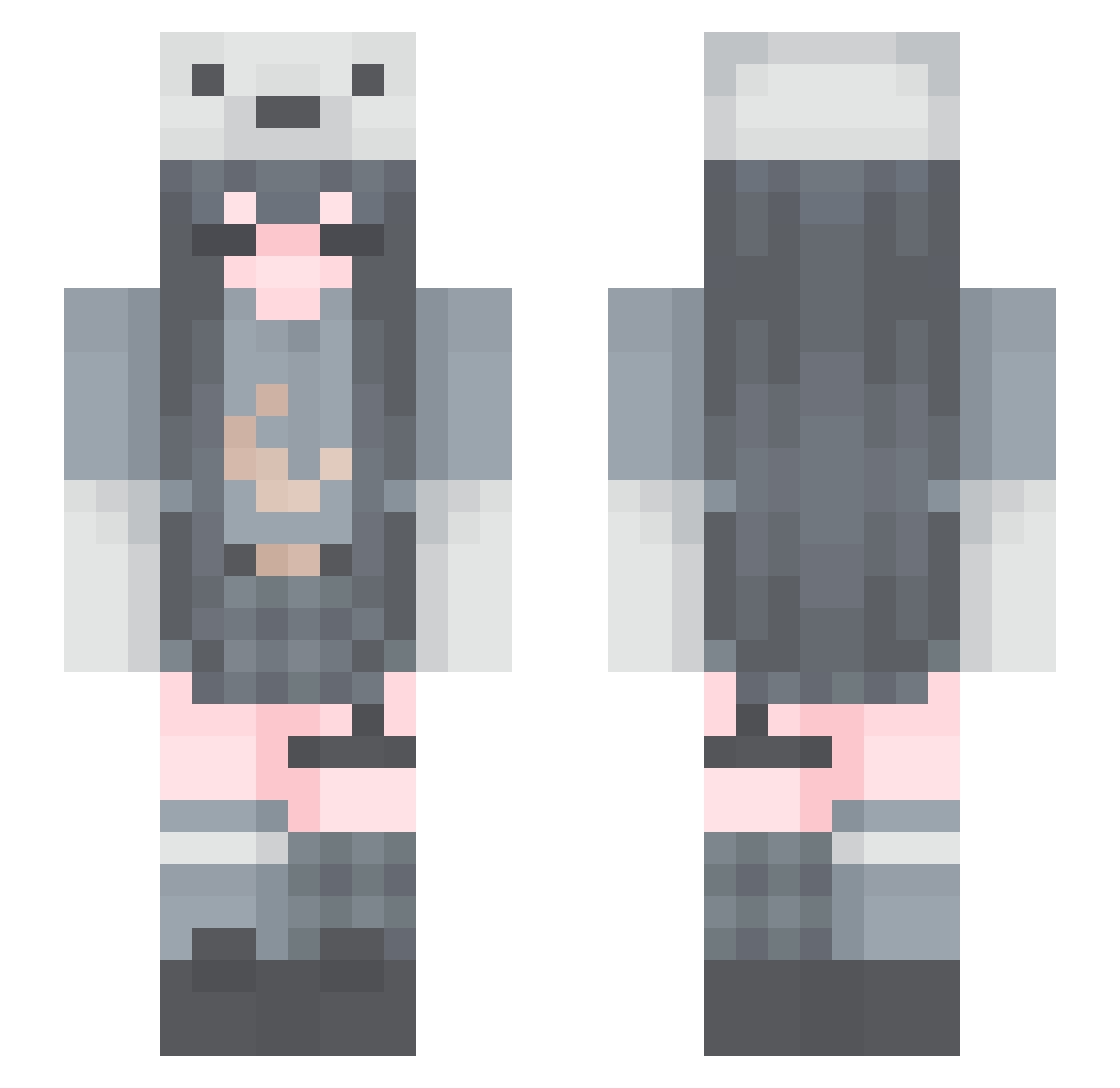
Minecraft skin of My_Hellevator. Rotate the 3D model with your mouse or finger to view the skin from every angle, then download it as a PNG file and use it in Minecraft: Bedrock Edition or Java Edition for free. Rate the skin with stars to help other players find the best skins in our collection.
How to install the My_Hellevator skin
- Press the Download button above to save the skin as a PNG file.
- Minecraft: Bedrock Edition (PE): open the Dressing Room from the main menu (or tap your character → Edit Character), go to Classic Skins → Owned, press the + (new skin) button, choose the downloaded PNG and pick the Slim (Alex) model. Works on PC and mobile; consoles cannot import custom skins.
- Minecraft: Java Edition: open the Minecraft Launcher, go to the Skins tab, click New Skin, load the PNG, pick the Slim (Alex) model and press Save & Use. You can also upload it at minecraft.net → Profile → Change Skin.
The skin does not show up after import - what should I do?
Restart Minecraft and open the Dressing Room again - imported skins sometimes appear only after a restart. Also make sure you selected the imported skin and picked the Slim (Alex) model.
Which model should I choose, Classic or Slim?
This skin is designed for the Slim (Alex) model. If you pick the wrong model, the arms of the skin will look stretched or squeezed.
Is this skin free to use?
Yes. Press Download, save the PNG file and use it in Minecraft: Bedrock Edition or Java Edition - no payment or registration needed. The skin also works on multiplayer servers and Realms.
More Polar Bear Hat Minecraft skins
See all 55 Polar Bear Hat skins
More skins
Looking for more? Go back to all Minecraft skins and check the top skins of the week, month and all time, or find any player's skin by nickname.