
 Nunez277 Mookyx F15HER linerix haya06 karzm2 Diegohorchata21 EtherLow Abbdddll FluxWavez CFSutton BIGGRIZZ123 der9ivativeThie Vurza TUTUMEN paggy5566 BayDoktorK JackMoney345 Dupyy reasoniscathy GermanFalcon917 UKnow_SHadow FuriousRageX Vangguk SteveReznik BelaLue sniper9114 Dinichou2 jomandz Adaru_95 J_MYS planken123 RAZALIO05 hydrochyme DrxiNexn Su_n02 Xr_O_o drag0n4113 jojo_gamers7 TheRadishSpirit SwI4useK Werenton HAB3373 SayGoodnessMe gdozilla SHIMYEONWOO Thomas_Mch lilchunker12 Yeriah artisteys impaler10 waltuhwhite1234 MEITEMARK9691 Theoretisc narheeee huynhquocviet Qu1ckScop3 J0K3R03 snazzydust11701 optimusenergy
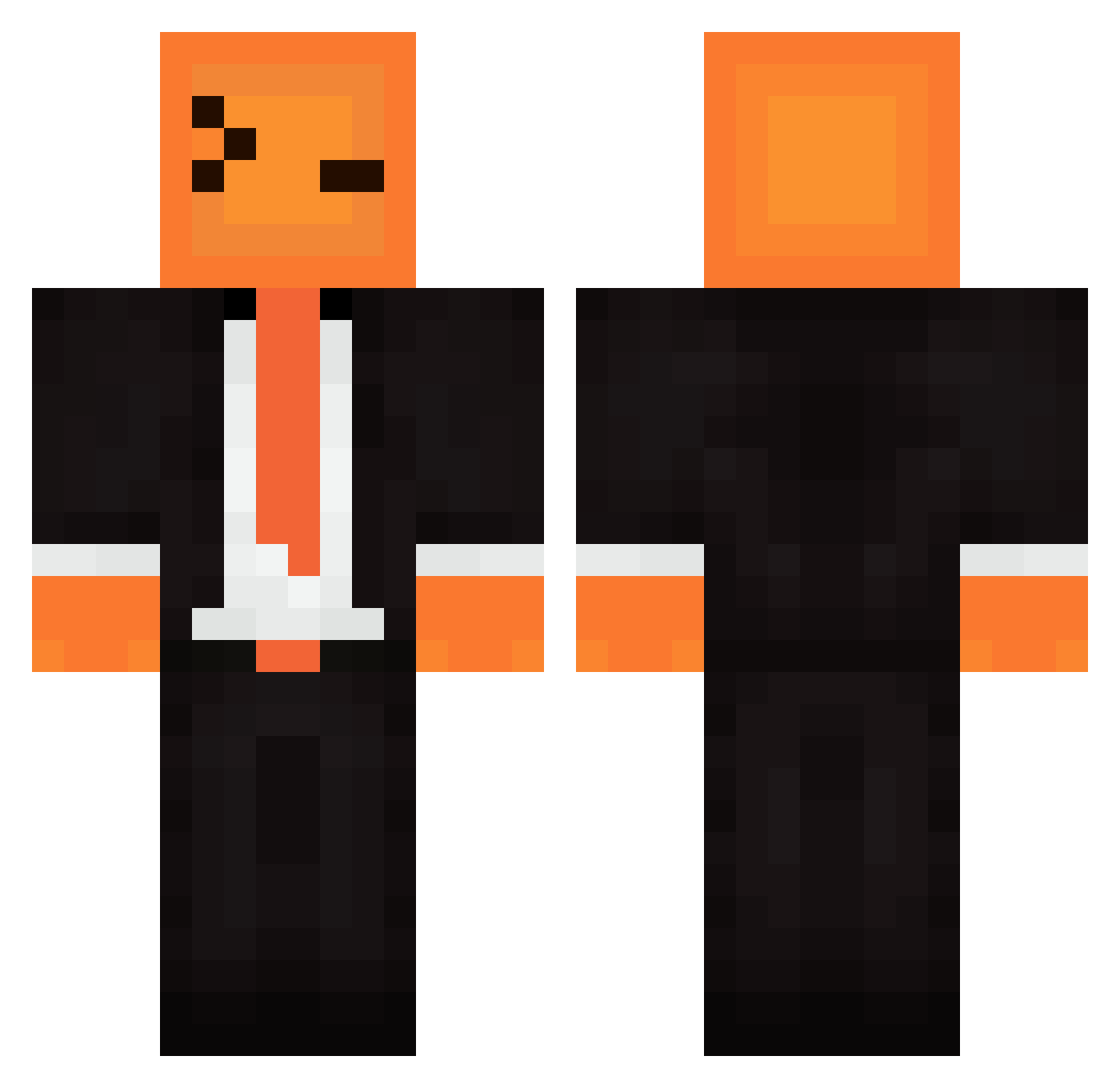
Minecraft skin of Pyntar. Rotate the 3D model with your mouse or finger to view the skin from every angle, then download it as a PNG file and use it in Minecraft: Bedrock Edition or Java Edition for free. Rate the skin with stars to help other players find the best skins in our collection.
How to install the Pyntar skin
- Press the Download button above to save the skin as a PNG file.
- Minecraft: Bedrock Edition (PE): open the Dressing Room from the main menu (or tap your character → Edit Character), go to Classic Skins → Owned, press the + (new skin) button, choose the downloaded PNG and pick the Classic (Steve) model. Works on PC and mobile; consoles cannot import custom skins.
- Minecraft: Java Edition: open the Minecraft Launcher, go to the Skins tab, click New Skin, load the PNG, pick the Classic (Steve) model and press Save & Use. You can also upload it at minecraft.net → Profile → Change Skin.
The skin does not show up after import - what should I do?
Restart Minecraft and open the Dressing Room again - imported skins sometimes appear only after a restart. Also make sure you selected the imported skin and picked the Classic (Steve) model.
Which model should I choose, Classic or Slim?
This skin is designed for the Classic (Steve) model. If you pick the wrong model, the arms of the skin will look stretched or squeezed.
Is this skin free to use?
Yes. Press Download, save the PNG file and use it in Minecraft: Bedrock Edition or Java Edition - no payment or registration needed. The skin also works on multiplayer servers and Realms.
More skins
Looking for more? Go back to all Minecraft skins and check the top skins of the week, month and all time, or find any player's skin by nickname.