
 manofsteel69420 ChalupaDan Wyrdyta Alien_LT yMsp6 Snowlammg lunarq_ Saguiz JKBH47 Aravann_ Muteand Krownanomics zbynan10 Dangal200IQ Sianr MasterPwner02 Eliaseg Zalmedan NightfallWhisper Savage_Savage MirajaneCampbell XxPatata001xX BascaVila lil_gobbo xHypiez Lokki_Greedy Juanzan_ Javaleftyy LittleMissBonnie Metaraid Papyrususus_ FantasyTagz MIIMASTA Memnto_Mori brandonypn LordPinkWolf DrLord RHCube Sjk18 Chudbuddy Black_Rose_18 Resu1812 175disasters Erwin_Eichelhart wiseon Exeris GKing8 Mouthful_Mode b_Horus mtaebb Alstaris DirtyManBaby WillowyMold987 DanBrave spookyquail firekatz101 Saaam116 Nide_ neogormitis TTVTheShadowz
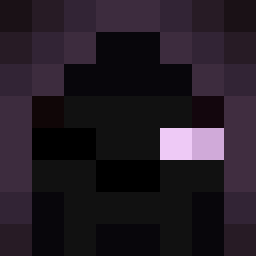
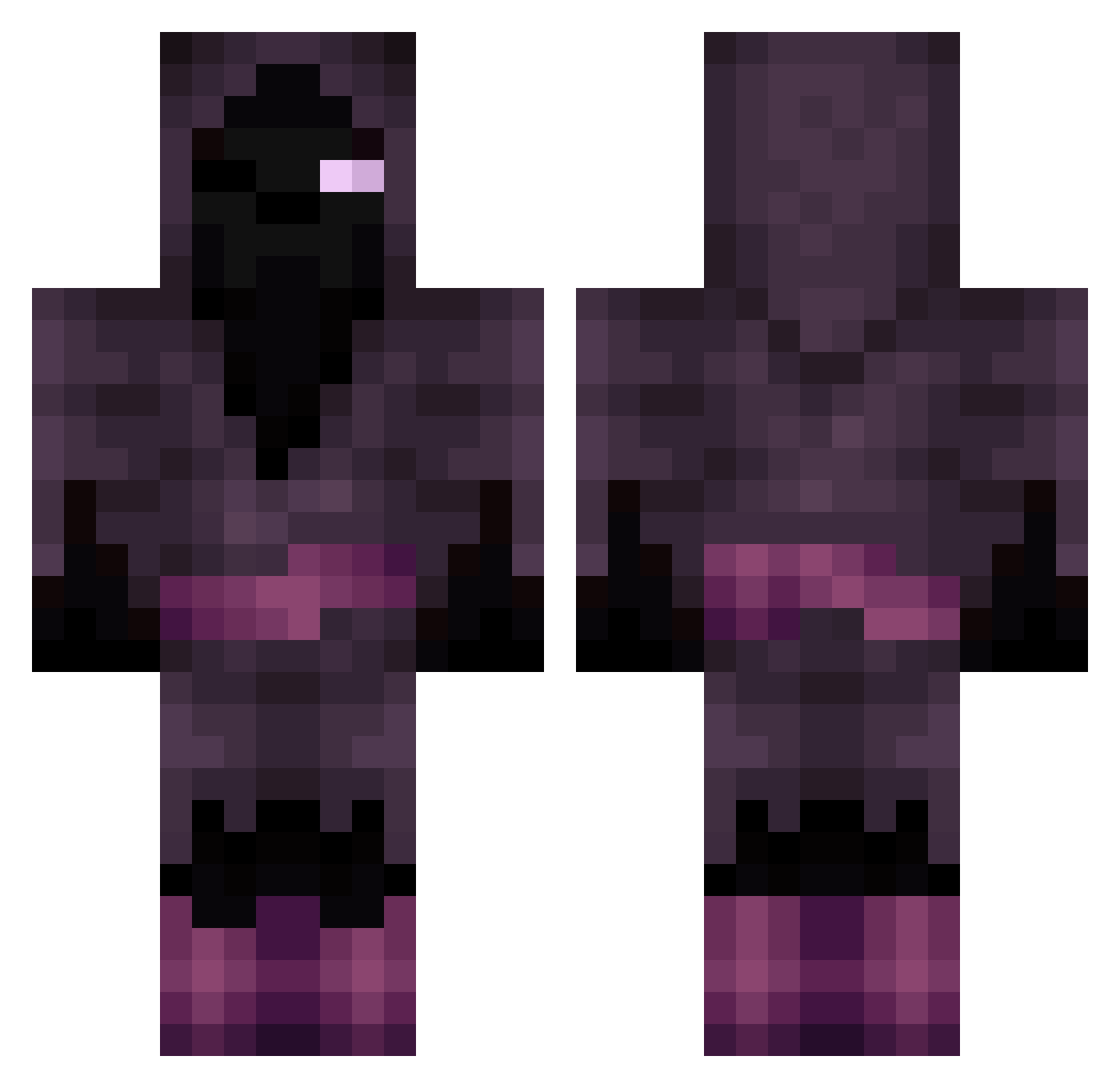
Minecraft skin of Always_Annoyed. Rotate the 3D model with your mouse or finger to view the skin from every angle, then download it as a PNG file and use it in Minecraft: Bedrock Edition or Java Edition for free. Rate the skin with stars to help other players find the best skins in our collection.
How to install the Always_Annoyed skin
- Press the Download button above to save the skin as a PNG file.
- Minecraft: Bedrock Edition (PE): open the Dressing Room from the main menu (or tap your character → Edit Character), go to Classic Skins → Owned, press the + (new skin) button, choose the downloaded PNG and pick the Classic (Steve) model. Works on PC and mobile; consoles cannot import custom skins.
- Minecraft: Java Edition: open the Minecraft Launcher, go to the Skins tab, click New Skin, load the PNG, pick the Classic (Steve) model and press Save & Use. You can also upload it at minecraft.net → Profile → Change Skin.
The skin does not show up after import - what should I do?
Restart Minecraft and open the Dressing Room again - imported skins sometimes appear only after a restart. Also make sure you selected the imported skin and picked the Classic (Steve) model.
Which model should I choose, Classic or Slim?
This skin is designed for the Classic (Steve) model. If you pick the wrong model, the arms of the skin will look stretched or squeezed.
Is this skin free to use?
Yes. Press Download, save the PNG file and use it in Minecraft: Bedrock Edition or Java Edition - no payment or registration needed. The skin also works on multiplayer servers and Realms.
More Mage Minecraft skins
More skins
Looking for more? Go back to all Minecraft skins and check the top skins of the week, month and all time, or find any player's skin by nickname.