
 hecheng2004 _noverify_ smallflybear umalu Nina_29 Slayeridge YamiSame pharmaceutica bai_lan_wang iAngelaUwU_ Shawaaaaa RainFlute_OGC cwkssb Dosath_Lin Ivanka611 baobaoqian JIANMOawa QingRong25 FemaleMoment Santcake Aufzugraum2 yanglala123 RedemptionCy z77777 3ese Yinsinia miaomiao526 Tatami0807 lMial_ qianguye Cure_Tears DeviousSimp ospirate yonginbaron PrimeJ cutblackcat Obllako HurbetZ CinnamonSlippers Megatron2077 MG_zsdg AfaiZai 111165 tctct WBzqi xiaoxig Lii_yu xixixi88888 Nachoneko_Ai aeonian06 beengucci DouYin_Wan XIJIAOO lkday or_Ed yukihosi MrSebik Ancix xiaolin007 INECE
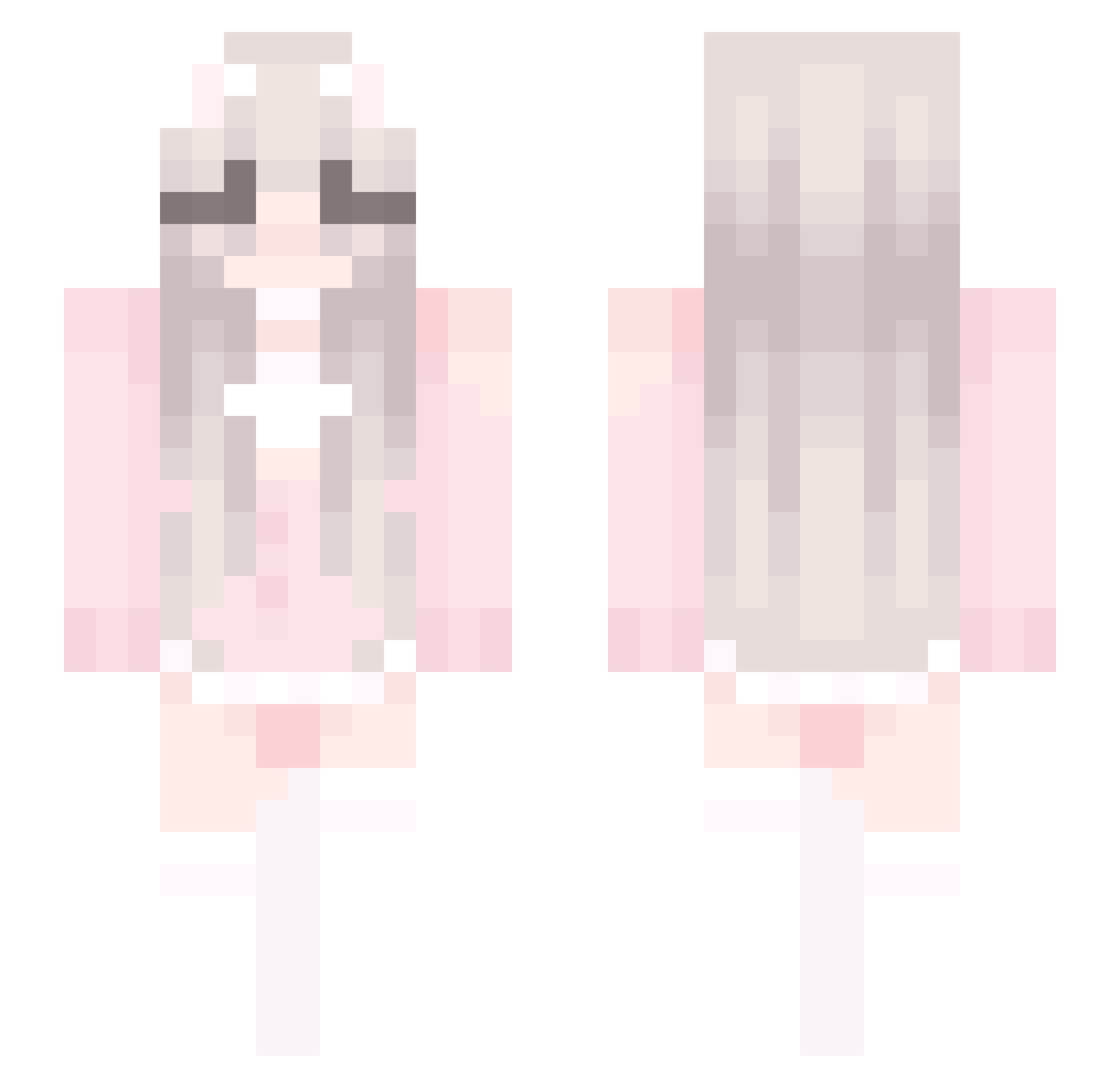
Minecraft skin of Hedy. Rotate the 3D model with your mouse or finger to view the skin from every angle, then download it as a PNG file and use it in Minecraft: Bedrock Edition or Java Edition for free. Rate the skin with stars to help other players find the best skins in our collection.
How to install the Hedy skin
- Press the Download button above to save the skin as a PNG file.
- Minecraft: Bedrock Edition (PE): open the Dressing Room from the main menu (or tap your character → Edit Character), go to Classic Skins → Owned, press the + (new skin) button, choose the downloaded PNG and pick the Slim (Alex) model. Works on PC and mobile; consoles cannot import custom skins.
- Minecraft: Java Edition: open the Minecraft Launcher, go to the Skins tab, click New Skin, load the PNG, pick the Slim (Alex) model and press Save & Use. You can also upload it at minecraft.net → Profile → Change Skin.
The skin does not show up after import - what should I do?
Restart Minecraft and open the Dressing Room again - imported skins sometimes appear only after a restart. Also make sure you selected the imported skin and picked the Slim (Alex) model.
Which model should I choose, Classic or Slim?
This skin is designed for the Slim (Alex) model. If you pick the wrong model, the arms of the skin will look stretched or squeezed.
Is this skin free to use?
Yes. Press Download, save the PNG file and use it in Minecraft: Bedrock Edition or Java Edition - no payment or registration needed. The skin also works on multiplayer servers and Realms.
More Cute Minecraft skins
More skins
Looking for more? Go back to all Minecraft skins and check the top skins of the week, month and all time, or find any player's skin by nickname.