
 Pokemondayo DaZinc SnkyLlama VEGA1697 Dandicer Speqtre1 RTea2000 KidChoar42 Phase011 supermanU dracomew civil_9 Pixelchu36 MadexR AdreNaliNeCookie glukgluk7 Mundobussy SilverSentinell edamameeeee Aller_City DaddoBaddo Flappy_Skin NopeMcNopey Apilosi1 syalchain anta_albina KingBLOOZ GJimmy5 odog58 MaxLe11 albinowalrus SpicyBuoy Too_Excited ao346 LeKamikaze hotgoglove HoheitYGO ADemonJester iiSobz LuiSantoti BigPoppaG Jowhisky michelmich20 SuperLuckAbsol Wooooooit noj57 Meoryno luludandan Hortensia_fr Leono_Town Senriii Gabrunetti Redplum23 Lingell Yigineer dan20so Ra1nstar Crisbus22 Yumemi969 KaastHareshall
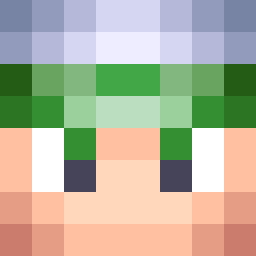
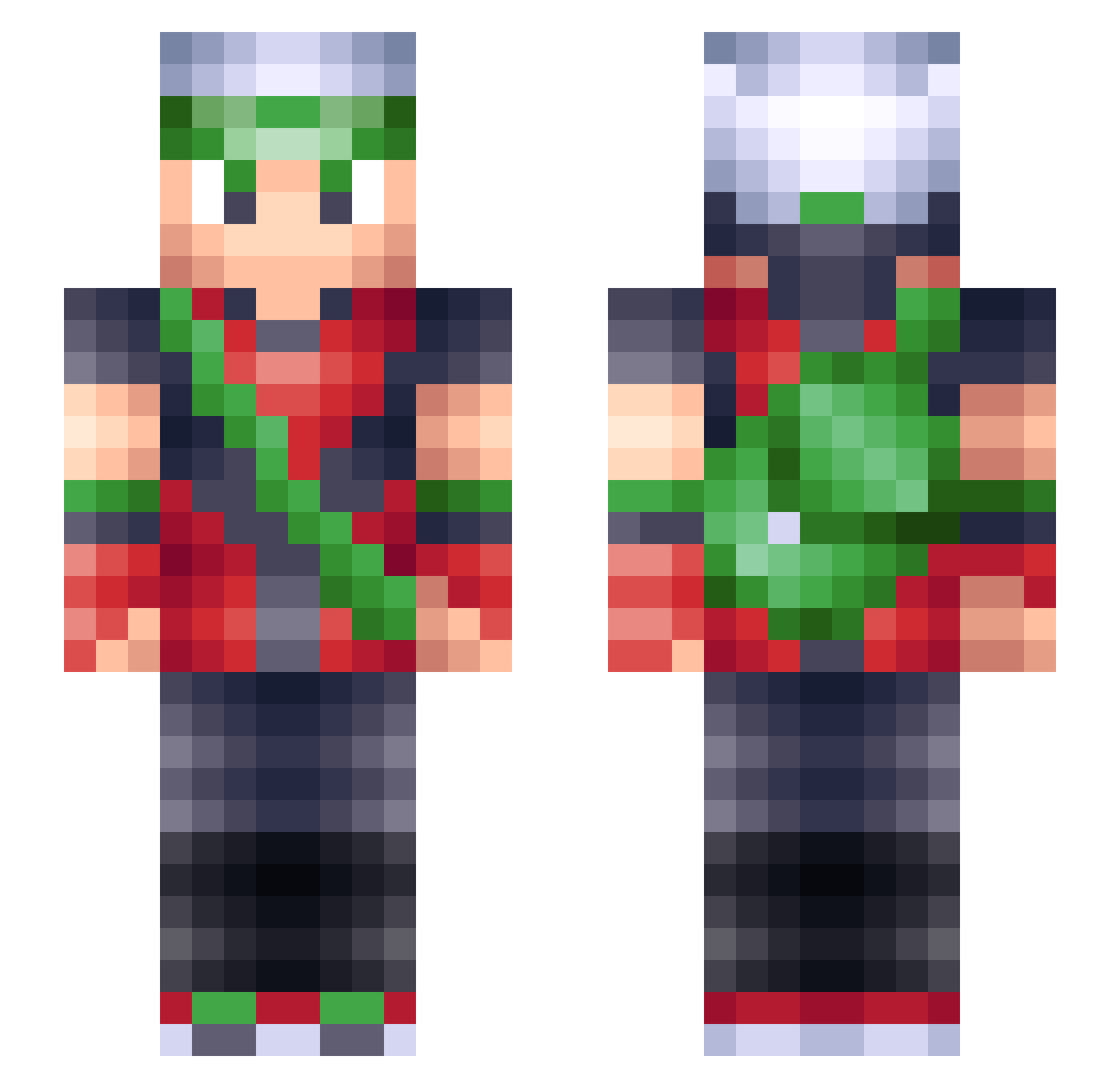
Minecraft skin of Toddy85. Rotate the 3D model with your mouse or finger to view the skin from every angle, then download it as a PNG file and use it in Minecraft: Bedrock Edition or Java Edition for free. Rate the skin with stars to help other players find the best skins in our collection.
How to install the Toddy85 skin
- Press the Download button above to save the skin as a PNG file.
- Minecraft: Bedrock Edition (PE): open the Dressing Room from the main menu (or tap your character → Edit Character), go to Classic Skins → Owned, press the + (new skin) button, choose the downloaded PNG and pick the Slim (Alex) model. Works on PC and mobile; consoles cannot import custom skins.
- Minecraft: Java Edition: open the Minecraft Launcher, go to the Skins tab, click New Skin, load the PNG, pick the Slim (Alex) model and press Save & Use. You can also upload it at minecraft.net → Profile → Change Skin.
The skin does not show up after import - what should I do?
Restart Minecraft and open the Dressing Room again - imported skins sometimes appear only after a restart. Also make sure you selected the imported skin and picked the Slim (Alex) model.
Which model should I choose, Classic or Slim?
This skin is designed for the Slim (Alex) model. If you pick the wrong model, the arms of the skin will look stretched or squeezed.
Is this skin free to use?
Yes. Press Download, save the PNG file and use it in Minecraft: Bedrock Edition or Java Edition - no payment or registration needed. The skin also works on multiplayer servers and Realms.
More Brendan Minecraft skins
More skins
Looking for more? Go back to all Minecraft skins and check the top skins of the week, month and all time, or find any player's skin by nickname.