
 YellowWait208 Jumekaboom Bob_The_Owner mcnugget3008 FahrettinEnes Surfingmonkeys54 saynt87 CamTom138 KajusLTK Vaka04 circuit_dude Faiz7302 db_26k Gigert9 ZitWit kon_vog Minemstr LimitedAverage AGNNess GamingXGames CH3WY_1902 Agzg JuanMT281002 Ourfam2016 Marco_Devs Graminha9 kevoboy3000 BOTGary DrMemeForLife JimmyBrown67 Ludwigder1 XblejzerX86 cnewt14 riplloo Z_Dawgg LunarVR9684 Neilthepeel MinecraftSteve_1 jeangnc SilenceOn MC_Developers Romanrexious StrawCoffee toefunguyy FabriDXD TheDrunkSteve16 Eking103 neropln dizzygamer92 BBM_ Climbing_Expert VolovikT SecondSnek Ben_Stee BLAAAAKU plainspup1 derekamare drop_all_tables Misheru504_ ABossman
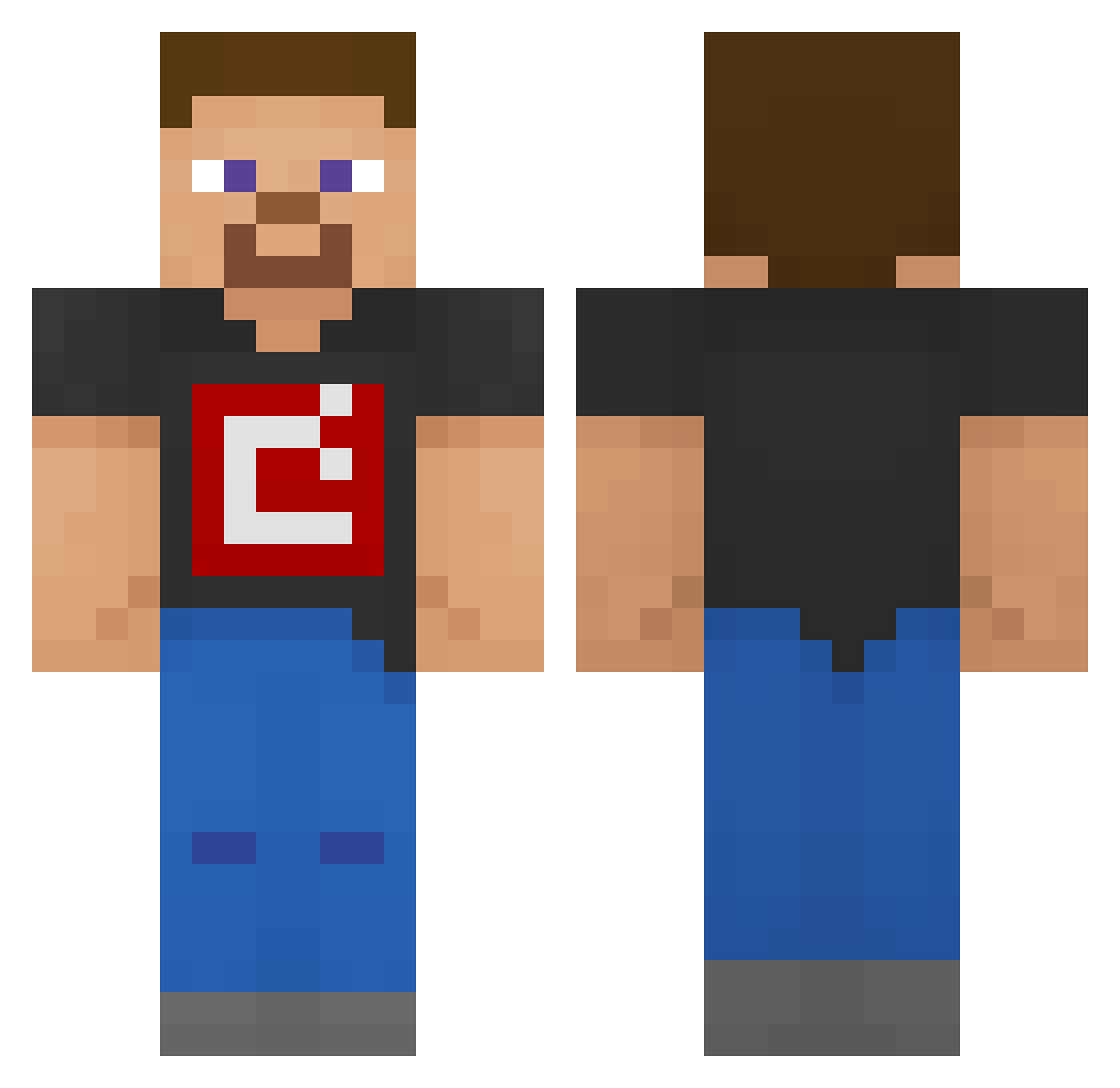
Minecraft skin of trash_b0at. Rotate the 3D model with your mouse or finger to view the skin from every angle, then download it as a PNG file and use it in Minecraft: Bedrock Edition or Java Edition for free. Rate the skin with stars to help other players find the best skins in our collection.
How to install the trash_b0at skin
- Press the Download button above to save the skin as a PNG file.
- Minecraft: Bedrock Edition (PE): open the Dressing Room from the main menu (or tap your character → Edit Character), go to Classic Skins → Owned, press the + (new skin) button, choose the downloaded PNG and pick the Classic (Steve) model. Works on PC and mobile; consoles cannot import custom skins.
- Minecraft: Java Edition: open the Minecraft Launcher, go to the Skins tab, click New Skin, load the PNG, pick the Classic (Steve) model and press Save & Use. You can also upload it at minecraft.net → Profile → Change Skin.
The skin does not show up after import - what should I do?
Restart Minecraft and open the Dressing Room again - imported skins sometimes appear only after a restart. Also make sure you selected the imported skin and picked the Classic (Steve) model.
Which model should I choose, Classic or Slim?
This skin is designed for the Classic (Steve) model. If you pick the wrong model, the arms of the skin will look stretched or squeezed.
Is this skin free to use?
Yes. Press Download, save the PNG file and use it in Minecraft: Bedrock Edition or Java Edition - no payment or registration needed. The skin also works on multiplayer servers and Realms.
More skins
Looking for more? Go back to all Minecraft skins and check the top skins of the week, month and all time, or find any player's skin by nickname.