
ABossman - Minecraft Skins & Skin History
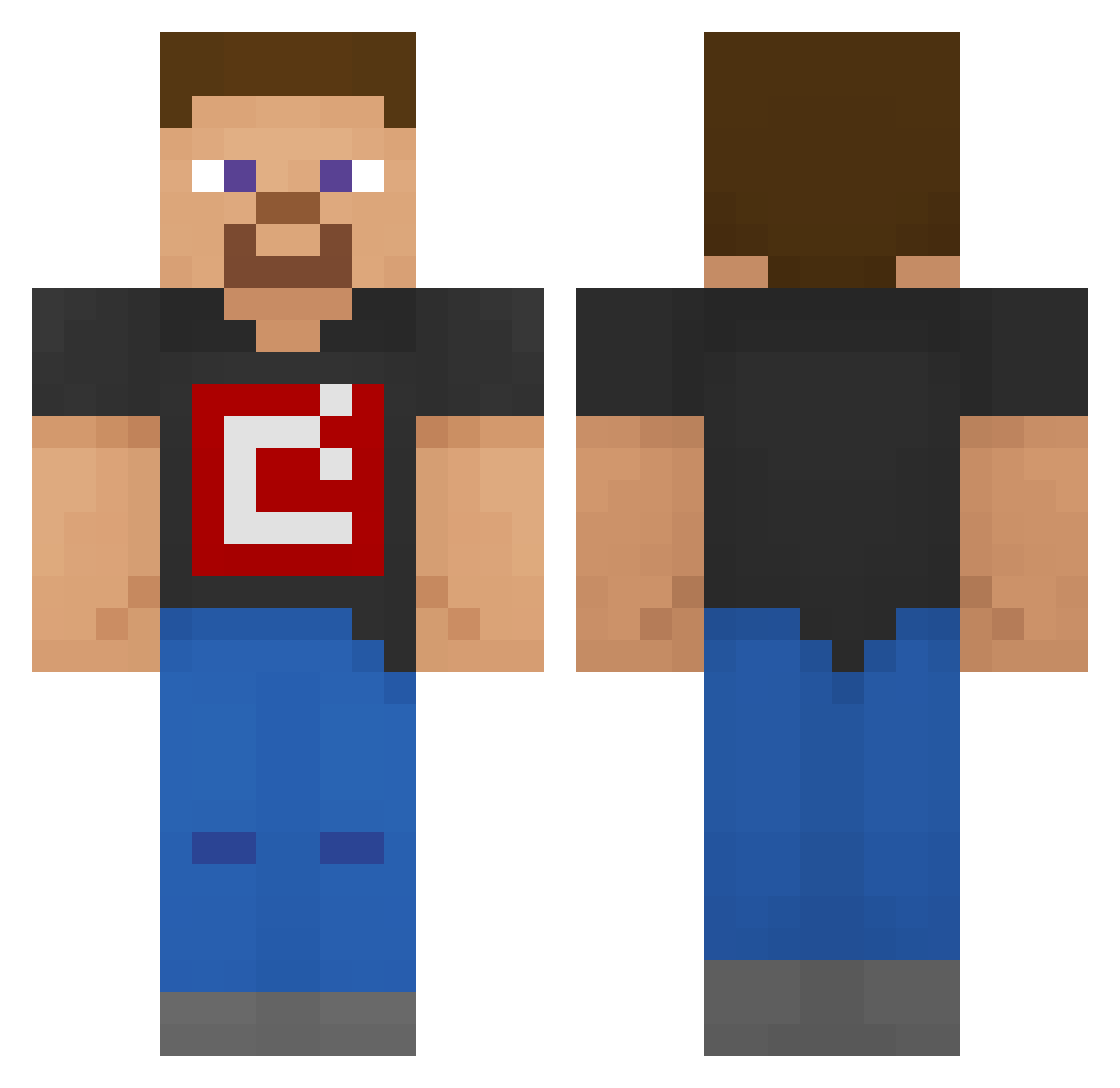
Current Minecraft skin of the player ABossman, loaded from the official Mojang API. Rotate the 3D model with your mouse or finger, then download the skin as a PNG file and use it in Minecraft: Bedrock Edition or Java Edition for free. When ABossman changes their skin, this page updates automatically and the old skin stays in the history below.
Other players with this skin (212)
ABossman was the 161st player we have seen with this skin, first spotted on 16.10.2026. The same skin was seen on these players. Open a nickname to see their current skin and skin history.
 Misheru504_ Bigdudes Aggresseve BLAAAAKU Ben_Stee SecondSnek reizee 0_0_205 Climbing_Expert BBM_ alexdon1837 dizzygamer92 fanenby neropln Eking103 TheDrunkSteve16 FabriDXD ysl2006 Stoll445 toefunguyy StrawCoffee ArtificialDev Romanrexious luckyducky800 MC_Developers SilenceOn LOLasadoleo04 jeangnc MinecraftSteve_1 Hxlim DlouhejOndra SlightlyWise Neilthepeel Xion8 Coasters Krystiano09 Sheltr LunarVR9684 Z_Dawgg riplloo cnewt14 XblejzerX86 Ludwigder1 Wojteczkoja BlitedYT JimmyBrown67 DrMemeForLife ArcticGod598 BOTGary kevoboy3000 Graminha9 CasualPersonn Mattew21 raf13lol CandyMerch steve2024 Ourfam2016 quas1_ xmonteiro18 JuanMT281002
How to install the ABossman skin
- Press the Download button above to save the skin as a PNG file.
- Minecraft: Bedrock Edition (PE): open the Dressing Room from the main menu (or tap your character → Edit Character), go to Classic Skins → Owned, press the + (new skin) button, choose the downloaded PNG and pick the Classic (Steve) model. Works on PC and mobile; consoles cannot import custom skins.
- Minecraft: Java Edition: open the Minecraft Launcher, go to the Skins tab, click New Skin, load the PNG, pick the Classic (Steve) model and press Save & Use. You can also upload it at minecraft.net → Profile → Change Skin.
The skin does not show up after import - what should I do?
Restart Minecraft and open the Dressing Room again - imported skins sometimes appear only after a restart. Also make sure you selected the imported skin and picked the Classic (Steve) model.
Which model should I choose, Classic or Slim?
This skin is designed for the Classic (Steve) model. If you pick the wrong model, the arms of the skin will look stretched or squeezed.
Is the skin of ABossman free to download?
Yes. Press Download, save the PNG file and use it in Minecraft: Bedrock Edition or Java Edition - no payment or registration needed. The skin also works on multiplayer servers and Realms.
More skins
Looking for more? Go back to all Minecraft skins and check the top skins of the week, month and all time, or find any player's skin by nickname.