
 D4rklion TryThisIdiots manito_supreme Short_Dog2 Yogi_123 SithKitten07 _Timid _Danner Shorteeey xSyaz Alessio_ez DeryY17 Piratt1412 _pepo_24 Natsu160 Jonas_werner2011 Al_kujira Szamann Loxpreme CORVIN09 Dar_pepito Scofield40 _Mehmet_G Lexus0903 xPiotrosPL UnrivaledJake mariolegau cermi12 LQ_Shen DaanNys LovelyJaeng SD_ZIKA Alvatorik Senkani imgkfka WeAngel Basti260711 jtorto07 CaimUligieri _Shter_ Collinz192470 HarryH01 ImWDani TheBlazingFire SarcasmActivated Spider_kbm Jacopo4750 IceOrchid BigNoseNathan Calumskis Fishek_Przez_3 TimeLimeLemon FxhlerImNetzwerk Few1_goum Bialas03 JesusGuerrero30 ConnorBR iikaPo_ LMNSkrrt h_7eq
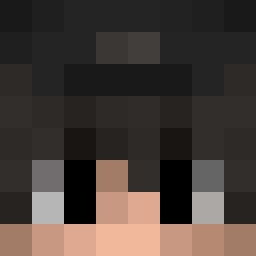
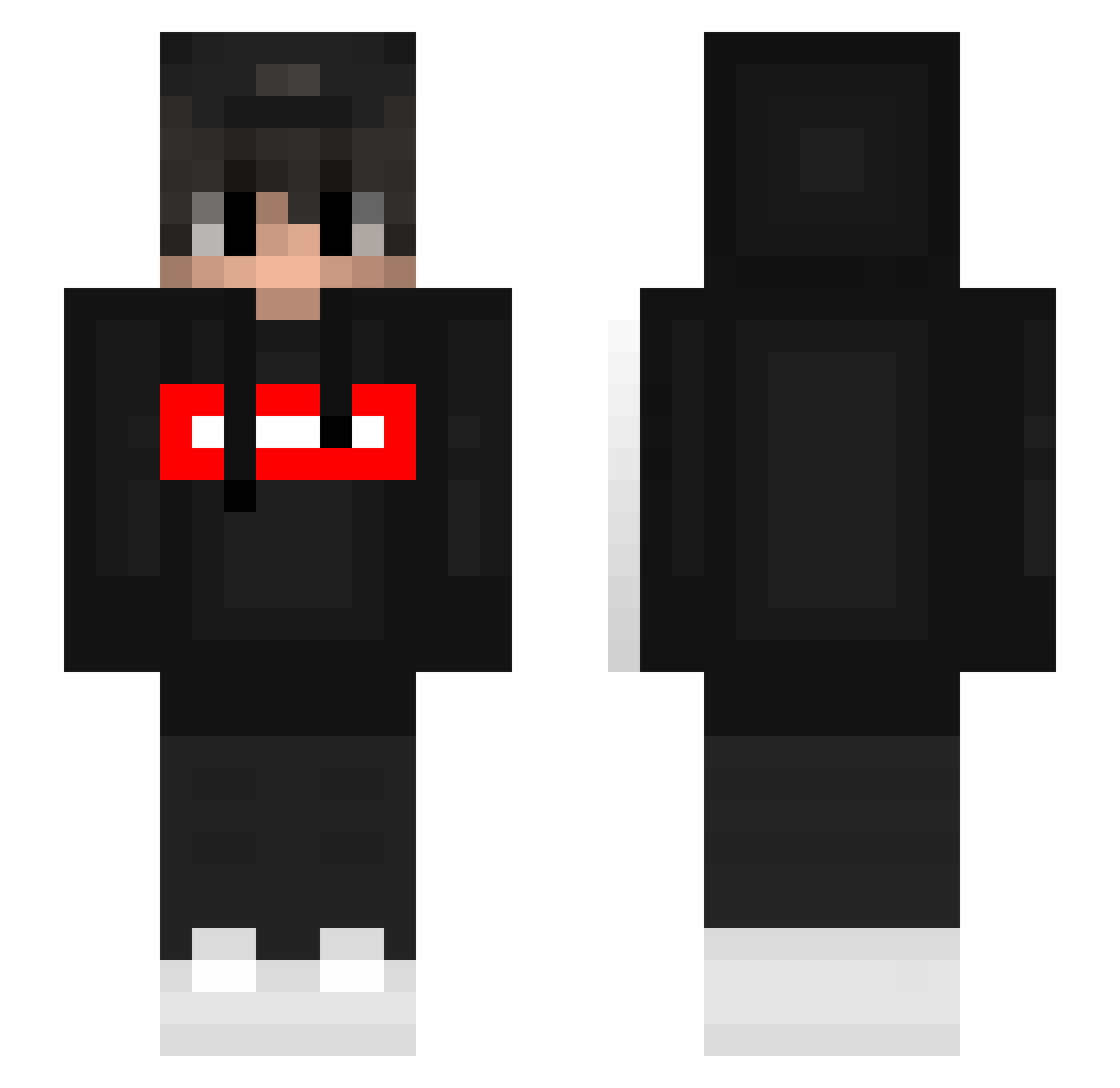
Minecraft skin of Cb2Bot. Rotate the 3D model with your mouse or finger to view the skin from every angle, then download it as a PNG file and use it in Minecraft: Bedrock Edition or Java Edition for free. Rate the skin with stars to help other players find the best skins in our collection.
How to install the Cb2Bot skin
- Press the Download button above to save the skin as a PNG file.
- Minecraft: Bedrock Edition (PE): open the Dressing Room from the main menu (or tap your character → Edit Character), go to Classic Skins → Owned, press the + (new skin) button, choose the downloaded PNG and pick the Slim (Alex) model. Works on PC and mobile; consoles cannot import custom skins.
- Minecraft: Java Edition: open the Minecraft Launcher, go to the Skins tab, click New Skin, load the PNG, pick the Slim (Alex) model and press Save & Use. You can also upload it at minecraft.net → Profile → Change Skin.
The skin does not show up after import - what should I do?
Restart Minecraft and open the Dressing Room again - imported skins sometimes appear only after a restart. Also make sure you selected the imported skin and picked the Slim (Alex) model.
Which model should I choose, Classic or Slim?
This skin is designed for the Slim (Alex) model. If you pick the wrong model, the arms of the skin will look stretched or squeezed.
Is this skin free to use?
Yes. Press Download, save the PNG file and use it in Minecraft: Bedrock Edition or Java Edition - no payment or registration needed. The skin also works on multiplayer servers and Realms.
More Streetwear Minecraft skins
More skins
Looking for more? Go back to all Minecraft skins and check the top skins of the week, month and all time, or find any player's skin by nickname.