
 Skodori Weissman Byce3 ItsFist jfto1 Alex_The_Gr8_ DignityWar Ysgrad Wolf_Master3000 Faraknights camcage_ ErCaLe Hugros21 DaniMSI NebulusDestroyer eisen456 V666V Ketmandeal 2GMFV3 commander_321 stevou14 lich54324 Jawisian le_gamer_12 Talladega238 Leccio05 GodlikeGoomba Mr_Yamamoto NOOB_PL4Y3R TomLeBadger Barboozaa Sqeuez Shadefire23 shadow_fluff Traffe pmgryuken aethernolt EliteSaad NowyGracz KriwaX ProfileIII EnderRares ddarling513 slipted SpaceOddity22 J__Man AZ172 Tyler3472 TheGr8BsKt ZedTeee Bwantsy GODV67 RisingTitan1 muleinator01 Assasin_Knight19 Riot123 10duco10 Gokov GAR2010 TheOneTrueK1ng
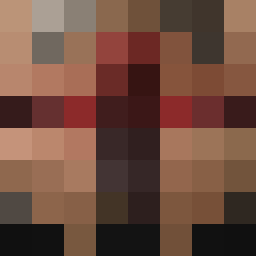
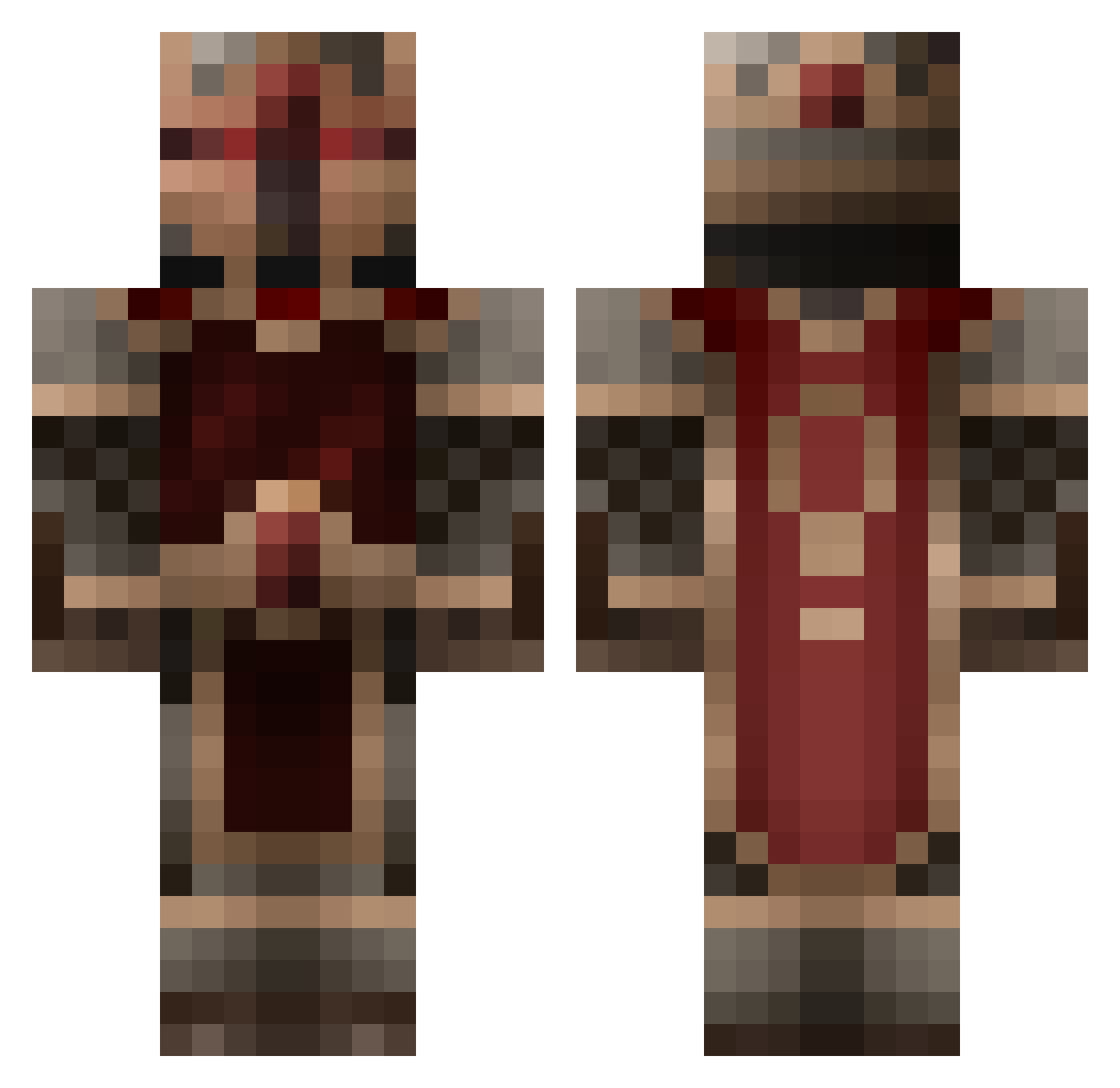
Minecraft skin of Oathknyght. Rotate the 3D model with your mouse or finger to view the skin from every angle, then download it as a PNG file and use it in Minecraft: Bedrock Edition or Java Edition for free. Rate the skin with stars to help other players find the best skins in our collection.
How to install the Oathknyght skin
- Press the Download button above to save the skin as a PNG file.
- Minecraft: Bedrock Edition (PE): open the Dressing Room from the main menu (or tap your character → Edit Character), go to Classic Skins → Owned, press the + (new skin) button, choose the downloaded PNG and pick the Classic (Steve) model. Works on PC and mobile; consoles cannot import custom skins.
- Minecraft: Java Edition: open the Minecraft Launcher, go to the Skins tab, click New Skin, load the PNG, pick the Classic (Steve) model and press Save & Use. You can also upload it at minecraft.net → Profile → Change Skin.
The skin does not show up after import - what should I do?
Restart Minecraft and open the Dressing Room again - imported skins sometimes appear only after a restart. Also make sure you selected the imported skin and picked the Classic (Steve) model.
Which model should I choose, Classic or Slim?
This skin is designed for the Classic (Steve) model. If you pick the wrong model, the arms of the skin will look stretched or squeezed.
Is this skin free to use?
Yes. Press Download, save the PNG file and use it in Minecraft: Bedrock Edition or Java Edition - no payment or registration needed. The skin also works on multiplayer servers and Realms.
More King Minecraft skins
More skins
Looking for more? Go back to all Minecraft skins and check the top skins of the week, month and all time, or find any player's skin by nickname.