
 RobNik1 Terminus1994 Unknown97 DarkPhantom1 LucaGGG TheAster99 JIMSTAM25 Andros1089 ReapersZ Corath83 Wiktos10 ploknight SCHOPPKEEPER Duskoath McflameMuir awemax11 Lord_Adghar HELKHORE bdg0376 Dalekdec1963 GizmoDuck_1224 World_PvP Lord_Soil vovxcalk MegaTitan64 Clearmaster166 ROY_ZANDER STORMchaser1927 rtess CrypticElement ITzEinMensch ChamorroChump InmortalityGun Shokumbe a6j3 BigDClassic MindlessDeity Dillon_Harper Il_Supremo7 Uplock_ RolanX somanysocks toto11xd mayk00330 james80 Nesto_Rmrz BerLil_ Vintage_N Penderdrill psanch Dr_Corvus_ Zt0021 GuymondT _Sorin_Markov_ Betrrayed00 SmallCheese25 SlothGamer24 Dustin_D3an zowet03 Goleb
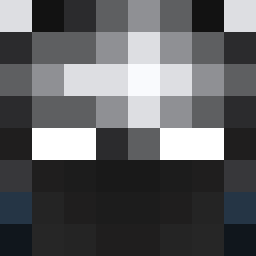
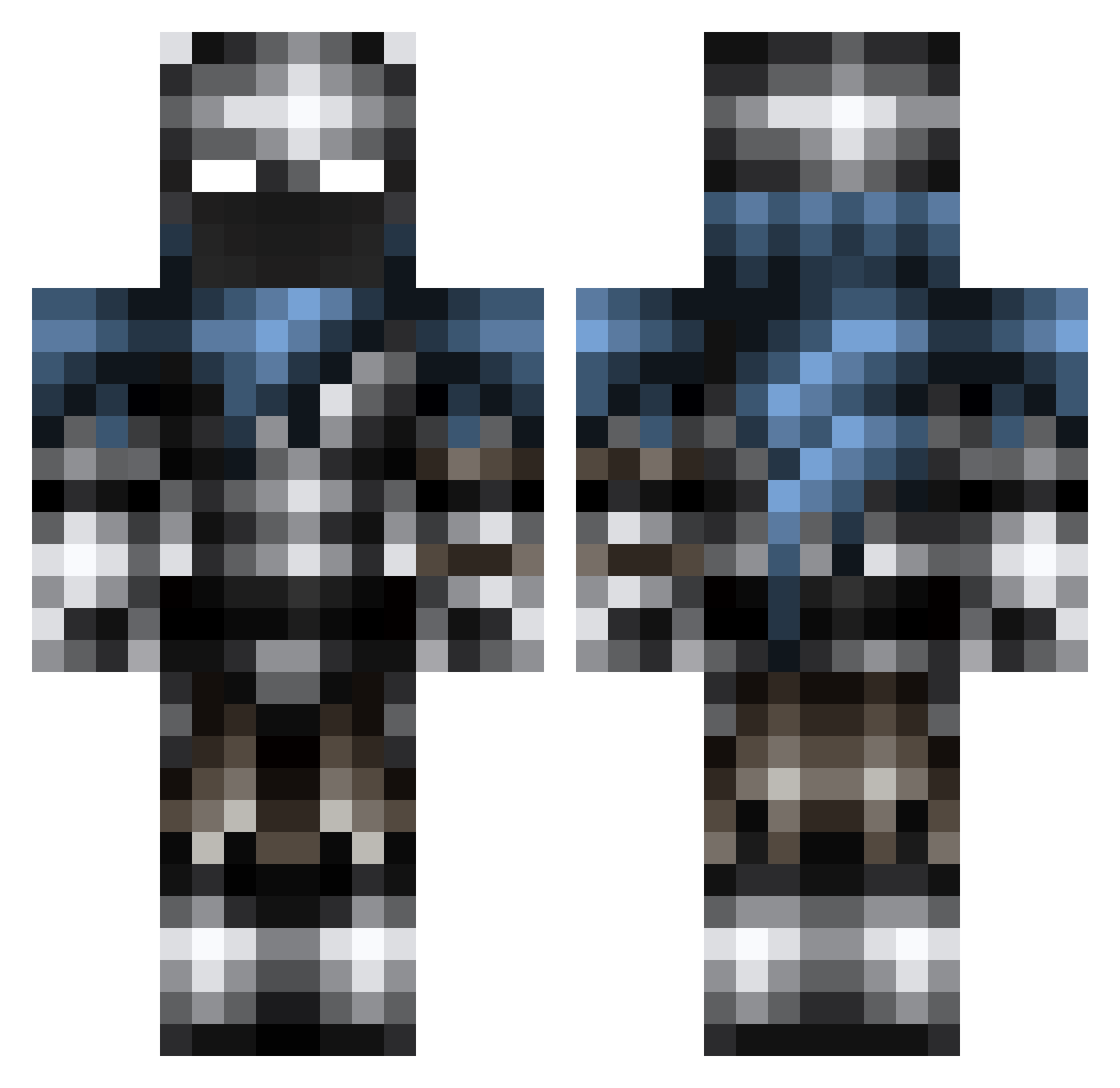
Minecraft skin of NaTi16. Rotate the 3D model with your mouse or finger to view the skin from every angle, then download it as a PNG file and use it in Minecraft: Bedrock Edition or Java Edition for free. Rate the skin with stars to help other players find the best skins in our collection.
How to install the NaTi16 skin
- Press the Download button above to save the skin as a PNG file.
- Minecraft: Bedrock Edition (PE): open the Dressing Room from the main menu (or tap your character → Edit Character), go to Classic Skins → Owned, press the + (new skin) button, choose the downloaded PNG and pick the Classic (Steve) model. Works on PC and mobile; consoles cannot import custom skins.
- Minecraft: Java Edition: open the Minecraft Launcher, go to the Skins tab, click New Skin, load the PNG, pick the Classic (Steve) model and press Save & Use. You can also upload it at minecraft.net → Profile → Change Skin.
The skin does not show up after import - what should I do?
Restart Minecraft and open the Dressing Room again - imported skins sometimes appear only after a restart. Also make sure you selected the imported skin and picked the Classic (Steve) model.
Which model should I choose, Classic or Slim?
This skin is designed for the Classic (Steve) model. If you pick the wrong model, the arms of the skin will look stretched or squeezed.
Is this skin free to use?
Yes. Press Download, save the PNG file and use it in Minecraft: Bedrock Edition or Java Edition - no payment or registration needed. The skin also works on multiplayer servers and Realms.
More Warrior Minecraft skins
More skins
Looking for more? Go back to all Minecraft skins and check the top skins of the week, month and all time, or find any player's skin by nickname.