
 UncleLouis99 FluorescentBlack Johbo81YTP CandeVe Will_Blue CosmicPhase Noxdei Skollaw RamonnieFlex superstick Respawnism Bbastoun FellowFatty ThatHomosapien midsolo sictrend aas356 TalMino Kear_ SnuggleButters Nipupu12345 Coffee_McDrinks Tomidix Democrazyy EldritchBlocky EGANGYT CeraVe_ Plaguepierce12 BadLittleE doomwolf97 Ikons_1 Kukenya BurritoVision Thunderman1780 Anime__Steve SuperKirby915 cakingjr RhettS102 fishninja06 Revforce3 karatepig99 cdex570 MLBlackCat N1XN4M3 HorizonViewer752 ryzensloth ToyBeard SapphireBrush65 Theswordslasher Red_Hairy_Ginger lbg233 RyWol ken98990717 MyopicSquid _xjmmyy aLUXUNa koreankian qhtf Ew0lfing yamiarsenal
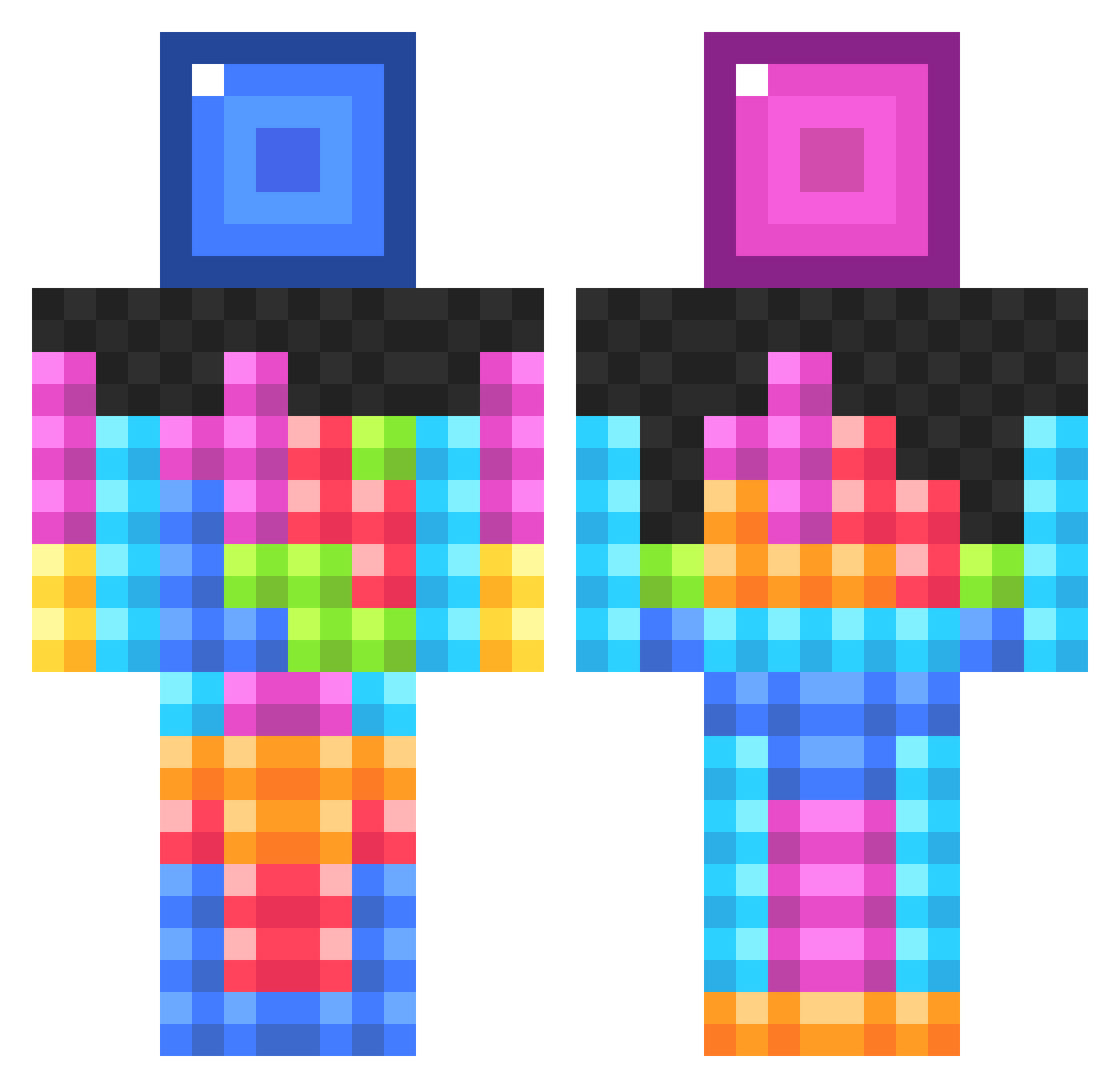
Minecraft skin of ken98990717. Rotate the 3D model with your mouse or finger to view the skin from every angle, then download it as a PNG file and use it in Minecraft: Bedrock Edition or Java Edition for free. Rate the skin with stars to help other players find the best skins in our collection.
How to install the ken98990717 skin
- Press the Download button above to save the skin as a PNG file.
- Minecraft: Bedrock Edition (PE): open the Dressing Room from the main menu (or tap your character → Edit Character), go to Classic Skins → Owned, press the + (new skin) button, choose the downloaded PNG and pick the Classic (Steve) model. Works on PC and mobile; consoles cannot import custom skins.
- Minecraft: Java Edition: open the Minecraft Launcher, go to the Skins tab, click New Skin, load the PNG, pick the Classic (Steve) model and press Save & Use. You can also upload it at minecraft.net → Profile → Change Skin.
The skin does not show up after import - what should I do?
Restart Minecraft and open the Dressing Room again - imported skins sometimes appear only after a restart. Also make sure you selected the imported skin and picked the Classic (Steve) model.
Which model should I choose, Classic or Slim?
This skin is designed for the Classic (Steve) model. If you pick the wrong model, the arms of the skin will look stretched or squeezed.
Is this skin free to use?
Yes. Press Download, save the PNG file and use it in Minecraft: Bedrock Edition or Java Edition - no payment or registration needed. The skin also works on multiplayer servers and Realms.
More Block Minecraft skins
More skins
Looking for more? Go back to all Minecraft skins and check the top skins of the week, month and all time, or find any player's skin by nickname.