
 Elementalmage11 LAOkuma ryan_swim04 xKnipex Blyybs Zhalano Funt0wn Zuko2500 IamZachariah Vashass MRLOGS Skeleton_expert J33ZUS rowland0 CrisDarkZ1 benjminer PaulCalvert Diggers18 masterborba serielassassins Soul_Bout Zavaroc SamuraiJack420 Nin3xv Zora_S theonebeing118 0_lim_0 Thi5Guy Kenchi00 Reaper3290 MrExplosivos Pauliath Draco_Flamewing DrummingDS1 SnootierArc201 Ballswalls pjrooney99 SetecAstronomy Prince_Nikos blackfire769 NerdyGamer05 Fracek_12 Frozen_Maller NovaBlastMan peach_lobster kcmjr Ghostknight5509 naitik13 Luccane BaubertNs Mantacore Time_2K hxnbxt CursedStick w1zrd Endoros Wizach Apex_MilG Truscott Bredathor
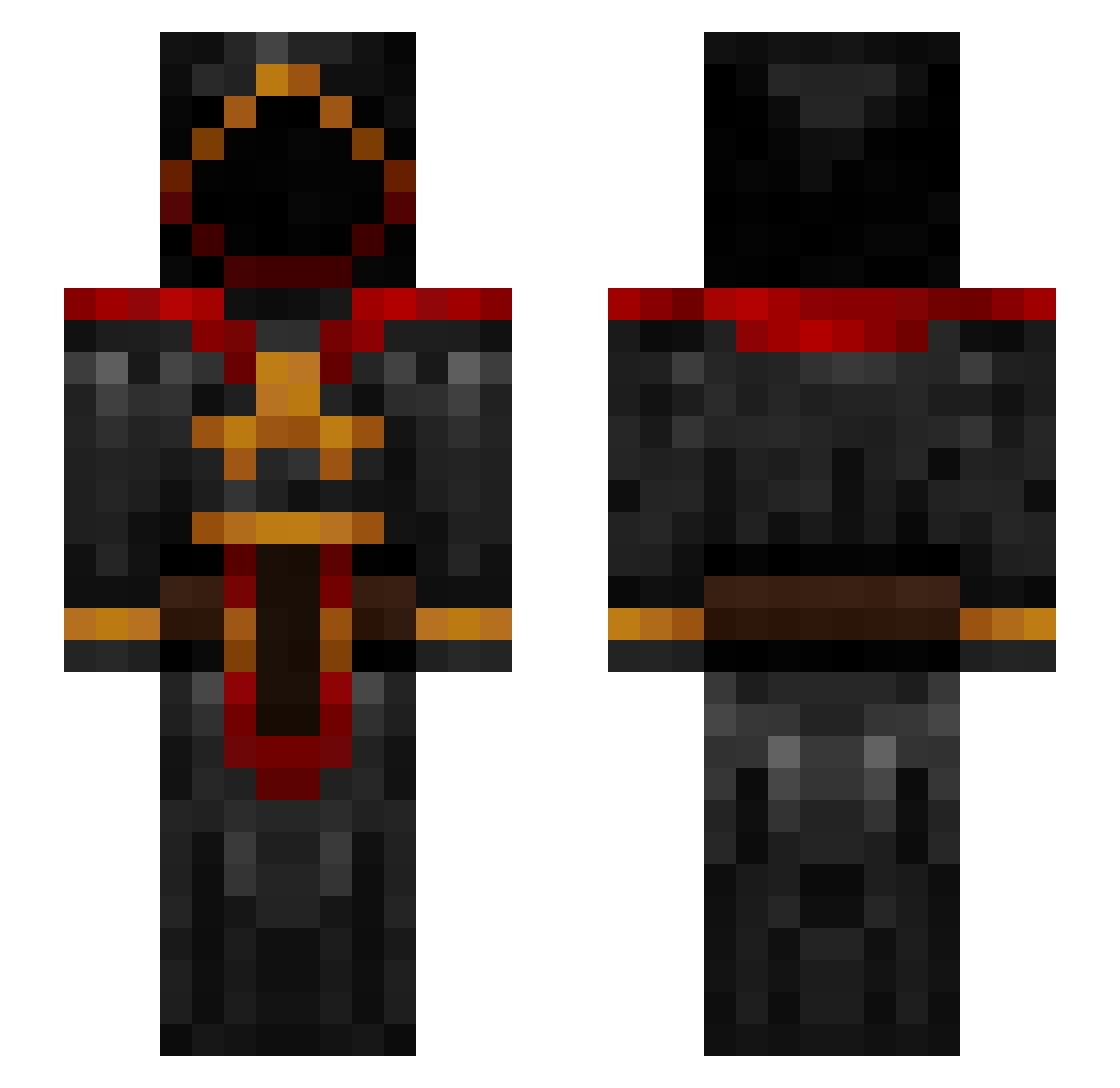
Minecraft skin of Sensei_Kitos. Rotate the 3D model with your mouse or finger to view the skin from every angle, then download it as a PNG file and use it in Minecraft: Bedrock Edition or Java Edition for free. Rate the skin with stars to help other players find the best skins in our collection.
How to install the Sensei_Kitos skin
- Press the Download button above to save the skin as a PNG file.
- Minecraft: Bedrock Edition (PE): open the Dressing Room from the main menu (or tap your character → Edit Character), go to Classic Skins → Owned, press the + (new skin) button, choose the downloaded PNG and pick the Slim (Alex) model. Works on PC and mobile; consoles cannot import custom skins.
- Minecraft: Java Edition: open the Minecraft Launcher, go to the Skins tab, click New Skin, load the PNG, pick the Slim (Alex) model and press Save & Use. You can also upload it at minecraft.net → Profile → Change Skin.
The skin does not show up after import - what should I do?
Restart Minecraft and open the Dressing Room again - imported skins sometimes appear only after a restart. Also make sure you selected the imported skin and picked the Slim (Alex) model.
Which model should I choose, Classic or Slim?
This skin is designed for the Slim (Alex) model. If you pick the wrong model, the arms of the skin will look stretched or squeezed.
Is this skin free to use?
Yes. Press Download, save the PNG file and use it in Minecraft: Bedrock Edition or Java Edition - no payment or registration needed. The skin also works on multiplayer servers and Realms.
More Cultist Minecraft skins
More skins
Looking for more? Go back to all Minecraft skins and check the top skins of the week, month and all time, or find any player's skin by nickname.