
 ExpiredMilk2000 F3ar1ST DinoArtYT ugniusGG_bemetos Nick_otin gscheeto Sandrinjo22 DonkeyKongChamp IchbinauchNoah2 Free666 TurbidGem3601 Ryan_pear GhostGamer2255 OFiore EMEGW Excaliburrrrrrr LegitAndrews troyzun Navyboyfromga mxxvment __riccxrdo Zayyfr Noxan1234567890 Rubberbandman12 jahsgone Luvrboyfl gamplanet9 fardy27 matiahpro Ksbugs Karem18 FearTheLamb15 salyma _Kyurem_ yczong Mag456 Lxkas666 Elppafix Mirppaja_37 Alex_MZKS Dastian1337 Ren9248 klawoerr_ Jaytee1125 kehehecee EVILSEXIST playzz_11 ZadixVT kikijslv N0TVenix Imperialsp1x ni3udaci4ie hoku714 ADHS_KRANK chartix xylrr DatNewGuy Spicytaco7722 craftsunset EmanLiam
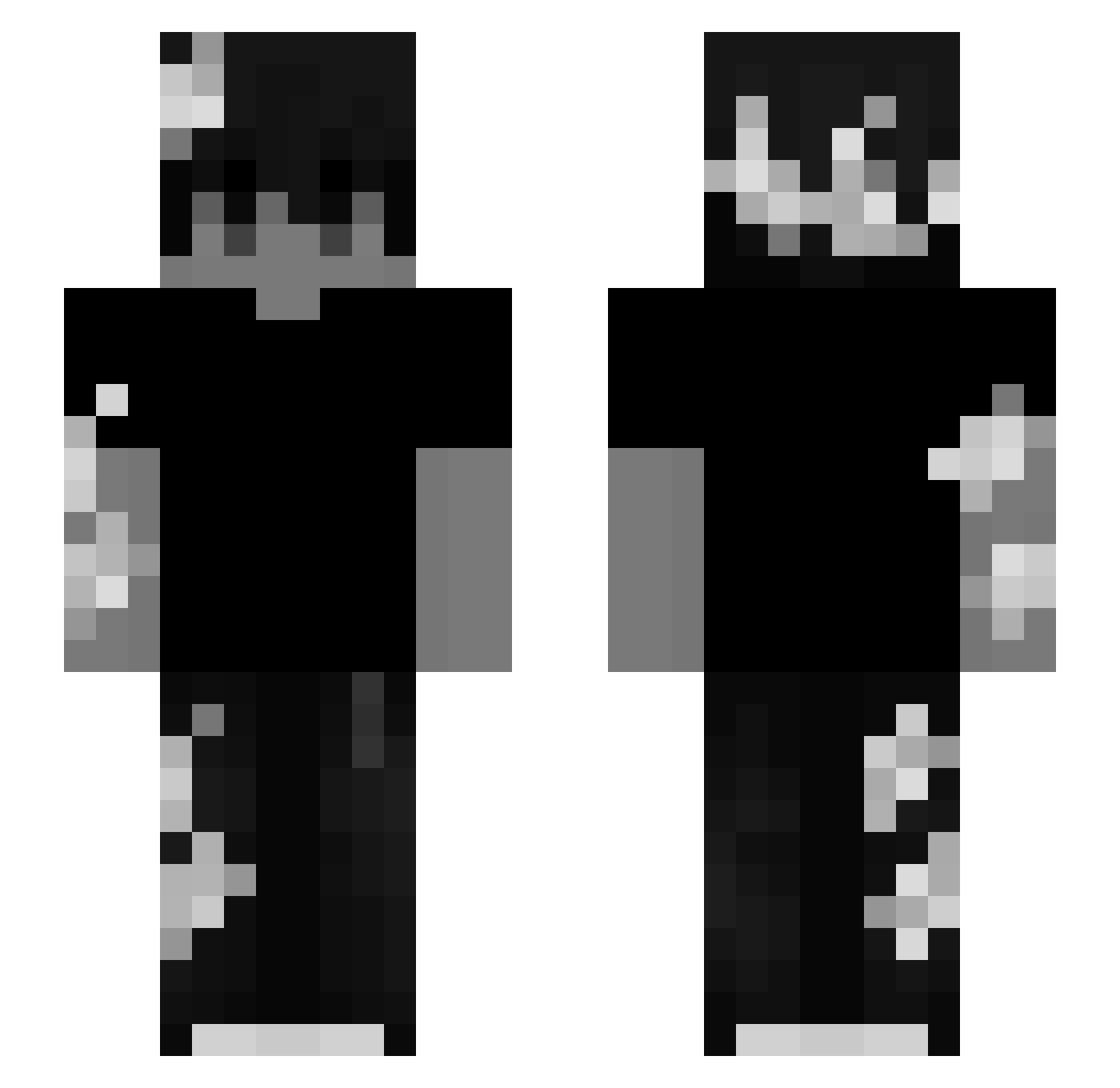
Minecraft skin of Hmnisam. Rotate the 3D model with your mouse or finger to view the skin from every angle, then download it as a PNG file and use it in Minecraft: Bedrock Edition or Java Edition for free. Rate the skin with stars to help other players find the best skins in our collection.
How to install the Hmnisam skin
- Press the Download button above to save the skin as a PNG file.
- Minecraft: Bedrock Edition (PE): open the Dressing Room from the main menu (or tap your character → Edit Character), go to Classic Skins → Owned, press the + (new skin) button, choose the downloaded PNG and pick the Slim (Alex) model. Works on PC and mobile; consoles cannot import custom skins.
- Minecraft: Java Edition: open the Minecraft Launcher, go to the Skins tab, click New Skin, load the PNG, pick the Slim (Alex) model and press Save & Use. You can also upload it at minecraft.net → Profile → Change Skin.
The skin does not show up after import - what should I do?
Restart Minecraft and open the Dressing Room again - imported skins sometimes appear only after a restart. Also make sure you selected the imported skin and picked the Slim (Alex) model.
Which model should I choose, Classic or Slim?
This skin is designed for the Slim (Alex) model. If you pick the wrong model, the arms of the skin will look stretched or squeezed.
Is this skin free to use?
Yes. Press Download, save the PNG file and use it in Minecraft: Bedrock Edition or Java Edition - no payment or registration needed. The skin also works on multiplayer servers and Realms.
More Monochrome Minecraft skins
More skins
Looking for more? Go back to all Minecraft skins and check the top skins of the week, month and all time, or find any player's skin by nickname.