
 javviica Shotosymp maggouille aairahisunique 140007 BLueMary19 CometPerson Pokapee hizukil vuvc cordur0y666 OhhDeChanel Aku_No_Logia Charlie_Sparkles czyvn paulinaauwu pastelmochicake LeozinPVP_ DumMomo Professor_Google nebearry lilabug27 DisconnectedPoes BekonGekon MtoUWU n0__0dle lennydeath TheDonutskiller Schmeiki konicznk Ayuukho planttoad zabeczka179 Patagaa wonchoi1 slxxpyhead Cloverchan LeDekuronavirus GutStruck MushSanne YukihyoTsurifon mariepipi MissPandawa tokioou Ogothe_ gigaflare_ SpiderMonke55 s_p_o_n Niyah24_ chimmerscent Laujita_ SarZiggy Shtarka Enafloria _Saylen YuukiBay NAITZA HFE anapauluk NeoLucien
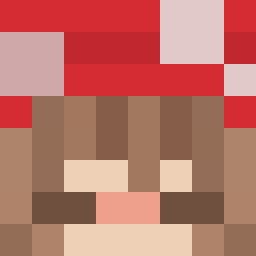
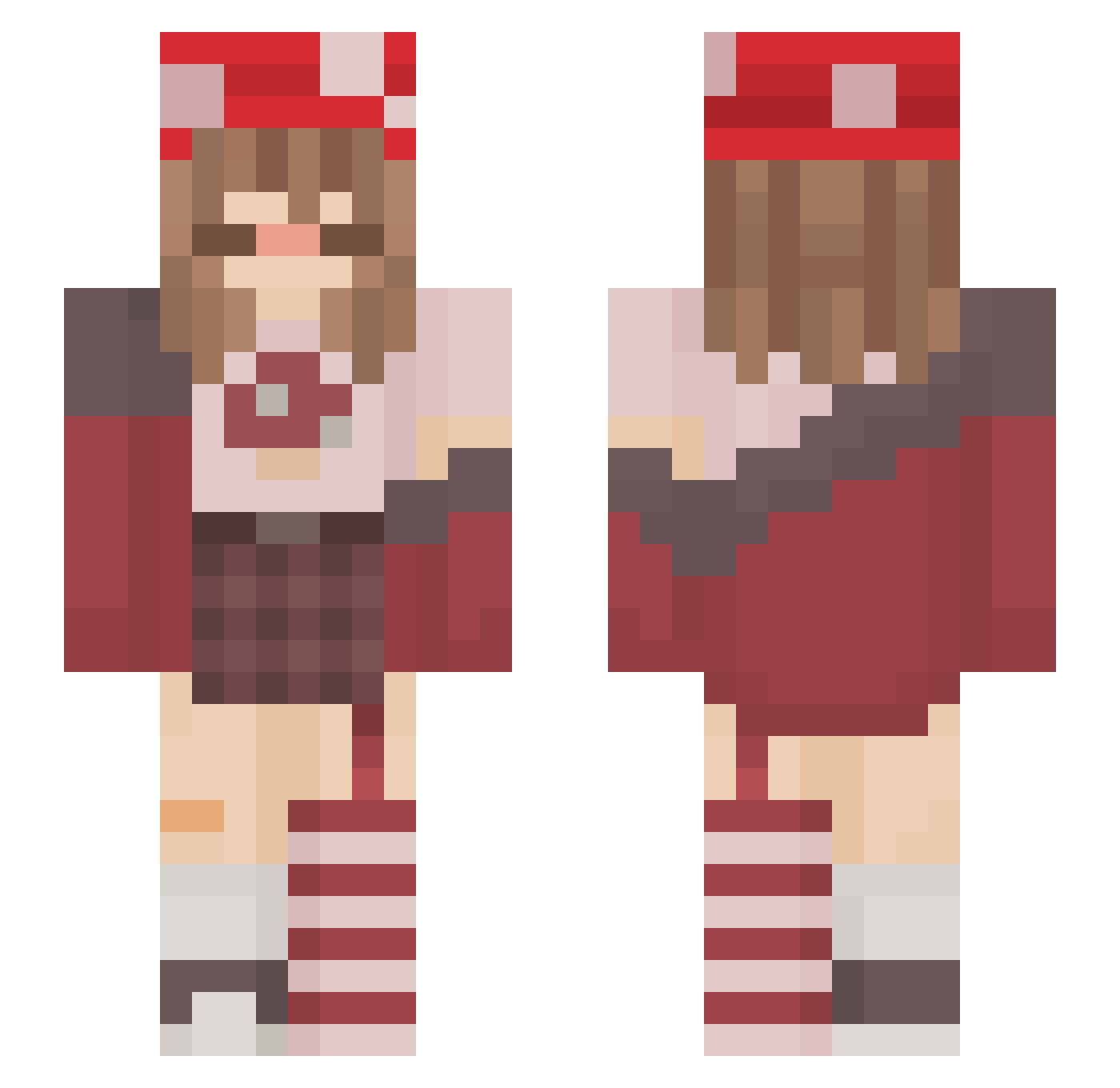
Minecraft skin of juicynsnop. Rotate the 3D model with your mouse or finger to view the skin from every angle, then download it as a PNG file and use it in Minecraft: Bedrock Edition or Java Edition for free. Rate the skin with stars to help other players find the best skins in our collection.
How to install the juicynsnop skin
- Press the Download button above to save the skin as a PNG file.
- Minecraft: Bedrock Edition (PE): open the Dressing Room from the main menu (or tap your character → Edit Character), go to Classic Skins → Owned, press the + (new skin) button, choose the downloaded PNG and pick the Slim (Alex) model. Works on PC and mobile; consoles cannot import custom skins.
- Minecraft: Java Edition: open the Minecraft Launcher, go to the Skins tab, click New Skin, load the PNG, pick the Slim (Alex) model and press Save & Use. You can also upload it at minecraft.net → Profile → Change Skin.
The skin does not show up after import - what should I do?
Restart Minecraft and open the Dressing Room again - imported skins sometimes appear only after a restart. Also make sure you selected the imported skin and picked the Slim (Alex) model.
Which model should I choose, Classic or Slim?
This skin is designed for the Slim (Alex) model. If you pick the wrong model, the arms of the skin will look stretched or squeezed.
Is this skin free to use?
Yes. Press Download, save the PNG file and use it in Minecraft: Bedrock Edition or Java Edition - no payment or registration needed. The skin also works on multiplayer servers and Realms.
More Mushroom Minecraft skins
More skins
Looking for more? Go back to all Minecraft skins and check the top skins of the week, month and all time, or find any player's skin by nickname.