
zzxgp_zOFef - Minecraft Skins & Skin History
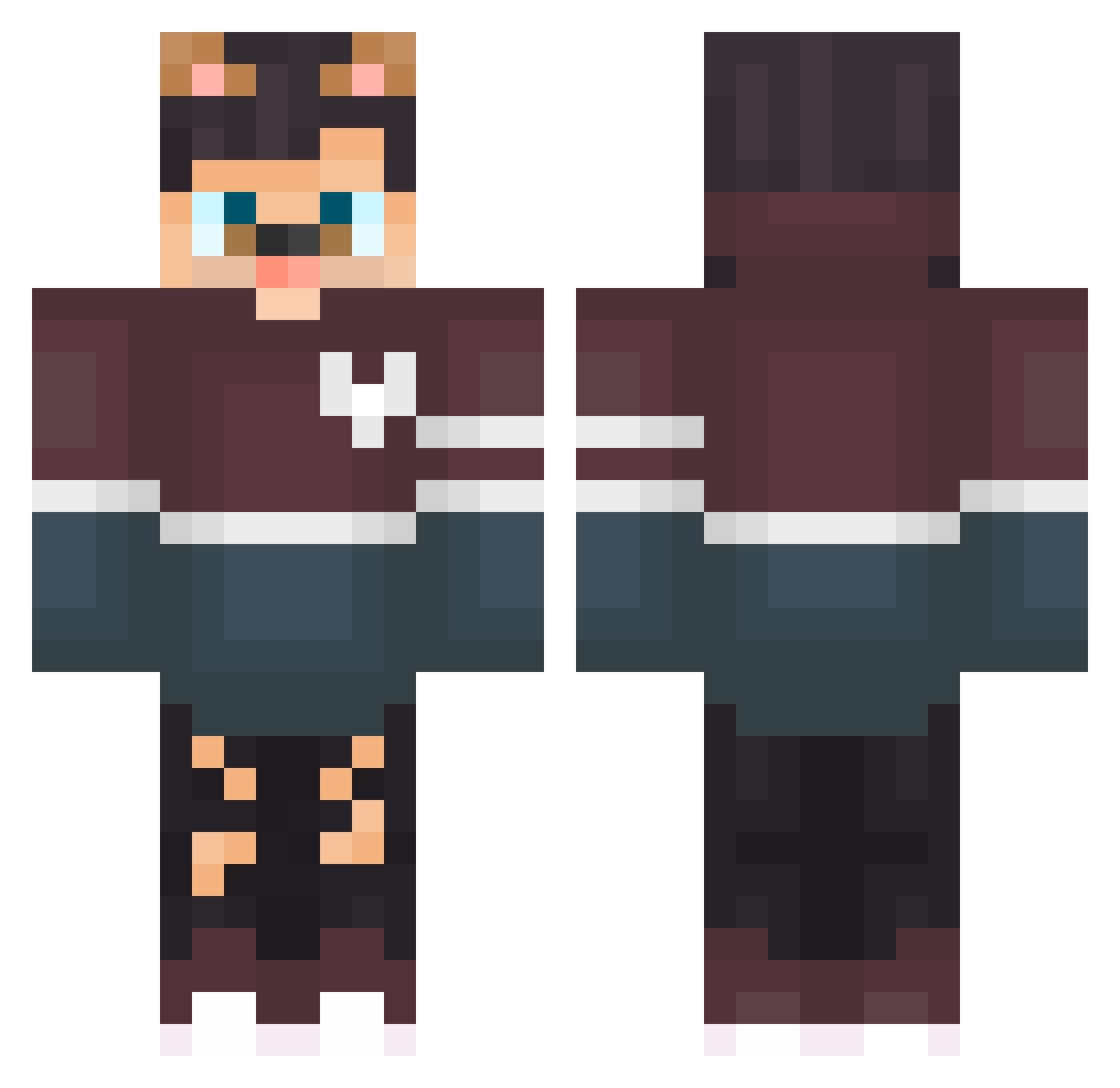
Current Minecraft skin of the player zzxgp_zOFef, loaded from the official Mojang API. Rotate the 3D model with your mouse or finger, then download the skin as a PNG file and use it in Minecraft: Bedrock Edition or Java Edition for free. When zzxgp_zOFef changes their skin, this page updates automatically and the old skin stays in the history below.
Other players with this skin (127)
zzxgp_zOFef was the 48th player we have seen with this skin, first spotted on 01.09.2026. The same skin was seen on these players. Open a nickname to see their current skin and skin history.
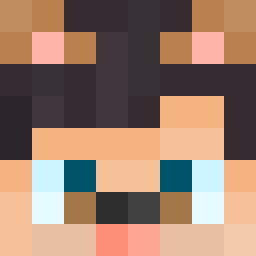 mchk_zzSy0 KayouMeugnon DortHit_euDZBLc5 stratshit_9suBx RabiesFromTimnes zzxgp_jpotb _Sakurt_ i8x_cube_ru5 _Hanan_ Fxrina_p7EaifP 55d_droyd_ybm AyanBhaiOP Seneframe SadaAxD_ Mal_PWeQSy decoracinza isaac141968 Ethnicek45UwL wpf_ROOyp_09_06 Lucio99 bz_PtwKJ_10_14 EthnicAeag5XD ehlman6rotten291
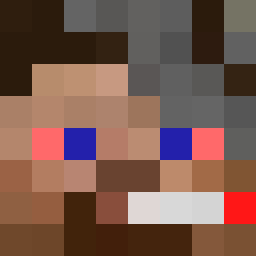 zzxgp_jbyrb elfidelitop Bianchi9exotic07 GarotaDoHylex t99_cube_2hm kirushenkaa fc5_msmc_416 nyder03forsaken3 em_abdallah1 dAavi01 Pulsive_QbsCfx DortHit_s5GK6GBF 5hl_msmc_mcf 3jj_msmc_mmo Luffyzera_ 9ny_msmc_sqr raveWug5AvoM droyd_9rrEAXb2Pk Daynesthird5 kikin_mPbJo_12 lyar3passionate8 Masbis Huzz_4ilFr8Y Canalla13 chub_nGPBY_11_23 ZxdoAlt sakunohVL7 LinhQXFdG1127 solaralts_TTUZjv Huzz_OFrqhQL odenhoff_twin752 lf_3c84C_09_15 nd62evergreen340 ChefyKat Youssef_Playx Cowins_blaring8 Huley_pungent579
More Dog Ears Minecraft skins
How to install the zzxgp_zOFef skin
- Press the Download button above to save the skin as a PNG file.
- Minecraft: Bedrock Edition (PE): open the Dressing Room from the main menu (or tap your character → Edit Character), go to Classic Skins → Owned, press the + (new skin) button, choose the downloaded PNG and pick the Classic (Steve) model. Works on PC and mobile; consoles cannot import custom skins.
- Minecraft: Java Edition: open the Minecraft Launcher, go to the Skins tab, click New Skin, load the PNG, pick the Classic (Steve) model and press Save & Use. You can also upload it at minecraft.net → Profile → Change Skin.
The skin does not show up after import - what should I do?
Restart Minecraft and open the Dressing Room again - imported skins sometimes appear only after a restart. Also make sure you selected the imported skin and picked the Classic (Steve) model.
Which model should I choose, Classic or Slim?
This skin is designed for the Classic (Steve) model. If you pick the wrong model, the arms of the skin will look stretched or squeezed.
Is the skin of zzxgp_zOFef free to download?
Yes. Press Download, save the PNG file and use it in Minecraft: Bedrock Edition or Java Edition - no payment or registration needed. The skin also works on multiplayer servers and Realms.
More skins
Looking for more? Go back to all Minecraft skins and check the top skins of the week, month and all time, or find any player's skin by nickname.