
zAlejoxD - Minecraft Skins & Skin History
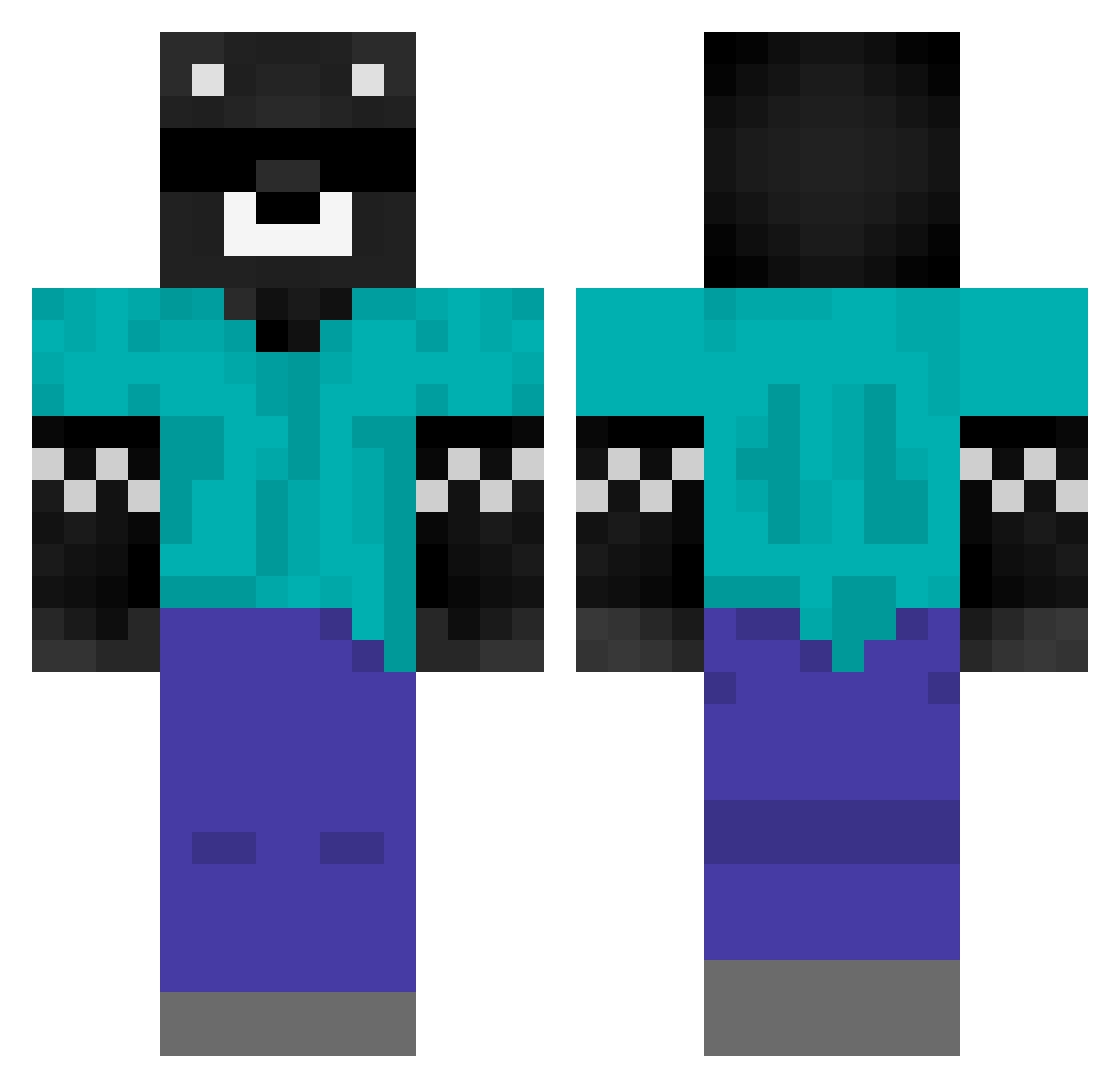
Current Minecraft skin of the player zAlejoxD, loaded from the official Mojang API. Rotate the 3D model with your mouse or finger, then download the skin as a PNG file and use it in Minecraft: Bedrock Edition or Java Edition for free. When zAlejoxD changes their skin, this page updates automatically and the old skin stays in the history below.
Other players with this skin (441)
zAlejoxD was the 154th player we have seen with this skin, first spotted on 30.08.2026. The same skin was seen on these players. Open a nickname to see their current skin and skin history.
 Kevincitoto lisandro1219 Thor2528 PZZT_ Tomacho190 NRG_Vitto Wusun chaussette2012 Pepsidmc JorgeBC Jimenez1015 xodinx chelored ElManu24 Derek09188 LeanMarker4091 Arroz010 NK_2001
 a_mono dextermrg CarreraDMC manooou Gallegon Axelbox12 MCkakoz JuanPrince MtecZero Pepezinh0 ElNelson Magnuz19 liron_fresh_2 Mathiasgr13 SpreenGOD666 Naughtyzr zMarshii kirito_341 Chipiiiii ScratchyDMC WeroVL22 l_Ari3l_l Cryxwcht Baker478889 iReche4do _ClapedODR_ faze_asesino shats_34 xAnthonyMC Aaronelsuculento marleigh_ angel_tino2812 peyri2 omotero11 Vale_32 Xbalanza011 Carrasca HealerRole4144 alfonsoobb soyaleeee BertoARG kipa123
More Bear Minecraft skins
How to install the zAlejoxD skin
- Press the Download button above to save the skin as a PNG file.
- Minecraft: Bedrock Edition (PE): open the Dressing Room from the main menu (or tap your character → Edit Character), go to Classic Skins → Owned, press the + (new skin) button, choose the downloaded PNG and pick the Classic (Steve) model. Works on PC and mobile; consoles cannot import custom skins.
- Minecraft: Java Edition: open the Minecraft Launcher, go to the Skins tab, click New Skin, load the PNG, pick the Classic (Steve) model and press Save & Use. You can also upload it at minecraft.net → Profile → Change Skin.
The skin does not show up after import - what should I do?
Restart Minecraft and open the Dressing Room again - imported skins sometimes appear only after a restart. Also make sure you selected the imported skin and picked the Classic (Steve) model.
Which model should I choose, Classic or Slim?
This skin is designed for the Classic (Steve) model. If you pick the wrong model, the arms of the skin will look stretched or squeezed.
Is the skin of zAlejoxD free to download?
Yes. Press Download, save the PNG file and use it in Minecraft: Bedrock Edition or Java Edition - no payment or registration needed. The skin also works on multiplayer servers and Realms.
More skins
Looking for more? Go back to all Minecraft skins and check the top skins of the week, month and all time, or find any player's skin by nickname.