
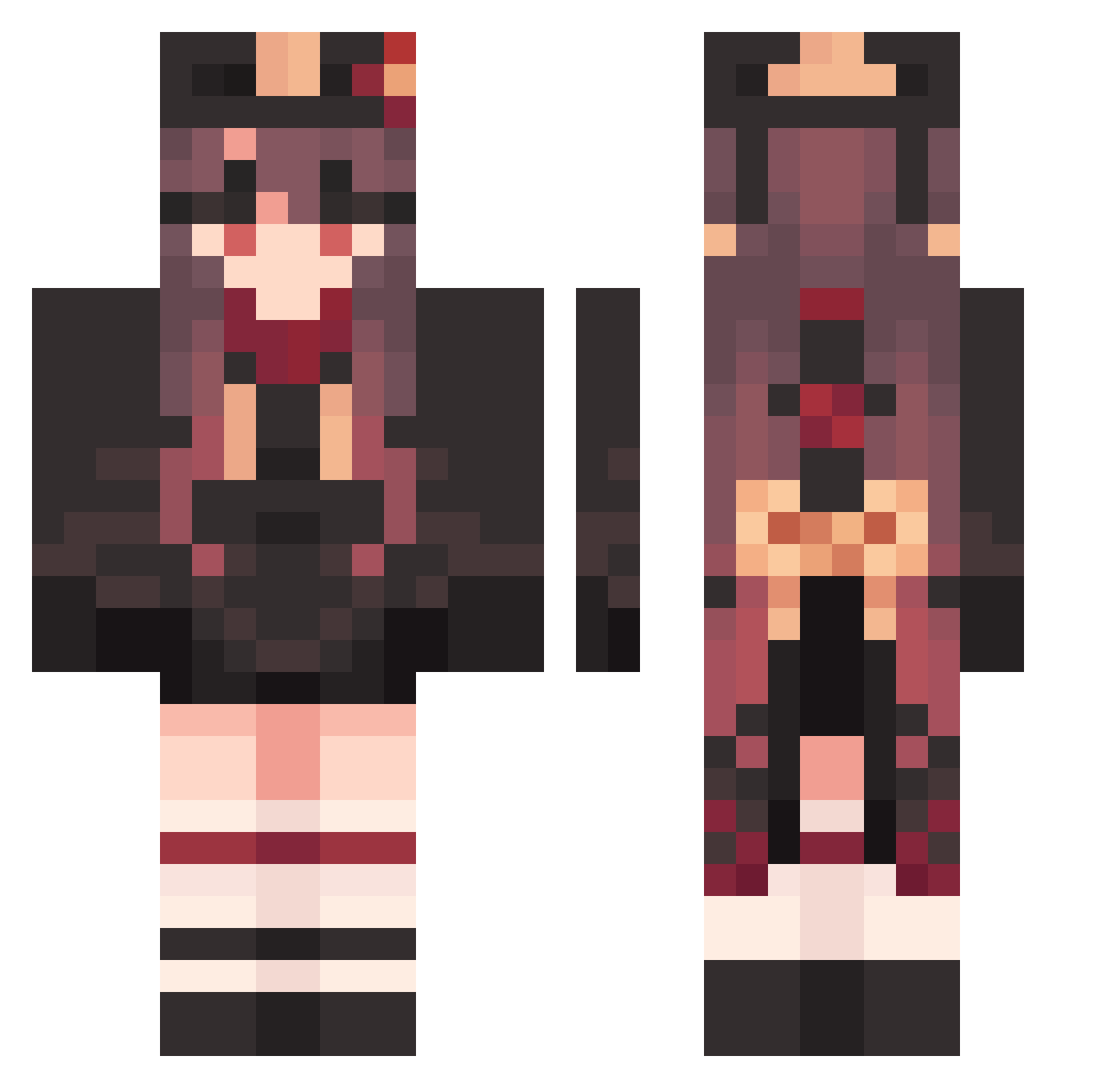
Current Minecraft skin of the player yuito_c, loaded from the official Mojang API. Rotate the 3D model with your mouse or finger, then download the skin as a PNG file and use it in Minecraft: Bedrock Edition or Java Edition for free. When yuito_c changes their skin, this page updates automatically and the old skin stays in the history below.
Other players with this skin (1215)
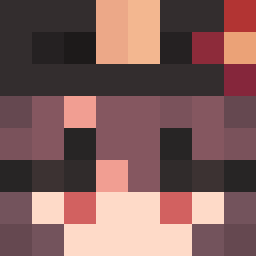
yuito_c was the 672nd player we have seen with this skin, first spotted on 13.09.2026. The same skin was seen on these players. Open a nickname to see their current skin and skin history.
 ByU196 llacunaa ten_nazuna SleepyFurtive524 Yumi99 wuminya elmo1098 Hutao_NmGxmcD665 Hutao_aDuaDMO369 RollzRL FlatFantastic705 KalemimiKirdilar FemaleHanging825 Hutao_oRPeCER673 SHIG0926 GratisUnusual840 Hutao_mMVUrdm923 Szoperer Hutao_xVDKJaU469 M4nnyPacquiao Hutao_MMWEmTz379 Kerineko TrickyAdamant532 Hutao_tJYEzEO604 Sevyhn Atomaic PastoralRainy151 EdwardNgX Zabrathan mrstoilet SaltyIgnorant729 Hutao_goW686 TearfulCloudy809 RacialSerious800 JangHun98 Roda7 NervousBouncy181 Cyaned linkesama Hutao_MhOoaaX513 FrozenPotachi Hutao_IgXqdSh778 OffbeatLavish658 DisturbedThin527 Hutao_aPtdYII290 SmellyShallow106 Hutao_pPduuqt197 ClosedAccurate23 LikeableFixed751 Hutao_MIibWIS127 Spiran AdorableFat14 Hutao_yMhxROh619 MundaneMarked717 ComplexCraven720 Refrying Hutao_TAKXTab581 DefectiveCold579 Hutao_tqMgOrL979 LuckyBurly771
More Hu Tao Minecraft skins
How to install the yuito_c skin
- Press the Download button above to save the skin as a PNG file.
- Minecraft: Bedrock Edition (PE): open the Dressing Room from the main menu (or tap your character → Edit Character), go to Classic Skins → Owned, press the + (new skin) button, choose the downloaded PNG and pick the Classic (Steve) model. Works on PC and mobile; consoles cannot import custom skins.
- Minecraft: Java Edition: open the Minecraft Launcher, go to the Skins tab, click New Skin, load the PNG, pick the Classic (Steve) model and press Save & Use. You can also upload it at minecraft.net → Profile → Change Skin.
The skin does not show up after import - what should I do?
Restart Minecraft and open the Dressing Room again - imported skins sometimes appear only after a restart. Also make sure you selected the imported skin and picked the Classic (Steve) model.
Which model should I choose, Classic or Slim?
This skin is designed for the Classic (Steve) model. If you pick the wrong model, the arms of the skin will look stretched or squeezed.
Is the skin of yuito_c free to download?
Yes. Press Download, save the PNG file and use it in Minecraft: Bedrock Edition or Java Edition - no payment or registration needed. The skin also works on multiplayer servers and Realms.
More skins
Looking for more? Go back to all Minecraft skins and check the top skins of the week, month and all time, or find any player's skin by nickname.