
yuccacn - Minecraft Skins & Skin History
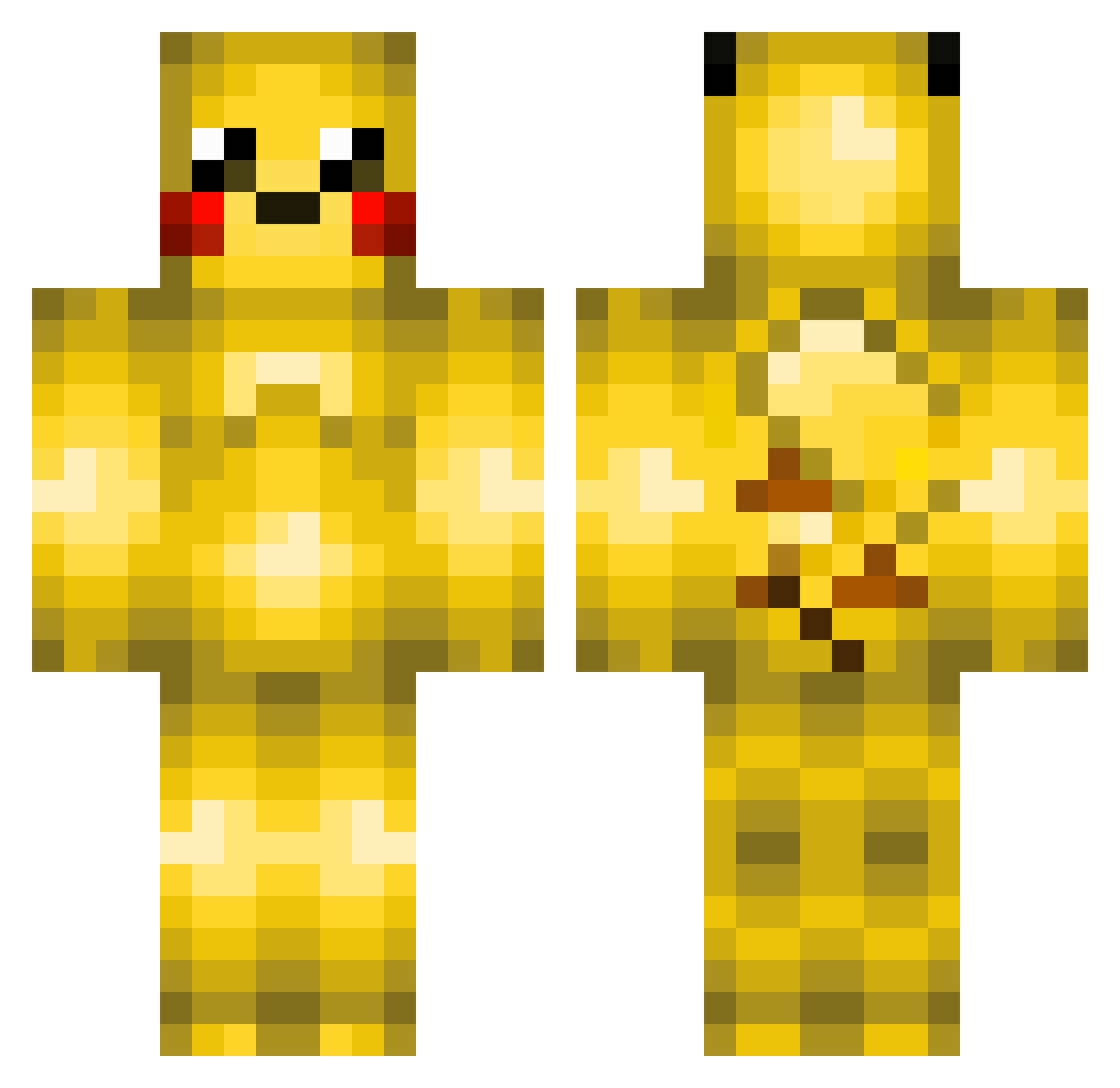
Current Minecraft skin of the player yuccacn, loaded from the official Mojang API. Rotate the 3D model with your mouse or finger, then download the skin as a PNG file and use it in Minecraft: Bedrock Edition or Java Edition for free. When yuccacn changes their skin, this page updates automatically and the old skin stays in the history below.
Other players with this skin (219)
yuccacn was the 18th player we have seen with this skin, first spotted on 02.08.2026. The same skin was seen on these players. Open a nickname to see their current skin and skin history.
 Christou001 Pikamx8 David4batman HS_NB66666 Yo92 gpikachu116 mid3 Richard5s Thantalos77 Preess PIKA_B GODAmity Xwave088 brendan_w WhatTheDave CommieDolphin15 na_oji gf1 Ryantor DarkLord5555 lopxty kena_KK sebm150 Bat2 Bayiron4615 eeyeeuv __Chikapu__ Zeitakuoni_Rinn Piroma37 anker20 koditax Pikajerem UJxxiao sora_mugi111 savalierl4 Gamehmet HA_LA
 jtsuker98 tyuraM Schmeodt7 theokaliptus jklove1 BlackMagic011 koujotyou GrosKek chansk39 AthikaZ TheAtzberg SirKuyrem shio_1140 kazupoko Tigaaaaaa TeddyNBuggie diekzkz MashallaDieHubse larbooms BatmanJacobHart Jsmoooth BBuBBaBBu Beetleink0
More Pikachu Minecraft skins
How to install the yuccacn skin
- Press the Download button above to save the skin as a PNG file.
- Minecraft: Bedrock Edition (PE): open the Dressing Room from the main menu (or tap your character → Edit Character), go to Classic Skins → Owned, press the + (new skin) button, choose the downloaded PNG and pick the Classic (Steve) model. Works on PC and mobile; consoles cannot import custom skins.
- Minecraft: Java Edition: open the Minecraft Launcher, go to the Skins tab, click New Skin, load the PNG, pick the Classic (Steve) model and press Save & Use. You can also upload it at minecraft.net → Profile → Change Skin.
The skin does not show up after import - what should I do?
Restart Minecraft and open the Dressing Room again - imported skins sometimes appear only after a restart. Also make sure you selected the imported skin and picked the Classic (Steve) model.
Which model should I choose, Classic or Slim?
This skin is designed for the Classic (Steve) model. If you pick the wrong model, the arms of the skin will look stretched or squeezed.
Is the skin of yuccacn free to download?
Yes. Press Download, save the PNG file and use it in Minecraft: Bedrock Edition or Java Edition - no payment or registration needed. The skin also works on multiplayer servers and Realms.
More skins
Looking for more? Go back to all Minecraft skins and check the top skins of the week, month and all time, or find any player's skin by nickname.