
youngstats_ - Minecraft Skins & Skin History
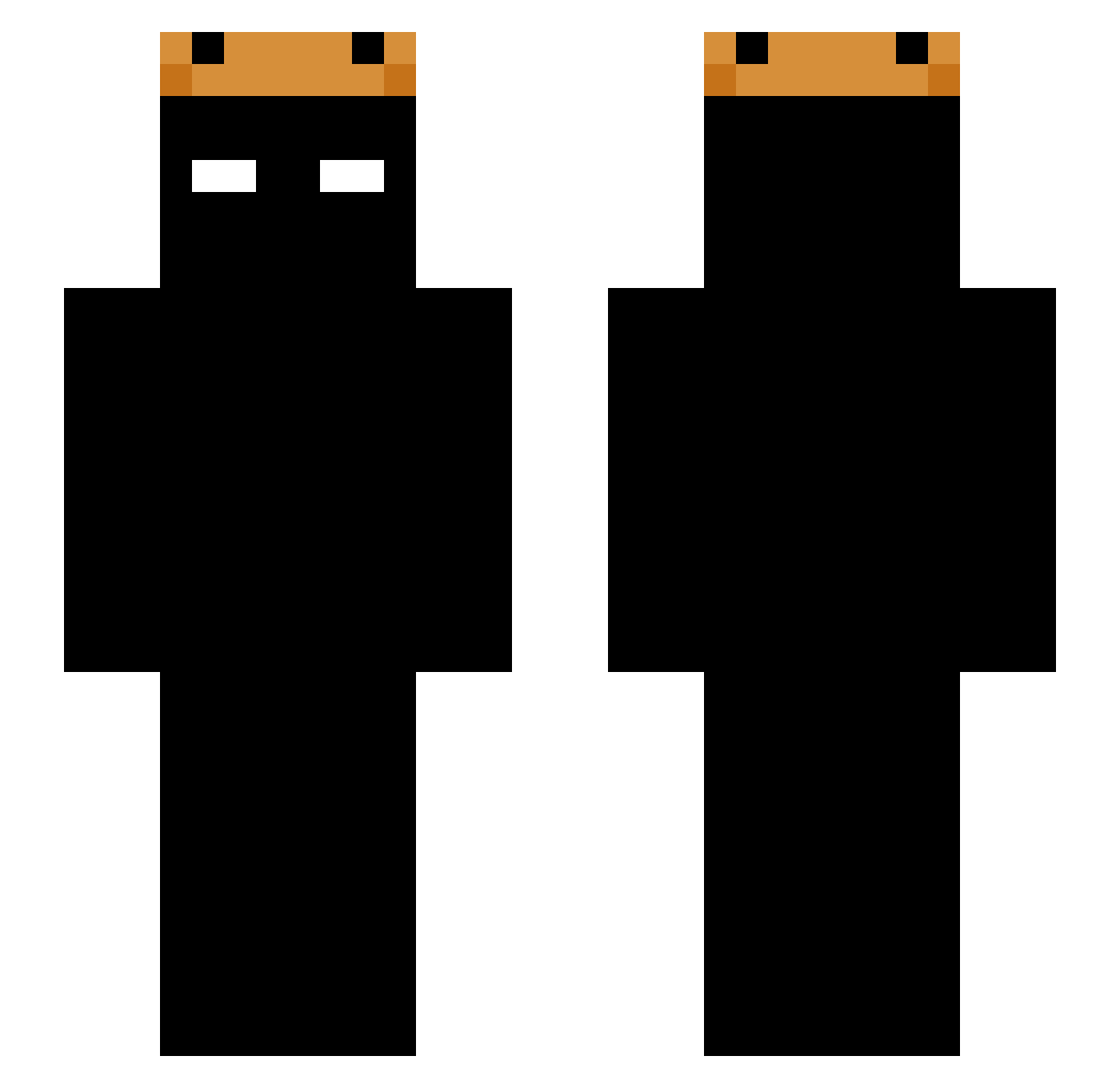
Current Minecraft skin of the player youngstats_, loaded from the official Mojang API. Rotate the 3D model with your mouse or finger, then download the skin as a PNG file and use it in Minecraft: Bedrock Edition or Java Edition for free. When youngstats_ changes their skin, this page updates automatically and the old skin stays in the history below.
Other players with this skin (225)
youngstats_ was the 170th player we have seen with this skin, first spotted on 17.10.2026. The same skin was seen on these players. Open a nickname to see their current skin and skin history.
 baokemshuai I0SH4D0W0I basedflowx mejiamam darkninja2040 blaxckhat ALBANOSSS ABlazeGod7073 LordMeneX Tristemente Rerredwalk74825 HelperAlt5 hshhsm000 OrazVI King_Bacon_prime HH_XK simple_notsimple WeddedAcorn keyo88 _klq Ign_loki Envincible0 ALiEnD1 awuiteursis IDKWHATHAPPENED1 taxoffender cadwin1 Alekzz12 Golden_Cube55 Serbos01 P1OnMC TioWill B1ketys0n KlimaMC Aoenir Theo_f50 Reichsmeister 7894555 pierreololdu59 rees12 lhlhlhlhlhlhlhl NamDante Gekjurh AlessioTVC sylorde destroyer1003890 Moojy666 Mangos112 ORZEH_2137 Rollie KREUN04 SCNR305 iSanEG tukitruki goldenrabbit2 custompass Tenezo J1nt lera1ne pao6499
More Shadow Minecraft skins
How to install the youngstats_ skin
- Press the Download button above to save the skin as a PNG file.
- Minecraft: Bedrock Edition (PE): open the Dressing Room from the main menu (or tap your character → Edit Character), go to Classic Skins → Owned, press the + (new skin) button, choose the downloaded PNG and pick the Slim (Alex) model. Works on PC and mobile; consoles cannot import custom skins.
- Minecraft: Java Edition: open the Minecraft Launcher, go to the Skins tab, click New Skin, load the PNG, pick the Slim (Alex) model and press Save & Use. You can also upload it at minecraft.net → Profile → Change Skin.
The skin does not show up after import - what should I do?
Restart Minecraft and open the Dressing Room again - imported skins sometimes appear only after a restart. Also make sure you selected the imported skin and picked the Slim (Alex) model.
Which model should I choose, Classic or Slim?
This skin is designed for the Slim (Alex) model. If you pick the wrong model, the arms of the skin will look stretched or squeezed.
Is the skin of youngstats_ free to download?
Yes. Press Download, save the PNG file and use it in Minecraft: Bedrock Edition or Java Edition - no payment or registration needed. The skin also works on multiplayer servers and Realms.
More skins
Looking for more? Go back to all Minecraft skins and check the top skins of the week, month and all time, or find any player's skin by nickname.