
xbh007 - Minecraft Skins & Skin History
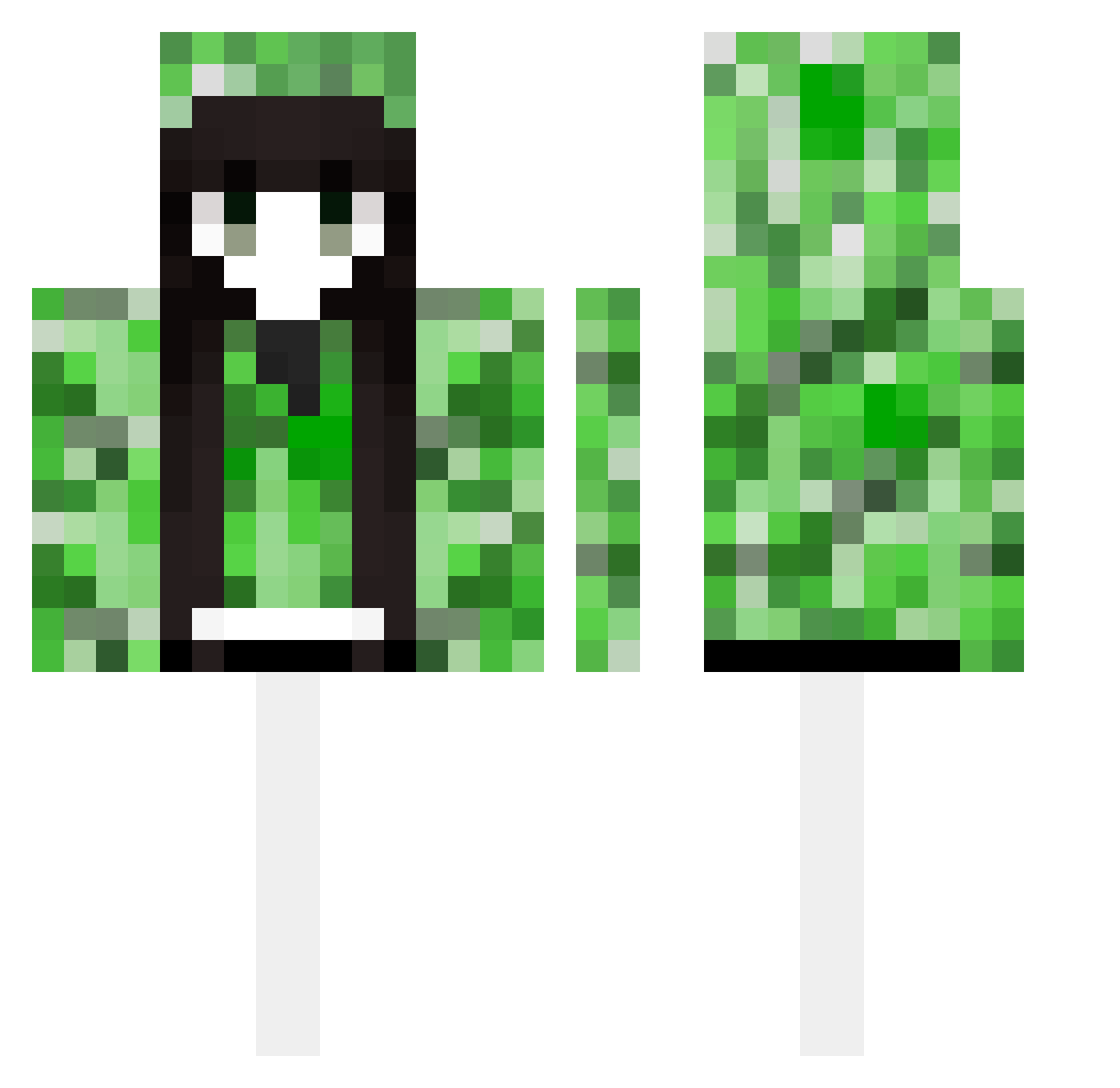
Current Minecraft skin of the player xbh007, loaded from the official Mojang API. Rotate the 3D model with your mouse or finger, then download the skin as a PNG file and use it in Minecraft: Bedrock Edition or Java Edition for free. When xbh007 changes their skin, this page updates automatically and the old skin stays in the history below.
Other players with this skin (489)
xbh007 was the 342nd player we have seen with this skin, first spotted on 10.10.2026. The same skin was seen on these players. Open a nickname to see their current skin and skin history.
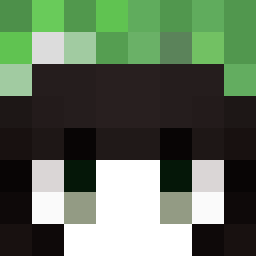 XCXCqrz ambisinistrous54 YoYukio Bcair Tony668766 Mczikey HaoHao321 colop5 Child_Health painedgirl ealilae imp19 QfoolQ Daila74 dynamight_749 Gyuneu 1N_TAE CaitsACake Arlecchino2 DEOIL yzczxz Lyley MEShush wodacan Donking69 wotai MCLTY 9BA7BA nian_chu sofiaaaamaistop TRRmuyan fouy_0101 Juicynb pkziito Antigoneia ayixa dacz2223 busulishang xiaoda0 chengyu_69 Luo_ye06 Sejuma_XTV1 aaadelao MYNAMEISLE LHRLHR sdjj zeroin254 suhaoli SixBenzene YJY0101 RagedCanvas2777 yeoncjs123 ddsaber Jianhao1 FNNN65 asdfg45 SSRQQQQQ LYCEY mymg2006 RainOwO
More Creeper Minecraft skins
How to install the xbh007 skin
- Press the Download button above to save the skin as a PNG file.
- Minecraft: Bedrock Edition (PE): open the Dressing Room from the main menu (or tap your character → Edit Character), go to Classic Skins → Owned, press the + (new skin) button, choose the downloaded PNG and pick the Classic (Steve) model. Works on PC and mobile; consoles cannot import custom skins.
- Minecraft: Java Edition: open the Minecraft Launcher, go to the Skins tab, click New Skin, load the PNG, pick the Classic (Steve) model and press Save & Use. You can also upload it at minecraft.net → Profile → Change Skin.
The skin does not show up after import - what should I do?
Restart Minecraft and open the Dressing Room again - imported skins sometimes appear only after a restart. Also make sure you selected the imported skin and picked the Classic (Steve) model.
Which model should I choose, Classic or Slim?
This skin is designed for the Classic (Steve) model. If you pick the wrong model, the arms of the skin will look stretched or squeezed.
Is the skin of xbh007 free to download?
Yes. Press Download, save the PNG file and use it in Minecraft: Bedrock Edition or Java Edition - no payment or registration needed. The skin also works on multiplayer servers and Realms.
More skins
Looking for more? Go back to all Minecraft skins and check the top skins of the week, month and all time, or find any player's skin by nickname.