
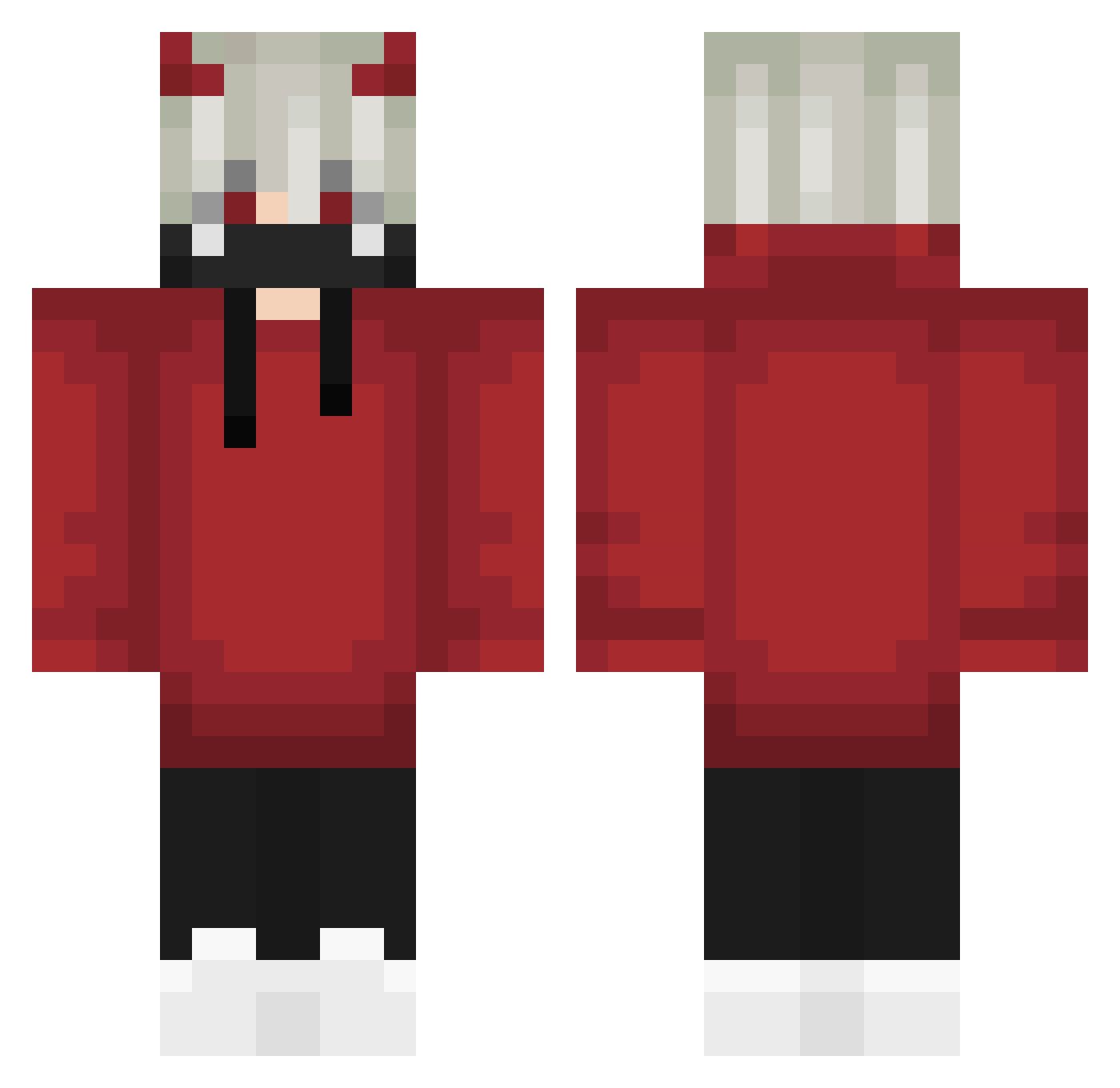
Current Minecraft skin of the player xXKumoiXx, loaded from the official Mojang API. Rotate the 3D model with your mouse or finger, then download the skin as a PNG file and use it in Minecraft: Bedrock Edition or Java Edition for free. When xXKumoiXx changes their skin, this page updates automatically and the old skin stays in the history below.
Other players with this skin (575)
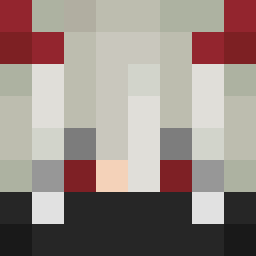
xXKumoiXx was the 356th player we have seen with this skin, first spotted on 20.09.2026. The same skin was seen on these players. Open a nickname to see their current skin and skin history.
 ToxicSandra AyeItzHazy rafAHAHA leneda3087 Noxi1x SushiFlavourLays Besayfelip3D BAT666 Anthem_08 Badlion_Hang Jx_xJ Axelprr Kriegerpig P_Narly AppleAile thbigunit SpyWise DaferX zom6ieslayer90 xRafailM Ekae5 freaks13 cristisod hydracia Reyeschronobreak xiaomuying ripeness king_ofPVP SHAWGI33345 Wispera doublej1896 Dyl210698 T1xan Aniki24 DuanZZZ PimbolimMatreco 4xdots Drackxz L3g3nd18 LuannGCF CatShadow293 Redmat01 whiteice0101 GeadRyker_ AtesCelik Aceofk2 TheBlackCat27 DevilDSamekh erik8lrl TheDixilend CREXD2000 BrandonWang1 SOKALP EnversnnTe 0RISU0 Aydin31 Champ2002 how2Beast Jezura77 _ShoXi_
More Demon Horns Minecraft skins
How to install the xXKumoiXx skin
- Press the Download button above to save the skin as a PNG file.
- Minecraft: Bedrock Edition (PE): open the Dressing Room from the main menu (or tap your character → Edit Character), go to Classic Skins → Owned, press the + (new skin) button, choose the downloaded PNG and pick the Classic (Steve) model. Works on PC and mobile; consoles cannot import custom skins.
- Minecraft: Java Edition: open the Minecraft Launcher, go to the Skins tab, click New Skin, load the PNG, pick the Classic (Steve) model and press Save & Use. You can also upload it at minecraft.net → Profile → Change Skin.
The skin does not show up after import - what should I do?
Restart Minecraft and open the Dressing Room again - imported skins sometimes appear only after a restart. Also make sure you selected the imported skin and picked the Classic (Steve) model.
Which model should I choose, Classic or Slim?
This skin is designed for the Classic (Steve) model. If you pick the wrong model, the arms of the skin will look stretched or squeezed.
Is the skin of xXKumoiXx free to download?
Yes. Press Download, save the PNG file and use it in Minecraft: Bedrock Edition or Java Edition - no payment or registration needed. The skin also works on multiplayer servers and Realms.
More skins
Looking for more? Go back to all Minecraft skins and check the top skins of the week, month and all time, or find any player's skin by nickname.