
xLouchi - Minecraft Skins & Skin History
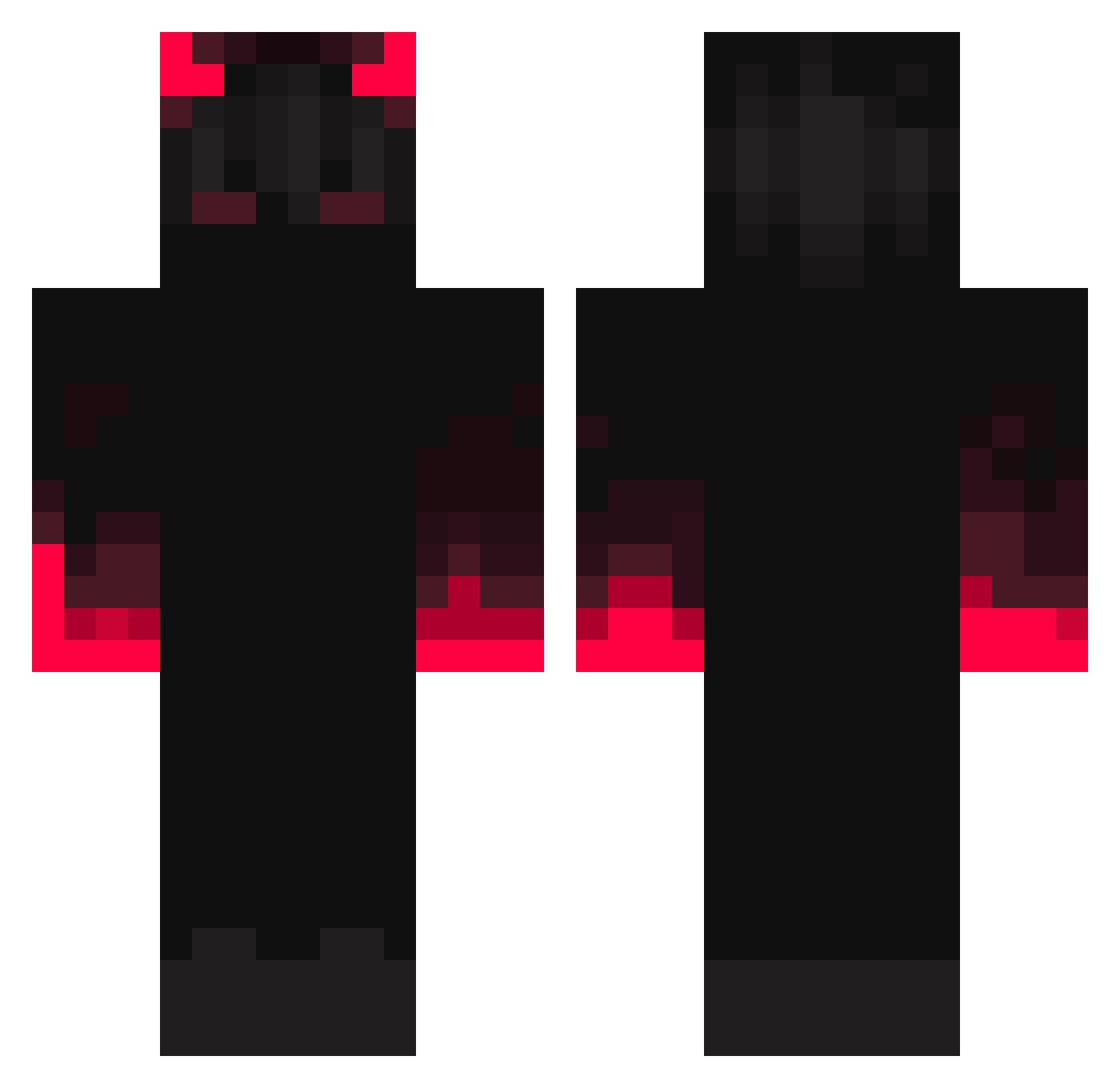
Current Minecraft skin of the player xLouchi, loaded from the official Mojang API. Rotate the 3D model with your mouse or finger, then download the skin as a PNG file and use it in Minecraft: Bedrock Edition or Java Edition for free. When xLouchi changes their skin, this page updates automatically and the old skin stays in the history below.
Other players with this skin (352)
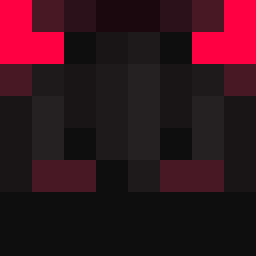
xLouchi was the 280th player we have seen with this skin, first spotted on 19.10.2026. The same skin was seen on these players. Open a nickname to see their current skin and skin history.
 _Hashibami_ ConnorLol7757 RyZe382 La_Thon gumwin_the_pro Svenskiderhahn Yamateras Marto666 DingYuSHen SmowW oiseau2002 BleedingFire23 SavageMannerz WrathDW KPeMoK Shining CctMrcnn Mirxou Choku1zazainw NZ_Bear FadeToDark iTokA_ Sajikumi EpicT0xic Veinerri LeSweetXD hrcules28 daon0611 Ghost_Kat616 xKingMonkey EmoScreams666 ForgottenEcho Kingdom2605 demoswastaken Nikolaj0608 Nameko2006 FGfrog Venancio_69 Mars0412TW Aiden_epic Prophent karma_pro QualityCraftsman me_lon1010 Asterisk_Light Flo__YT TanMan0324 wTLuck Jimeymccool CloutlessCarter ryuusx Syuseto kae69 ShadowHunter_06 Ruzaank OwenWT zERA67659 steph13490 dirtbikegodtv MegaGamer21566
More Fire Minecraft skins
How to install the xLouchi skin
- Press the Download button above to save the skin as a PNG file.
- Minecraft: Bedrock Edition (PE): open the Dressing Room from the main menu (or tap your character → Edit Character), go to Classic Skins → Owned, press the + (new skin) button, choose the downloaded PNG and pick the Classic (Steve) model. Works on PC and mobile; consoles cannot import custom skins.
- Minecraft: Java Edition: open the Minecraft Launcher, go to the Skins tab, click New Skin, load the PNG, pick the Classic (Steve) model and press Save & Use. You can also upload it at minecraft.net → Profile → Change Skin.
The skin does not show up after import - what should I do?
Restart Minecraft and open the Dressing Room again - imported skins sometimes appear only after a restart. Also make sure you selected the imported skin and picked the Classic (Steve) model.
Which model should I choose, Classic or Slim?
This skin is designed for the Classic (Steve) model. If you pick the wrong model, the arms of the skin will look stretched or squeezed.
Is the skin of xLouchi free to download?
Yes. Press Download, save the PNG file and use it in Minecraft: Bedrock Edition or Java Edition - no payment or registration needed. The skin also works on multiplayer servers and Realms.
More skins
Looking for more? Go back to all Minecraft skins and check the top skins of the week, month and all time, or find any player's skin by nickname.