
will_mc - Minecraft Skins & Skin History
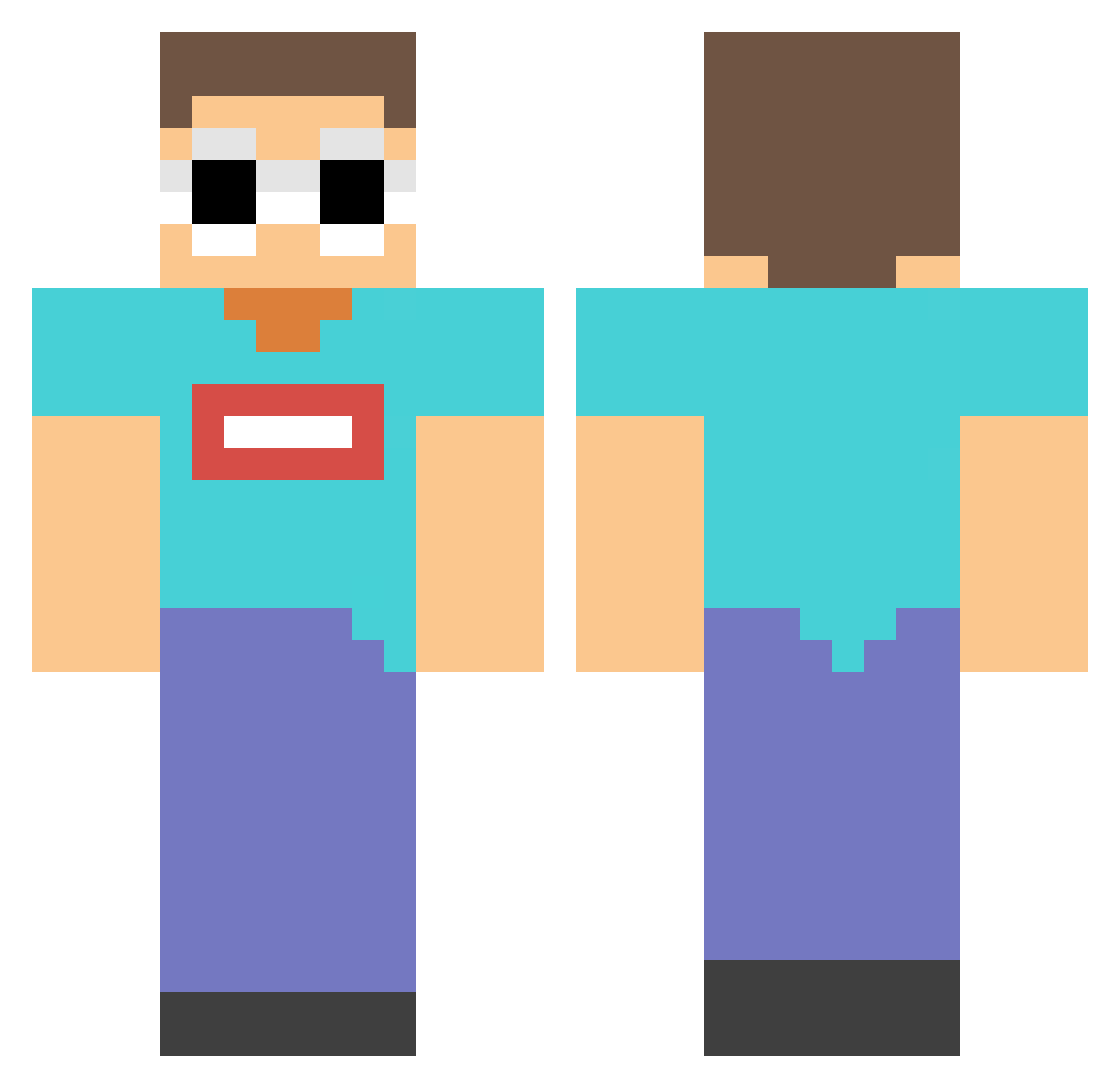
Current Minecraft skin of the player will_mc, loaded from the official Mojang API. Rotate the 3D model with your mouse or finger, then download the skin as a PNG file and use it in Minecraft: Bedrock Edition or Java Edition for free. When will_mc changes their skin, this page updates automatically and the old skin stays in the history below.
Other players with this skin (164)
will_mc was the 119th player we have seen with this skin, first spotted on 12.10.2026. The same skin was seen on these players. Open a nickname to see their current skin and skin history.
 rileypage11 Yue_tian520 Pokimane3 pedrogameplays1 Drescreek poepsnoepje123 rickschipper Tymo003 JakobeMC lupala9 DA_SHUIBI dearGeorge H00Xi WOWCZY e_Bgt GokuCPS Angel_nuddha NotBang notorious_abi junbug17 HyperHyena34 mgzingang Zorookie doo_w Deriva1212 yellowfin11 HokeIsOverParty FenXinShuiDaJiao UniDavidJPN SajmonTDI Activxy pizzapie8 Judgeoo NexiiSimp Cameronn4270 _Resistence Juesis rasburyy ZrTai Ngageb Laow666 XaviXNow SoulOfKrzysztof FIRE_SLIDER GeorgieNotFound IamKris404 ZHOI981 Ghostacev2 DaddyCrowley issmad hope070111 MINEKAPI Herecomesjojo Marcelgame_pl POSLOCK pat818 holdenpumkin22 Gelucendus xdaimytjee O_1Us
More Georgenotfound Minecraft skins
See all 567 Georgenotfound skins
How to install the will_mc skin
- Press the Download button above to save the skin as a PNG file.
- Minecraft: Bedrock Edition (PE): open the Dressing Room from the main menu (or tap your character → Edit Character), go to Classic Skins → Owned, press the + (new skin) button, choose the downloaded PNG and pick the Classic (Steve) model. Works on PC and mobile; consoles cannot import custom skins.
- Minecraft: Java Edition: open the Minecraft Launcher, go to the Skins tab, click New Skin, load the PNG, pick the Classic (Steve) model and press Save & Use. You can also upload it at minecraft.net → Profile → Change Skin.
The skin does not show up after import - what should I do?
Restart Minecraft and open the Dressing Room again - imported skins sometimes appear only after a restart. Also make sure you selected the imported skin and picked the Classic (Steve) model.
Which model should I choose, Classic or Slim?
This skin is designed for the Classic (Steve) model. If you pick the wrong model, the arms of the skin will look stretched or squeezed.
Is the skin of will_mc free to download?
Yes. Press Download, save the PNG file and use it in Minecraft: Bedrock Edition or Java Edition - no payment or registration needed. The skin also works on multiplayer servers and Realms.
More skins
Looking for more? Go back to all Minecraft skins and check the top skins of the week, month and all time, or find any player's skin by nickname.