
vinnybeast2 - Minecraft Skins & Skin History
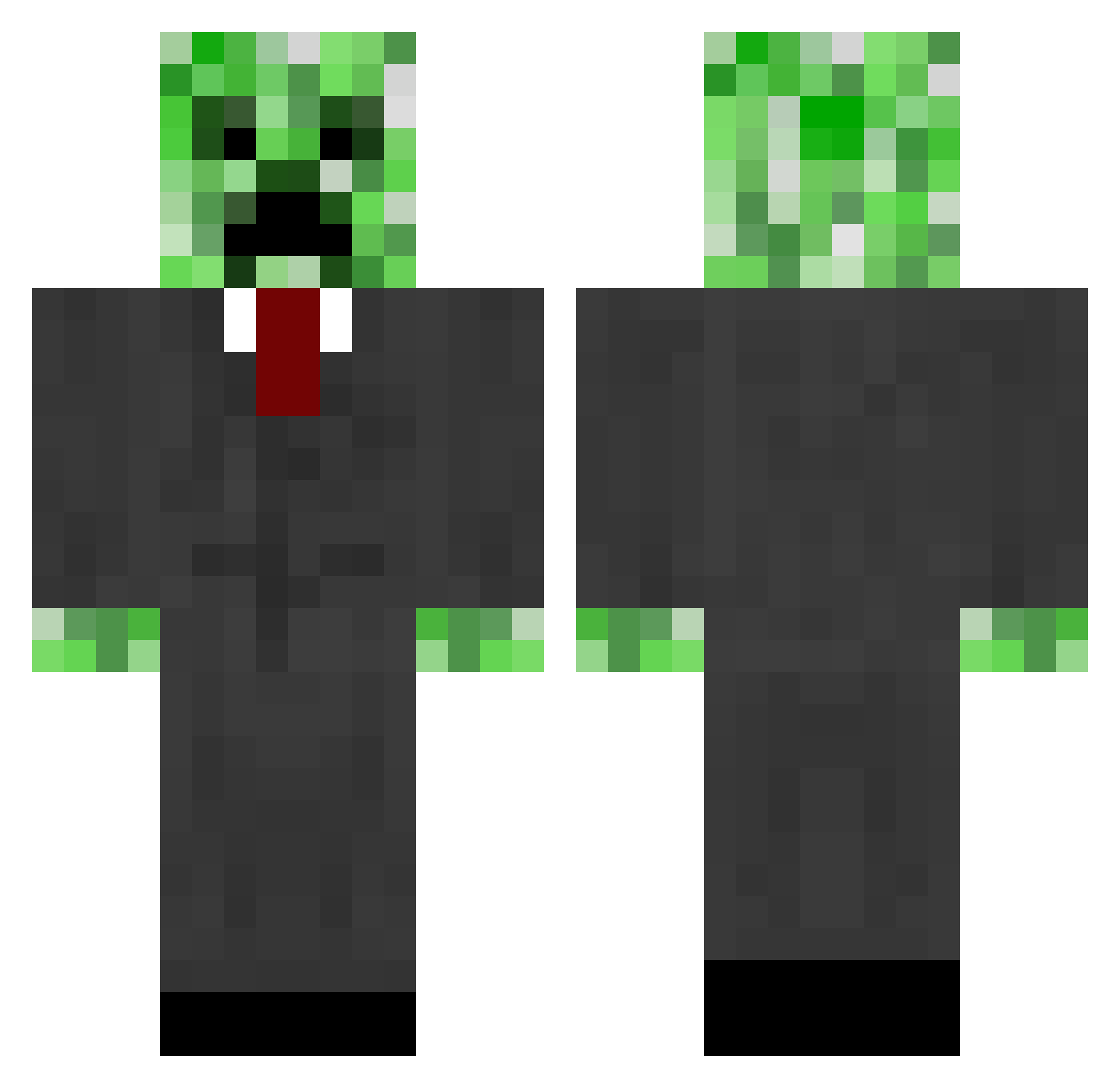
Current Minecraft skin of the player vinnybeast2, loaded from the official Mojang API. Rotate the 3D model with your mouse or finger, then download the skin as a PNG file and use it in Minecraft: Bedrock Edition or Java Edition for free. When vinnybeast2 changes their skin, this page updates automatically and the old skin stays in the history below.
Other players with this skin (664)
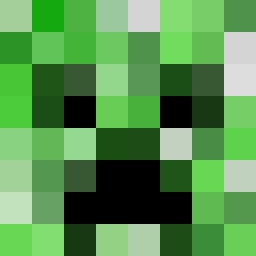
vinnybeast2 was the 66th player we have seen with this skin, first spotted on 05.08.2026. The same skin was seen on these players. Open a nickname to see their current skin and skin history.
 NickJCSQ clemsonkilla watsonra03 Get_Learned expertbuilder22 Cruz109 Consertgurkens panda9999 SkippyC nickfaoro jaws0169 Changeling137 _Chillo CK_RAM26 XMafia3 1O6O __SeReGa_ dillonaust ReudensplasherDE 4llstar AAnthony04 congwu badalloc art1224 mustang347 larsi111 Blebleman focoloco shorty_creeper Con_aVOR hiddensniper25 boble333 olivarez20 BaseballBoy9955 LeeroyJenkinz10 JOEJOE115 ccrunner1492 Deadeluss dannycoke lilbot2002 aaron255 ameliagirl1 nathangash25 englishtaco99 Mr__Minecraft_ Fabiboy10 joapim infused17 NickleMayo jalawala Satanisthobo JanVoh feedthesheep LaJacob Nuuki callumj6 mchawla krms4 Ivanchi mjolpaket
More Creeper Minecraft skins
How to install the vinnybeast2 skin
- Press the Download button above to save the skin as a PNG file.
- Minecraft: Bedrock Edition (PE): open the Dressing Room from the main menu (or tap your character → Edit Character), go to Classic Skins → Owned, press the + (new skin) button, choose the downloaded PNG and pick the Classic (Steve) model. Works on PC and mobile; consoles cannot import custom skins.
- Minecraft: Java Edition: open the Minecraft Launcher, go to the Skins tab, click New Skin, load the PNG, pick the Classic (Steve) model and press Save & Use. You can also upload it at minecraft.net → Profile → Change Skin.
The skin does not show up after import - what should I do?
Restart Minecraft and open the Dressing Room again - imported skins sometimes appear only after a restart. Also make sure you selected the imported skin and picked the Classic (Steve) model.
Which model should I choose, Classic or Slim?
This skin is designed for the Classic (Steve) model. If you pick the wrong model, the arms of the skin will look stretched or squeezed.
Is the skin of vinnybeast2 free to download?
Yes. Press Download, save the PNG file and use it in Minecraft: Bedrock Edition or Java Edition - no payment or registration needed. The skin also works on multiplayer servers and Realms.
More skins
Looking for more? Go back to all Minecraft skins and check the top skins of the week, month and all time, or find any player's skin by nickname.