
usb_sticks - Minecraft Skins & Skin History
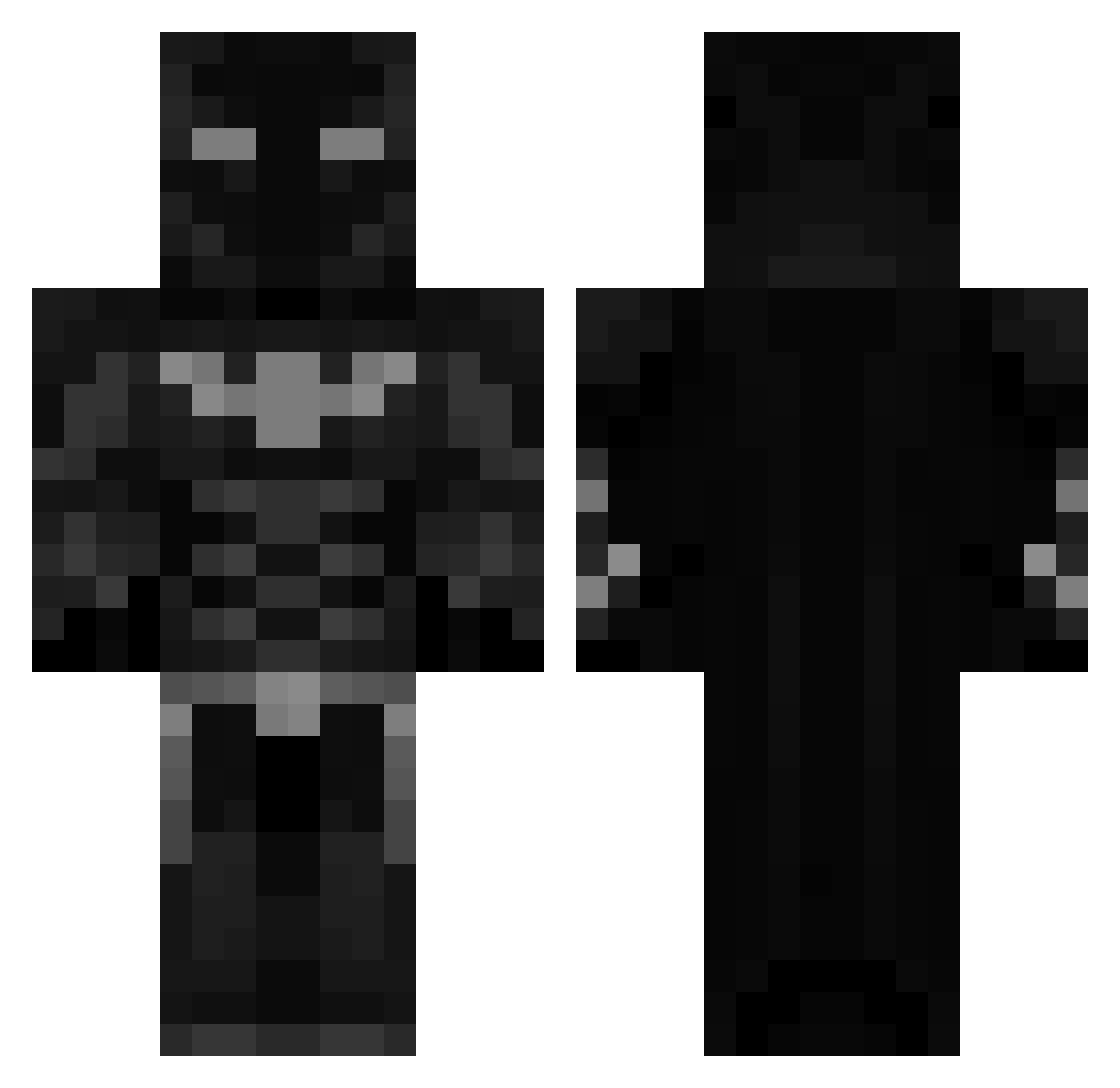
Current Minecraft skin of the player usb_sticks, loaded from the official Mojang API. Rotate the 3D model with your mouse or finger, then download the skin as a PNG file and use it in Minecraft: Bedrock Edition or Java Edition for free. When usb_sticks changes their skin, this page updates automatically and the old skin stays in the history below.
Other players with this skin (460)
usb_sticks was the 146th player we have seen with this skin, first spotted on 25.08.2026. The same skin was seen on these players. Open a nickname to see their current skin and skin history.
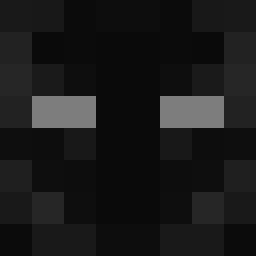 ZyrinQ MereMortal1 xfinty24 polo_0410 Hydrokz Bobdry Nuitcoureur B0BEK_ MelikSari Sawbuster daybreak_01 lahilammentyypi mihai180 INV1SIBLE Mathias77 VendoHimSelf NotCheese01 Brodie2489 owodaking BatmanRizz69 Shane2076 CaptainFlapJak1 Defcon1738 Andrew_Tatteee momoi6 MasterYong LiaLia109 9lna_ Jordihno 619n1ck KrisWasTaken___ SNOIZOI 0fficialJxe SoyGotSauce globejam casetbh PhenomMe0 haydenyessir Yugen98 Matturtler Mapleknight69 gabridkk Glast ItzzzOllie_ NiK4o121 NotMyAltAccount Kellerea GlisteningMoon Chappers2312 Slavist WANDERTVDP RaFaTag Thelil_Beast Bob1nstein Iskagen beargrills69 ImlBATMANl RNWJORGEML Samjey25 ADAMMARLIE
More Batman Minecraft skins
How to install the usb_sticks skin
- Press the Download button above to save the skin as a PNG file.
- Minecraft: Bedrock Edition (PE): open the Dressing Room from the main menu (or tap your character → Edit Character), go to Classic Skins → Owned, press the + (new skin) button, choose the downloaded PNG and pick the Classic (Steve) model. Works on PC and mobile; consoles cannot import custom skins.
- Minecraft: Java Edition: open the Minecraft Launcher, go to the Skins tab, click New Skin, load the PNG, pick the Classic (Steve) model and press Save & Use. You can also upload it at minecraft.net → Profile → Change Skin.
The skin does not show up after import - what should I do?
Restart Minecraft and open the Dressing Room again - imported skins sometimes appear only after a restart. Also make sure you selected the imported skin and picked the Classic (Steve) model.
Which model should I choose, Classic or Slim?
This skin is designed for the Classic (Steve) model. If you pick the wrong model, the arms of the skin will look stretched or squeezed.
Is the skin of usb_sticks free to download?
Yes. Press Download, save the PNG file and use it in Minecraft: Bedrock Edition or Java Edition - no payment or registration needed. The skin also works on multiplayer servers and Realms.
More skins
Looking for more? Go back to all Minecraft skins and check the top skins of the week, month and all time, or find any player's skin by nickname.