
tume2 - Minecraft Skins & Skin History
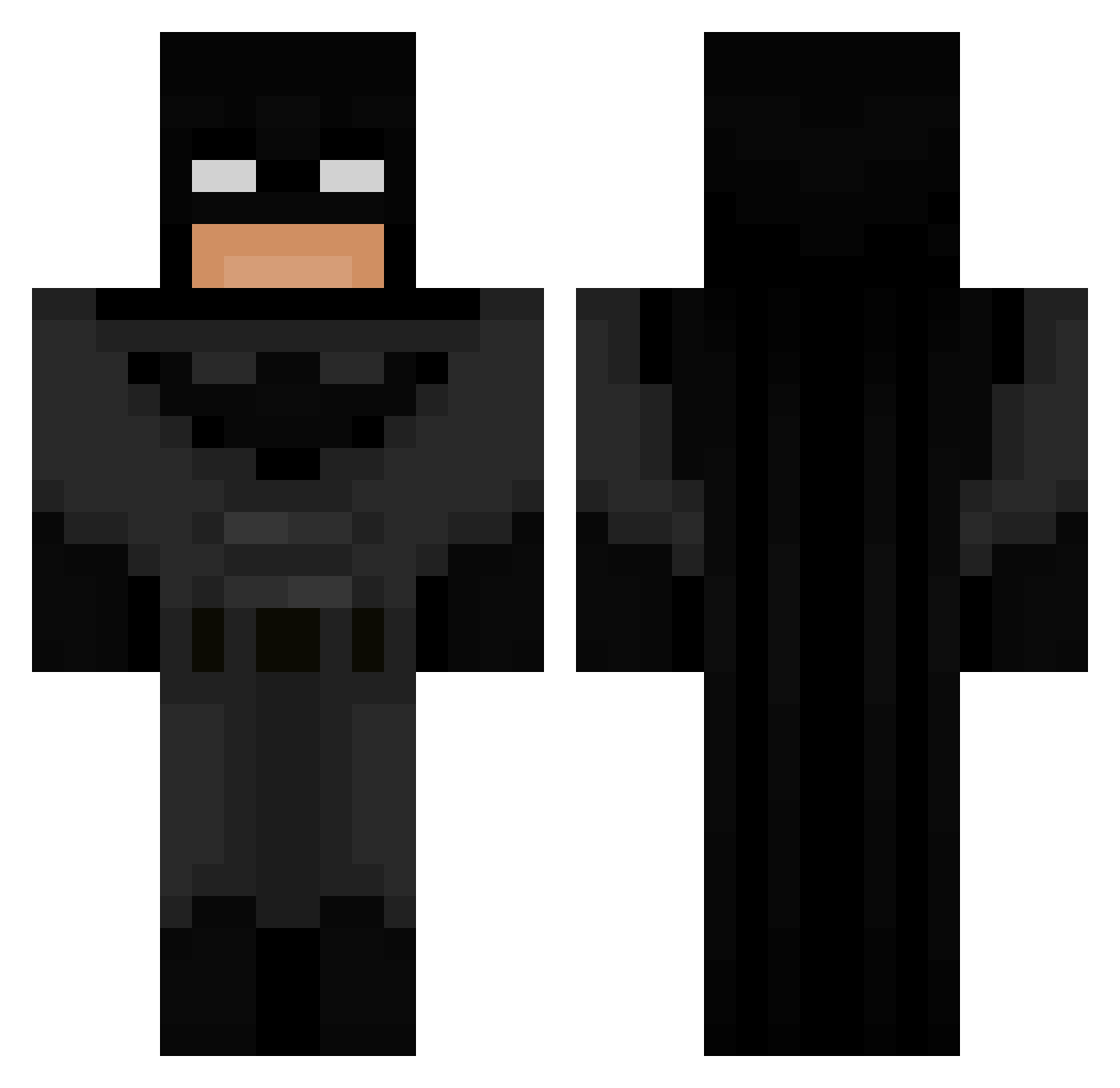
Current Minecraft skin of the player tume2, loaded from the official Mojang API. Rotate the 3D model with your mouse or finger, then download the skin as a PNG file and use it in Minecraft: Bedrock Edition or Java Edition for free. When tume2 changes their skin, this page updates automatically and the old skin stays in the history below.
Other players with this skin (694)
tume2 was the 366th player we have seen with this skin, first spotted on 18.09.2026. The same skin was seen on these players. Open a nickname to see their current skin and skin history.
 ik3k kebab244 huumie z1ph1xn_ Joeber123 Gravstone pagalinators21 plumislands Sevilli4 Valky02 AlphaNigmaWolf69 Zlavyyy zayed_Q7 Serwustadek trevin_123 TameTapestry482 HHH777hhh lizkinoko ipickcotton2 LucasCimpu moonlighing guiguixx7 t8ekyun RDeca Ace980 ThatBoi_ SaulRizman22 iloveefortnite Kentiax Mallardgod1111 BigmanisHereEZ Dol1n MilosMurilos Balint1112 keksikello retrocart Sosa2010 MrJo2006 FearLux Sqrtle ElNasser1997 THE_ZETTA VOIDPRIME09 tigerw00ds sassafrasery lukasb135790 Nerdyow Seaman2004 cx1n Toutouille27 mateimkv02 Bellaly_06 shatnaw_i NoahIsWashed CookieMastah BESTIAxo pap4v McChickenBigMac x_BoRzZ_x MindSky
More Batman Minecraft skins
How to install the tume2 skin
- Press the Download button above to save the skin as a PNG file.
- Minecraft: Bedrock Edition (PE): open the Dressing Room from the main menu (or tap your character → Edit Character), go to Classic Skins → Owned, press the + (new skin) button, choose the downloaded PNG and pick the Classic (Steve) model. Works on PC and mobile; consoles cannot import custom skins.
- Minecraft: Java Edition: open the Minecraft Launcher, go to the Skins tab, click New Skin, load the PNG, pick the Classic (Steve) model and press Save & Use. You can also upload it at minecraft.net → Profile → Change Skin.
The skin does not show up after import - what should I do?
Restart Minecraft and open the Dressing Room again - imported skins sometimes appear only after a restart. Also make sure you selected the imported skin and picked the Classic (Steve) model.
Which model should I choose, Classic or Slim?
This skin is designed for the Classic (Steve) model. If you pick the wrong model, the arms of the skin will look stretched or squeezed.
Is the skin of tume2 free to download?
Yes. Press Download, save the PNG file and use it in Minecraft: Bedrock Edition or Java Edition - no payment or registration needed. The skin also works on multiplayer servers and Realms.
More skins
Looking for more? Go back to all Minecraft skins and check the top skins of the week, month and all time, or find any player's skin by nickname.