
tmann56 - Minecraft Skins & Skin History
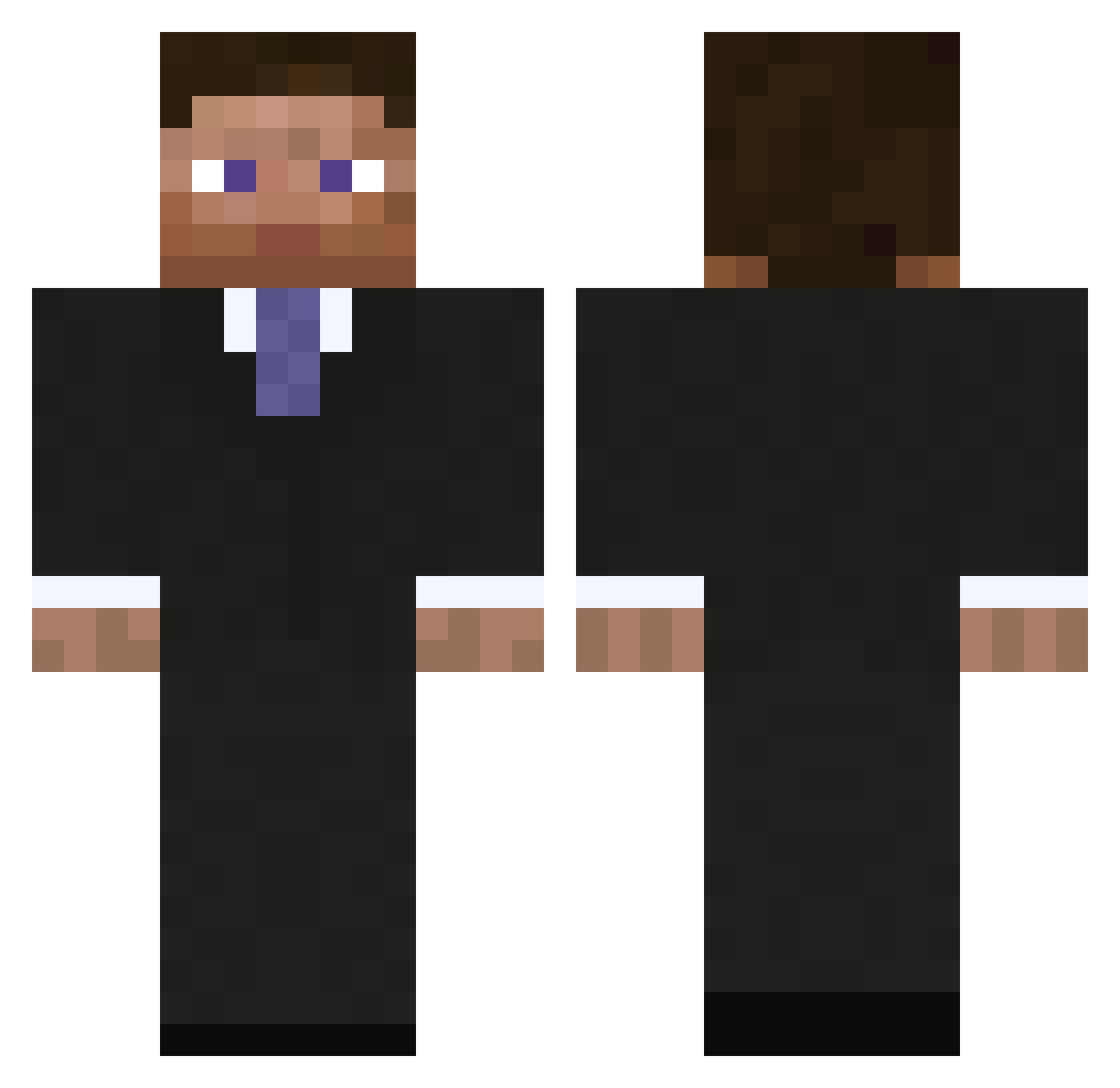
Current Minecraft skin of the player tmann56, loaded from the official Mojang API. Rotate the 3D model with your mouse or finger, then download the skin as a PNG file and use it in Minecraft: Bedrock Edition or Java Edition for free. When tmann56 changes their skin, this page updates automatically and the old skin stays in the history below.
Other players with this skin (793)
tmann56 was the 417th player we have seen with this skin, first spotted on 11.09.2026. The same skin was seen on these players. Open a nickname to see their current skin and skin history.
 deebug Xelvok Stefan244 Charlie_Dempsey TakahiroH Daniel330ao Bobiciss groovemotion Leo_Drake super7 burningsn0wman HotKnife95 doxzbob Squashy fnhc freeman00 Mo_Killer18 sydrace Morex_NL klatscher5
 TLA02 megasavageboy martimi1973 GinjaNinja112 Vires_Benethor zurgss Richi1806 Joshdude1000 Flasheart KolYang22 koshy1068 Binaji OsteBonden TT_Tumba Emil_pvp_ Lebeck gonzales1 apeilon defnotblue Frantic8th AgentJames95 farmerjones31 MichaelDukakis WhiteBlueDragon Midvari eugenioddg hQRelease DalinarKholin galacticnucleus Tarkrim Meqown bocasso gimlip hendrik11123 jonace13 richteaman rage1 Cel_Tera marathon300 Guaneri
More Businessman Minecraft skins
See all 5473 Businessman skins
How to install the tmann56 skin
- Press the Download button above to save the skin as a PNG file.
- Minecraft: Bedrock Edition (PE): open the Dressing Room from the main menu (or tap your character → Edit Character), go to Classic Skins → Owned, press the + (new skin) button, choose the downloaded PNG and pick the Classic (Steve) model. Works on PC and mobile; consoles cannot import custom skins.
- Minecraft: Java Edition: open the Minecraft Launcher, go to the Skins tab, click New Skin, load the PNG, pick the Classic (Steve) model and press Save & Use. You can also upload it at minecraft.net → Profile → Change Skin.
The skin does not show up after import - what should I do?
Restart Minecraft and open the Dressing Room again - imported skins sometimes appear only after a restart. Also make sure you selected the imported skin and picked the Classic (Steve) model.
Which model should I choose, Classic or Slim?
This skin is designed for the Classic (Steve) model. If you pick the wrong model, the arms of the skin will look stretched or squeezed.
Is the skin of tmann56 free to download?
Yes. Press Download, save the PNG file and use it in Minecraft: Bedrock Edition or Java Edition - no payment or registration needed. The skin also works on multiplayer servers and Realms.
More skins
Looking for more? Go back to all Minecraft skins and check the top skins of the week, month and all time, or find any player's skin by nickname.