
 ColbyA16 GeezCraft naqernf Halfpipe55 olidoodelie SontriaX tankinater JPLab Tomrionex abal4rr IAmHereTwo tingod thejavier13 VoBro1 xxsyrusvb Grunn_050 NWhiteTheKnight woooogomilton paocaix QB05_2 PurpleRiver RevisedRecoil megamor29 tikimaster11 ThomasPruitt andrewmacalister Shadywizard eric2203 TimmyDeluxe initialed85 iSynergy C477M3 gerojko lukehoare awesomefish212 pyjamasgod SkuLL_CrushA tomsome91 Grzenio95 MagicDragoSlayer LordKemp schmiedelstefan wolfini w33t8ix harrisony nemesiswill Er_Id spamalot58 BoredWalk Sgt_Noodlez FAILbUlder xXRoMmYXx Bennes darkinnit xTheBoss7 luckytrista123 moopoo1000 emil165b MrHornet Chiiko
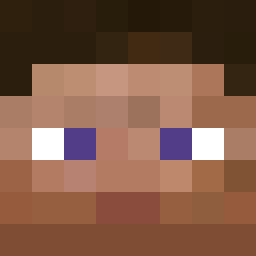
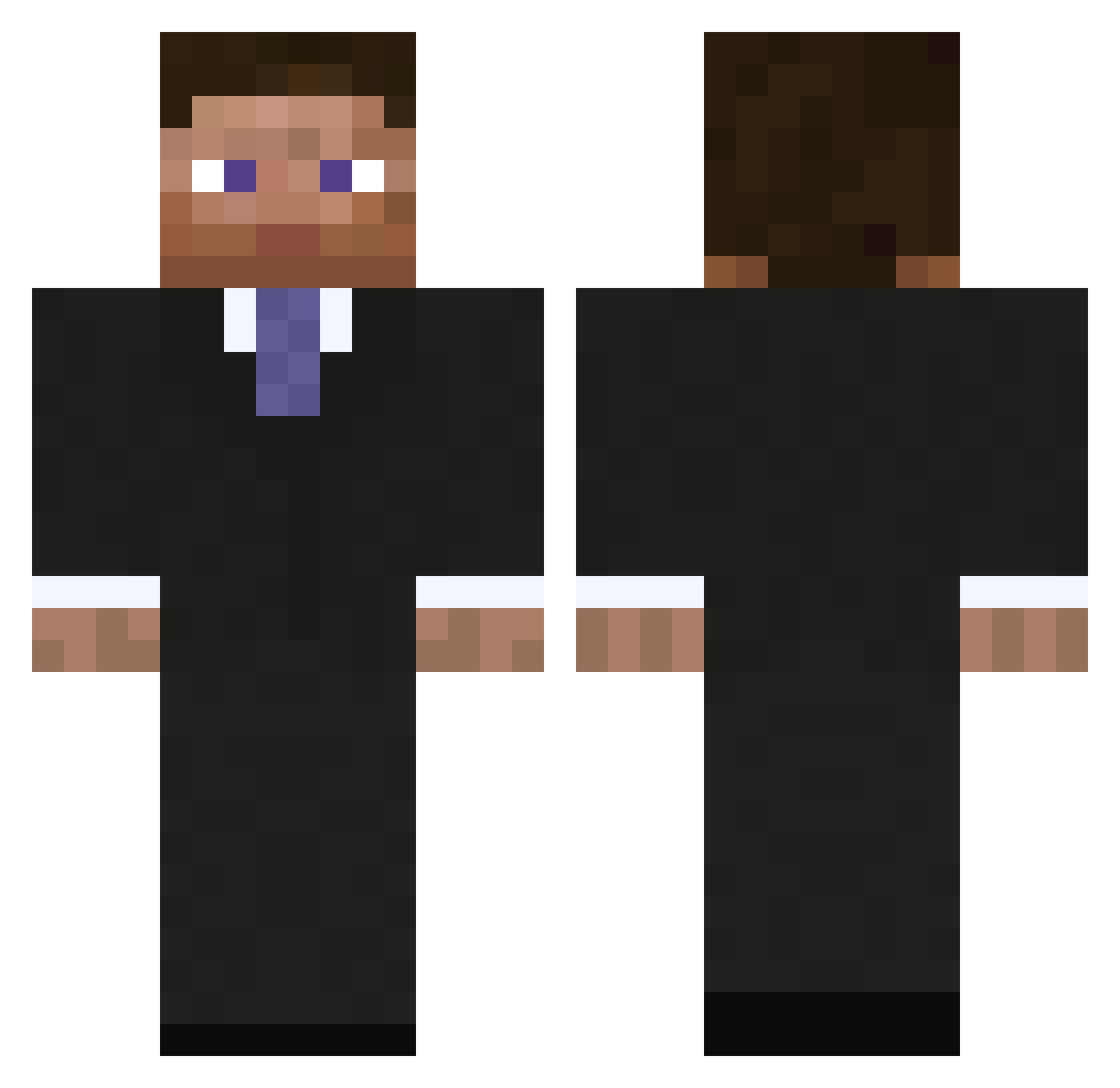
Minecraft skin of Ugandafrau. Rotate the 3D model with your mouse or finger to view the skin from every angle, then download it as a PNG file and use it in Minecraft: Bedrock Edition or Java Edition for free. Rate the skin with stars to help other players find the best skins in our collection.
How to install the Ugandafrau skin
- Press the Download button above to save the skin as a PNG file.
- Minecraft: Bedrock Edition (PE): open the Dressing Room from the main menu (or tap your character → Edit Character), go to Classic Skins → Owned, press the + (new skin) button, choose the downloaded PNG and pick the Classic (Steve) model. Works on PC and mobile; consoles cannot import custom skins.
- Minecraft: Java Edition: open the Minecraft Launcher, go to the Skins tab, click New Skin, load the PNG, pick the Classic (Steve) model and press Save & Use. You can also upload it at minecraft.net → Profile → Change Skin.
The skin does not show up after import - what should I do?
Restart Minecraft and open the Dressing Room again - imported skins sometimes appear only after a restart. Also make sure you selected the imported skin and picked the Classic (Steve) model.
Which model should I choose, Classic or Slim?
This skin is designed for the Classic (Steve) model. If you pick the wrong model, the arms of the skin will look stretched or squeezed.
Is this skin free to use?
Yes. Press Download, save the PNG file and use it in Minecraft: Bedrock Edition or Java Edition - no payment or registration needed. The skin also works on multiplayer servers and Realms.
More Businessman Minecraft skins
See all 6733 Businessman skins
More skins
Looking for more? Go back to all Minecraft skins and check the top skins of the week, month and all time, or find any player's skin by nickname.