
tim4ik050 - Minecraft Skins & Skin History
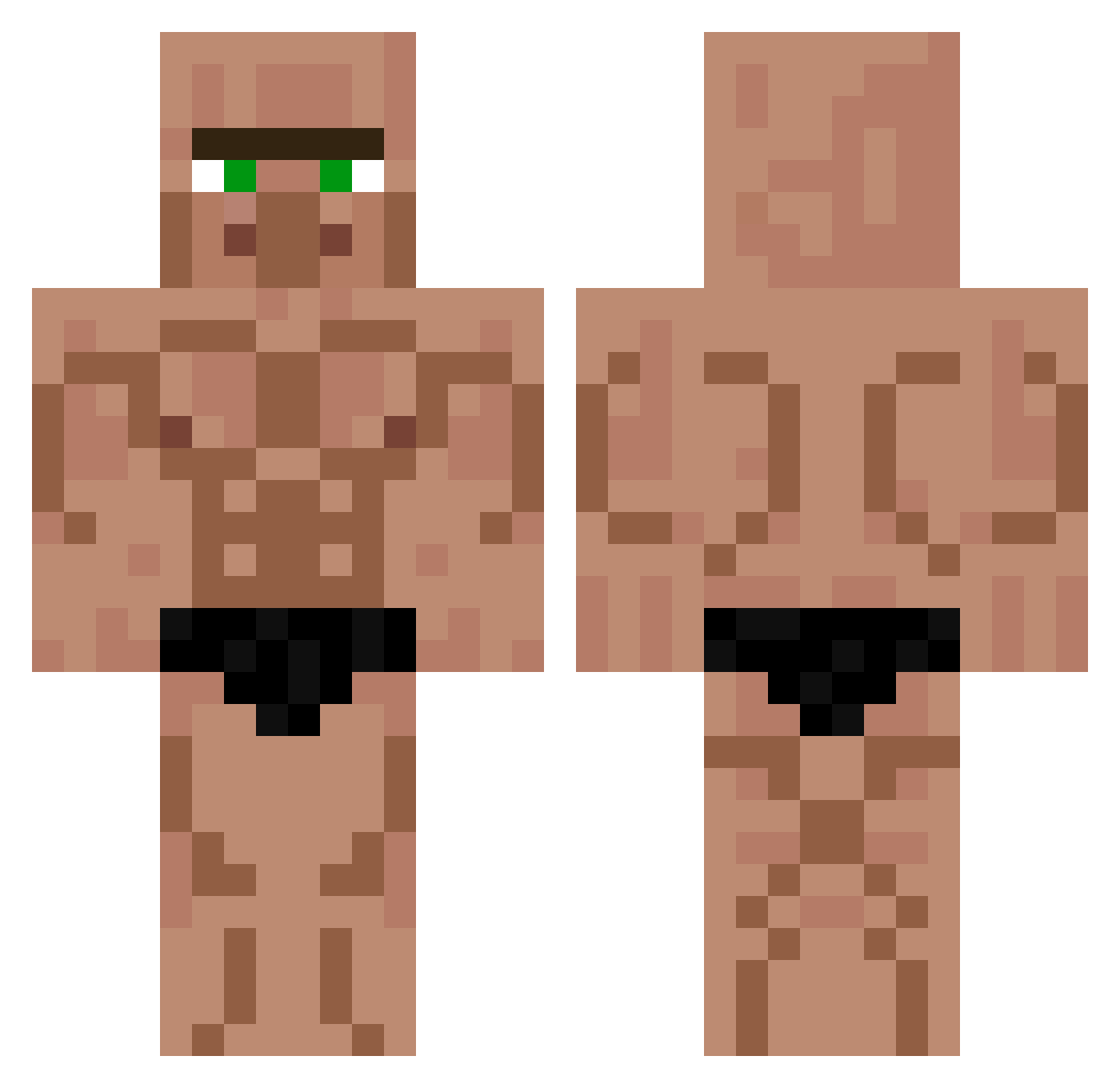
Current Minecraft skin of the player tim4ik050, loaded from the official Mojang API. Rotate the 3D model with your mouse or finger, then download the skin as a PNG file and use it in Minecraft: Bedrock Edition or Java Edition for free. When tim4ik050 changes their skin, this page updates automatically and the old skin stays in the history below.
Other players with this skin (735)
tim4ik050 was the 698th player we have seen with this skin, first spotted on 06.11.2026. The same skin was seen on these players. Open a nickname to see their current skin and skin history.
 thedonutdude37 JO008 MrSaphrax BBackBBacky madmas1 GuapChamp _guccimen_ chlrh wrastler_j KiKi_0319 ItsTheFrenchie nicopernix samu8243 TavukluPilav3169 Gwendichou543 fe0rty_ paulthebimbo crackers667 XT3K_Jatha Zelly308 Bulbacharishere Ye_ti_ elldill1 rladnqls08 Jack_Meoff__ Sanboa_ BaranScofield ktcrazy Joakim69 PoritzMoritz player_GrinchCat PinkPony117 Grigor1010 Askv1gen mrrosinho Sabrix010 Diam0nd_Sw0rd Olipanini Kingwulf123 mins_craft Wolfikaze Elon_Task GMFires hygnoto TbsFate SuperTatis daddyalanoppa NotElias_ MatsDijk VexKey o0BlackJesus0o Gheld_gheld virtualcaste kyoutar surelyachunny NoesniPipe Carmase Sampo0610 men12345 samshamei
More Buff Minecraft skins
How to install the tim4ik050 skin
- Press the Download button above to save the skin as a PNG file.
- Minecraft: Bedrock Edition (PE): open the Dressing Room from the main menu (or tap your character → Edit Character), go to Classic Skins → Owned, press the + (new skin) button, choose the downloaded PNG and pick the Classic (Steve) model. Works on PC and mobile; consoles cannot import custom skins.
- Minecraft: Java Edition: open the Minecraft Launcher, go to the Skins tab, click New Skin, load the PNG, pick the Classic (Steve) model and press Save & Use. You can also upload it at minecraft.net → Profile → Change Skin.
The skin does not show up after import - what should I do?
Restart Minecraft and open the Dressing Room again - imported skins sometimes appear only after a restart. Also make sure you selected the imported skin and picked the Classic (Steve) model.
Which model should I choose, Classic or Slim?
This skin is designed for the Classic (Steve) model. If you pick the wrong model, the arms of the skin will look stretched or squeezed.
Is the skin of tim4ik050 free to download?
Yes. Press Download, save the PNG file and use it in Minecraft: Bedrock Edition or Java Edition - no payment or registration needed. The skin also works on multiplayer servers and Realms.
More skins
Looking for more? Go back to all Minecraft skins and check the top skins of the week, month and all time, or find any player's skin by nickname.