
tianyu12345 - Minecraft Skins & Skin History
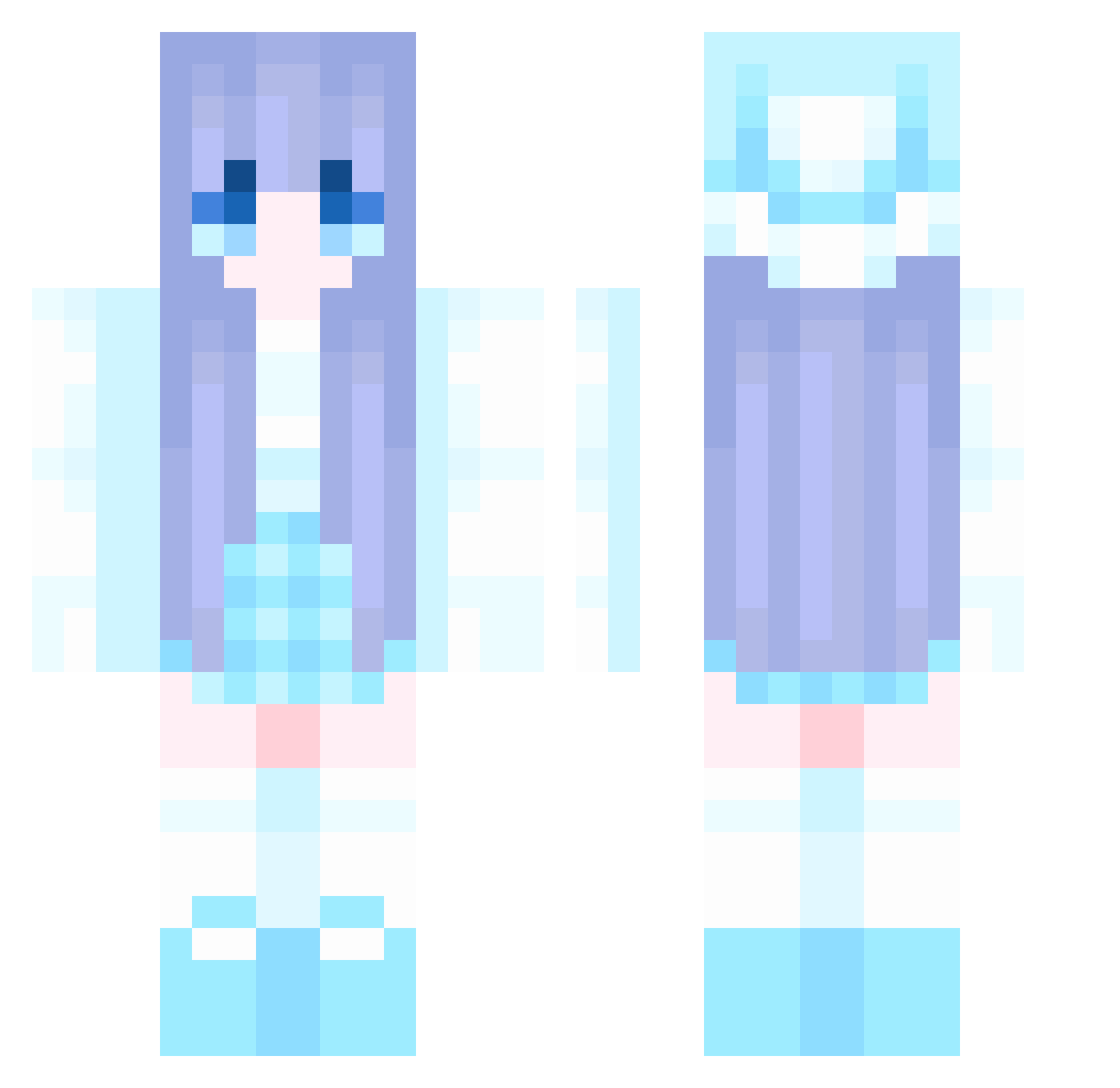
Current Minecraft skin of the player tianyu12345, loaded from the official Mojang API. Rotate the 3D model with your mouse or finger, then download the skin as a PNG file and use it in Minecraft: Bedrock Edition or Java Edition for free. When tianyu12345 changes their skin, this page updates automatically and the old skin stays in the history below.
Other players with this skin (943)
tianyu12345 was the 397th player we have seen with this skin, first spotted on 06.09.2026. The same skin was seen on these players. Open a nickname to see their current skin and skin history.
 hyun_woo09 BernardoGamer10 zhampoo kksdl axel0505 XXTDDDK MrsMcqueen xmy555 YG0501 De_JZ Aiwu5 Tian_a M1ghtySkyscr4p3r xI3ambi Superhero_666 Fructose66666 Gg_boop luo331 siweka777 noke1129 BBju95 RubbishMaster LauRivi dyc007 HotNatalcia stioopa Yane_O fgg66 AuntieSarah vrista SkyStriker2 tls1232 sleepDH TT_Bacon DaiDaiyue N0n1y_ Nightsky0712 NoisyMonkey3852 kongyang37 Mochizuki_Kaede hua7089 Mikelck Laodi110 zzwwjjg zzbd001 luolingmeng spooniiix shawn30819 rdy18 Man4296 Pox1ng yellowang wengzh wangxun Fabian_HD02 Brendask Pip_Squeak89 Heng_Xin Fezjk ruirui0727
More Winter Minecraft skins
How to install the tianyu12345 skin
- Press the Download button above to save the skin as a PNG file.
- Minecraft: Bedrock Edition (PE): open the Dressing Room from the main menu (or tap your character → Edit Character), go to Classic Skins → Owned, press the + (new skin) button, choose the downloaded PNG and pick the Classic (Steve) model. Works on PC and mobile; consoles cannot import custom skins.
- Minecraft: Java Edition: open the Minecraft Launcher, go to the Skins tab, click New Skin, load the PNG, pick the Classic (Steve) model and press Save & Use. You can also upload it at minecraft.net → Profile → Change Skin.
The skin does not show up after import - what should I do?
Restart Minecraft and open the Dressing Room again - imported skins sometimes appear only after a restart. Also make sure you selected the imported skin and picked the Classic (Steve) model.
Which model should I choose, Classic or Slim?
This skin is designed for the Classic (Steve) model. If you pick the wrong model, the arms of the skin will look stretched or squeezed.
Is the skin of tianyu12345 free to download?
Yes. Press Download, save the PNG file and use it in Minecraft: Bedrock Edition or Java Edition - no payment or registration needed. The skin also works on multiplayer servers and Realms.
More skins
Looking for more? Go back to all Minecraft skins and check the top skins of the week, month and all time, or find any player's skin by nickname.