
teovwv - Minecraft Skins & Skin History
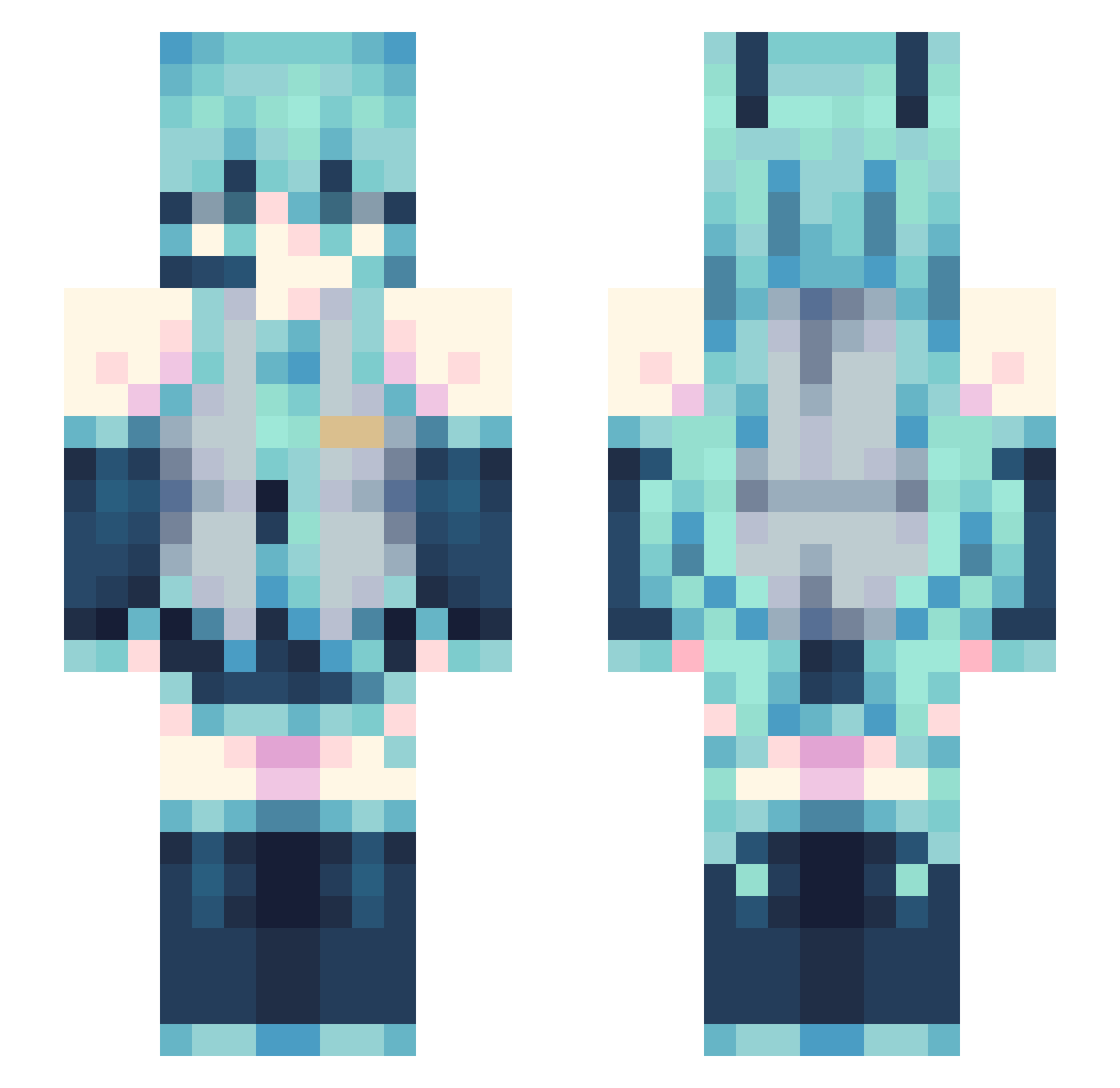
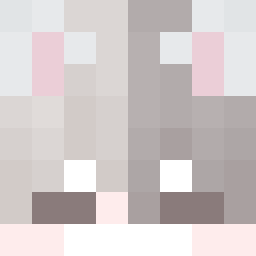
Current Minecraft skin of the player teovwv, loaded from the official Mojang API. Rotate the 3D model with your mouse or finger, then download the skin as a PNG file and use it in Minecraft: Bedrock Edition or Java Edition for free. When teovwv changes their skin, this page updates automatically and the old skin stays in the history below.
Other players with this skin (117)
teovwv was the 15th player we have seen with this skin, first spotted on 11.08.2026. The same skin was seen on these players. Open a nickname to see their current skin and skin history.
 Kuri__Kara hvun churulik
 qlat iebf Alc4raz J9he
 MrT3X nLjhhh HonkerBonker milk178
 requiemforyoou FrezCrow
 ByBubble6868 Spangela13
 Mustitur
 Auggie_512 Zkaaaaaai_
 CoolChicken48 MishhMashhh ReQu_u TheVoidSeraph LvK0422
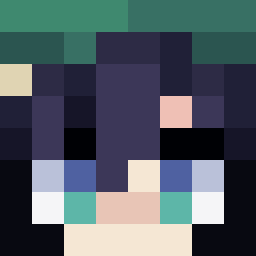 Pixelator6969
 PiantaColma1981
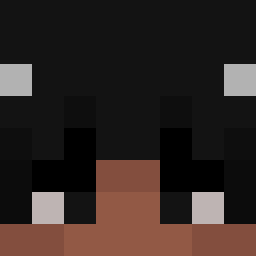 aldoxmc
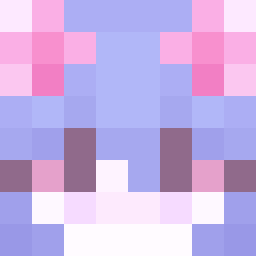 faithsworldd Wallom17 SirSuavi Nanvi Luizin0018
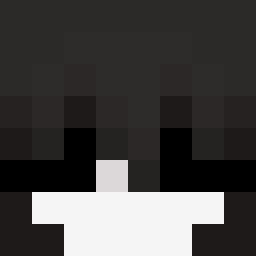 n1k0ss_s _PH_antom_YT UC_Che_Guevara
 LaserSami
 technical_op Bylucario DozenWinner4765 KR_maggoinf weeP_weeP
 Axiom45 urxouxx Rhyyu2160
 kokeva
 Flips__471
 ks_zynx Red_Alert_2 Chulito21 VaniVienen Elsuxing BobBillyBoy kaizer340 Crowds555 Miru_ton Wilu_05 kubix3124 KatEmoticon seriyplant florek0 AyuNamie
Previous skins of teovwv
Skins that teovwv wore before, newest first. Click a skin to open its page and download it.
More Hatsune Miku Minecraft skins
See all 788 Hatsune Miku skins
How to install the teovwv skin
- Press the Download button above to save the skin as a PNG file.
- Minecraft: Bedrock Edition (PE): open the Dressing Room from the main menu (or tap your character → Edit Character), go to Classic Skins → Owned, press the + (new skin) button, choose the downloaded PNG and pick the Slim (Alex) model. Works on PC and mobile; consoles cannot import custom skins.
- Minecraft: Java Edition: open the Minecraft Launcher, go to the Skins tab, click New Skin, load the PNG, pick the Slim (Alex) model and press Save & Use. You can also upload it at minecraft.net → Profile → Change Skin.
The skin does not show up after import - what should I do?
Restart Minecraft and open the Dressing Room again - imported skins sometimes appear only after a restart. Also make sure you selected the imported skin and picked the Slim (Alex) model.
Which model should I choose, Classic or Slim?
This skin is designed for the Slim (Alex) model. If you pick the wrong model, the arms of the skin will look stretched or squeezed.
Is the skin of teovwv free to download?
Yes. Press Download, save the PNG file and use it in Minecraft: Bedrock Edition or Java Edition - no payment or registration needed. The skin also works on multiplayer servers and Realms.
More skins
Looking for more? Go back to all Minecraft skins and check the top skins of the week, month and all time, or find any player's skin by nickname.