
tatjanka - Minecraft Skins & Skin History
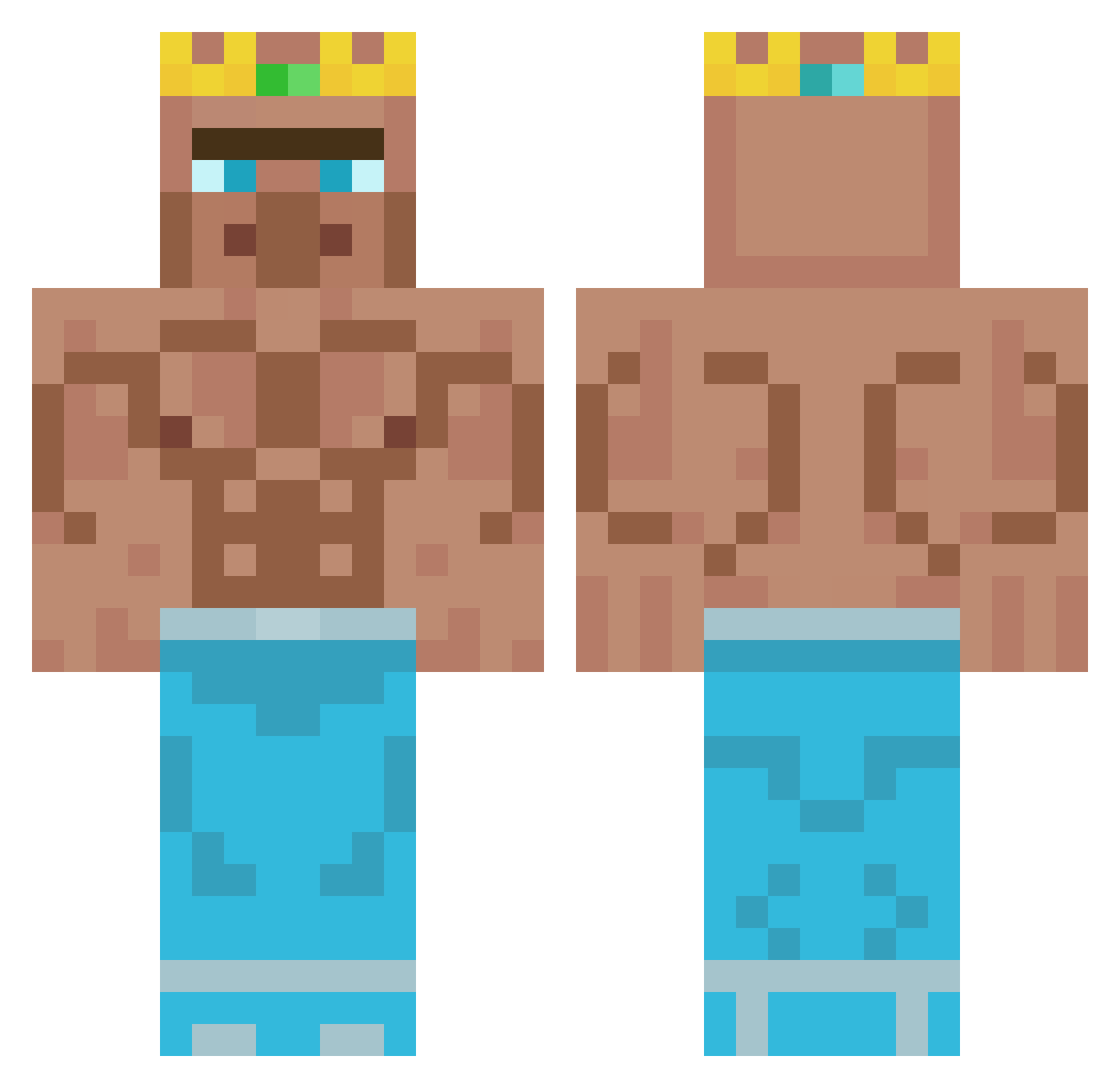
Current Minecraft skin of the player tatjanka, loaded from the official Mojang API. Rotate the 3D model with your mouse or finger, then download the skin as a PNG file and use it in Minecraft: Bedrock Edition or Java Edition for free. When tatjanka changes their skin, this page updates automatically and the old skin stays in the history below.
Other players with this skin (429)
tatjanka was the 387th player we have seen with this skin, first spotted on 30.10.2026. The same skin was seen on these players. Open a nickname to see their current skin and skin history.
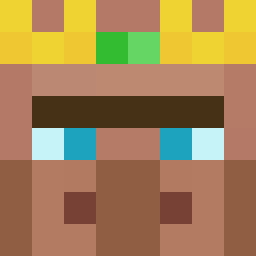 Guntah_ Athenaeee lavaleo_ rnjswltn12 SchnitteKonny DankieMankie formOK _Fuzzey_ Schokomampf01 Mortensm TurneyGuy jaavii74 Dimmi_Innit Spartanlouis37 TyronesMeat revilo0oO WhammyboyCFC Dean1313 Hinin BaronPraxis2000 EvenBye poopsicle4 Scoreless1 brocrodile grumpy_goose_9 rockwinter2005 stutzn Ali1080 FakeMarv Bigdunkjakku ArchKodaBear SodaBoi Arciniegas17 andrewdesteve Petersilie_187 Mr0Fristi Palomo199 blauerpilz KingJ4532 molodoi_goroh R_P_G_ _MrB4nana BeansBohnen Maciek_Ka Csroli Oberlalu roasted_nuts777 JamesGrimes Theavanter ShadowMage30 Ldean1313 CopperSkillGamer epicginger0 MysticAU Ostarine xxmh_ Glitchy777 monki1257 Fiskekake27 insectopod
More Buff Minecraft skins
How to install the tatjanka skin
- Press the Download button above to save the skin as a PNG file.
- Minecraft: Bedrock Edition (PE): open the Dressing Room from the main menu (or tap your character → Edit Character), go to Classic Skins → Owned, press the + (new skin) button, choose the downloaded PNG and pick the Classic (Steve) model. Works on PC and mobile; consoles cannot import custom skins.
- Minecraft: Java Edition: open the Minecraft Launcher, go to the Skins tab, click New Skin, load the PNG, pick the Classic (Steve) model and press Save & Use. You can also upload it at minecraft.net → Profile → Change Skin.
The skin does not show up after import - what should I do?
Restart Minecraft and open the Dressing Room again - imported skins sometimes appear only after a restart. Also make sure you selected the imported skin and picked the Classic (Steve) model.
Which model should I choose, Classic or Slim?
This skin is designed for the Classic (Steve) model. If you pick the wrong model, the arms of the skin will look stretched or squeezed.
Is the skin of tatjanka free to download?
Yes. Press Download, save the PNG file and use it in Minecraft: Bedrock Edition or Java Edition - no payment or registration needed. The skin also works on multiplayer servers and Realms.
More skins
Looking for more? Go back to all Minecraft skins and check the top skins of the week, month and all time, or find any player's skin by nickname.