
tadeuzeragamer - Minecraft Skins & Skin History
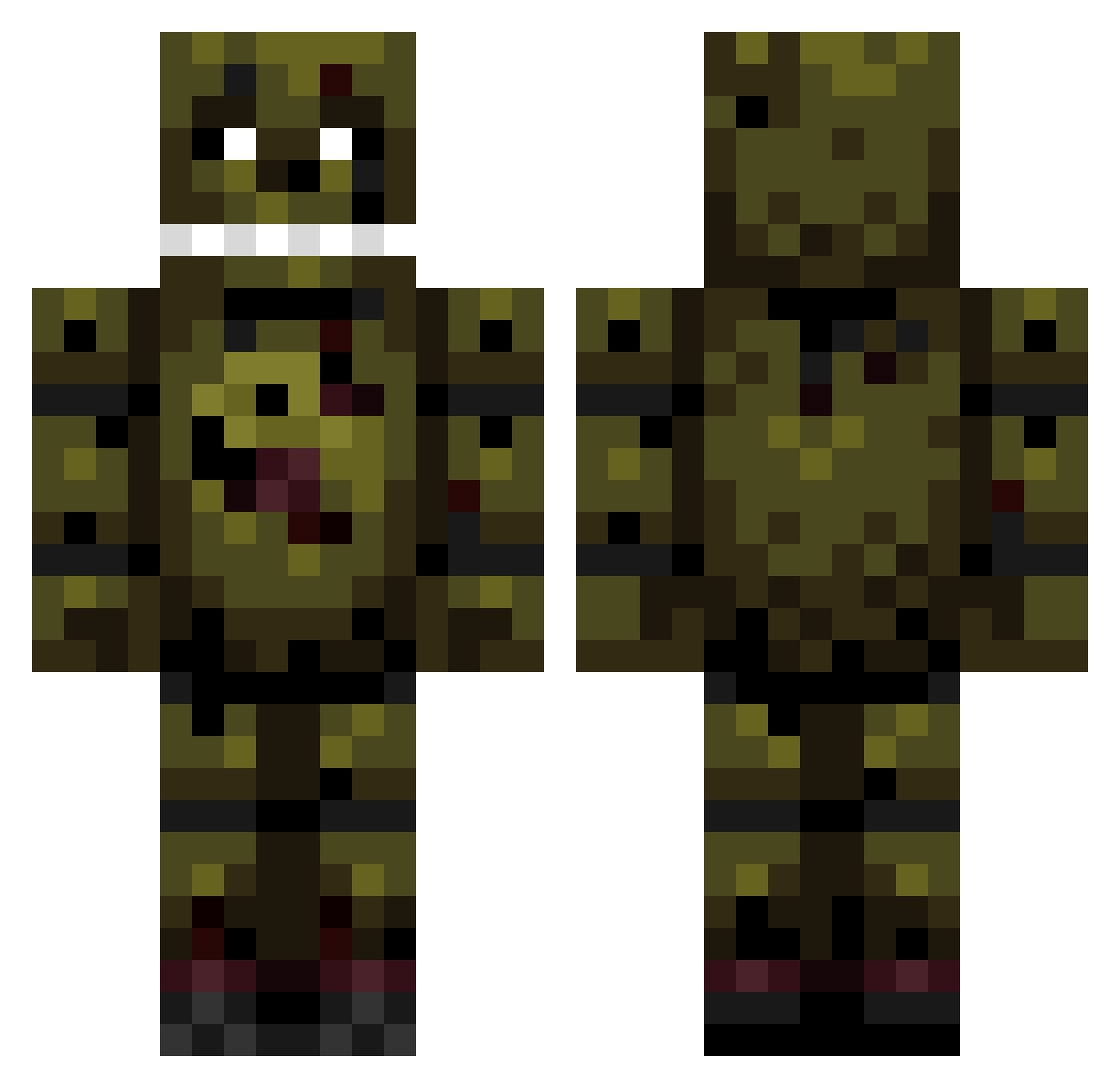
Current Minecraft skin of the player tadeuzeragamer, loaded from the official Mojang API. Rotate the 3D model with your mouse or finger, then download the skin as a PNG file and use it in Minecraft: Bedrock Edition or Java Edition for free. When tadeuzeragamer changes their skin, this page updates automatically and the old skin stays in the history below.
Other players with this skin (84)
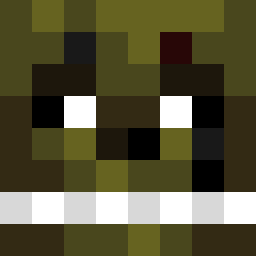
tadeuzeragamer was the 27th player we have seen with this skin, first spotted on 01.09.2026. The same skin was seen on these players. Open a nickname to see their current skin and skin history.
 Crilyu Apnex248 SD_RoBoy TurboBolek commandersilly7 arrestedgame82 Humphrey_Gameing DarKing_SD return_end fishakol guardgooner45 zohroviks NalLopes Walter_H_White12 Vleeskroket77 Ghost_Zika GripSuina CircularBoat742 LilAirTobi KAy04 PIOTERU_V ToxicWRLD1534 BuIIdog_ Youvataque Bot_Jeff_ GBender420 sxphilis HeliAce johnnfkennedy GABIJORDAO Modern32 funnyyay DEFNEAYAZ Creepybcn 127emily Fanatrix10 ethantorstrick Doodlebugiscool Futives23 thetorch12378 Nerd_Bjj D4rkSoup Obamovitch MADMAXV1 LostVayne1629 Bolillo6103 CarrieRose1234 Jake1222 busterboy33 GaymerTree16 MrJungl1st CodeDependent SpringtrapXVI
 _Ark_Exe_ Wolnobieg Baddan45 Rooney1948 abacus1803 LokiutZ_ JangHunjin
More Springtrap Minecraft skins
How to install the tadeuzeragamer skin
- Press the Download button above to save the skin as a PNG file.
- Minecraft: Bedrock Edition (PE): open the Dressing Room from the main menu (or tap your character → Edit Character), go to Classic Skins → Owned, press the + (new skin) button, choose the downloaded PNG and pick the Classic (Steve) model. Works on PC and mobile; consoles cannot import custom skins.
- Minecraft: Java Edition: open the Minecraft Launcher, go to the Skins tab, click New Skin, load the PNG, pick the Classic (Steve) model and press Save & Use. You can also upload it at minecraft.net → Profile → Change Skin.
The skin does not show up after import - what should I do?
Restart Minecraft and open the Dressing Room again - imported skins sometimes appear only after a restart. Also make sure you selected the imported skin and picked the Classic (Steve) model.
Which model should I choose, Classic or Slim?
This skin is designed for the Classic (Steve) model. If you pick the wrong model, the arms of the skin will look stretched or squeezed.
Is the skin of tadeuzeragamer free to download?
Yes. Press Download, save the PNG file and use it in Minecraft: Bedrock Edition or Java Edition - no payment or registration needed. The skin also works on multiplayer servers and Realms.
More skins
Looking for more? Go back to all Minecraft skins and check the top skins of the week, month and all time, or find any player's skin by nickname.