
sylouse39 - Minecraft Skins & Skin History
Current Minecraft skin of the player sylouse39, loaded from the official Mojang API. Rotate the 3D model with your mouse or finger, then download the skin as a PNG file and use it in Minecraft: Bedrock Edition or Java Edition for free. When sylouse39 changes their skin, this page updates automatically and the old skin stays in the history below.
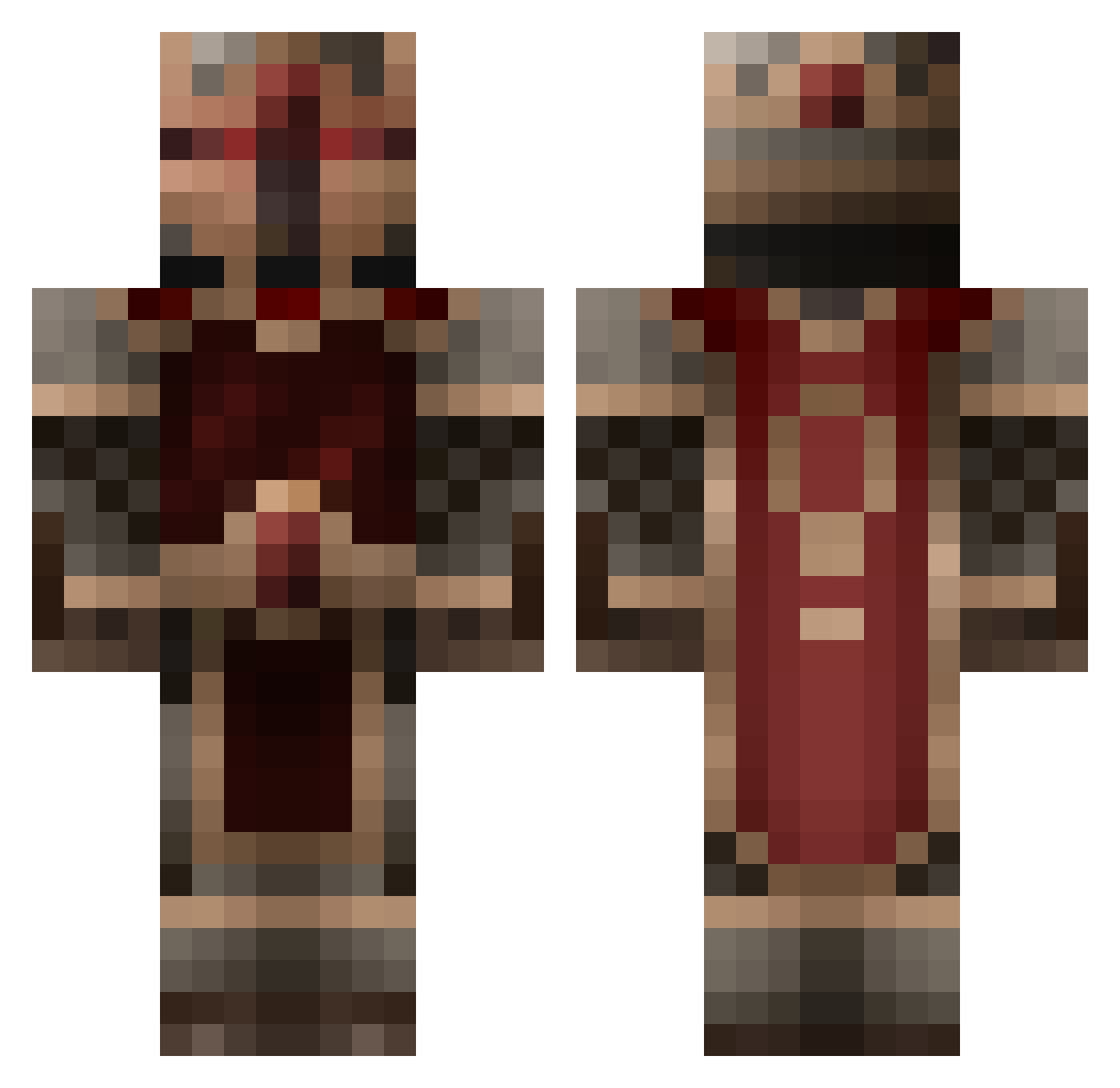
Other players with this skin (297)
sylouse39 was the 286th player we have seen with this skin, first spotted on 14.11.2026. The same skin was seen on these players. Open a nickname to see their current skin and skin history.
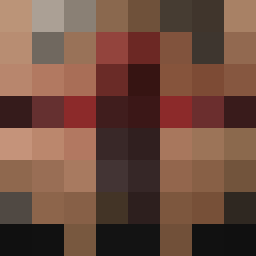 Lanselotto TunnelLord96 Cronks_stonks Brewskie Viol0ut ClaussMouse LoyalSmoke Dagn samael565 Zumaysynba zwiebertje97 Sodiakgamer CrossHom CRG1281 Burger_Maen MyNameIsJenkins Rofflhunter Kosmonut Dogso vigilate_tuum Tsurara_Onna raveIIYaYzibS4a6 Dispix_ coco2bastia BlueTurtle19 astockdesigns TemplarSC Midnight009 baalos TUTOXO HawaiianAngler BeckyTheSlayer OKAMI_FF Crusher_222 S0mar StahlwerkHD Skodori Weissman Byce3 ItsFist jfto1 Alex_The_Gr8_ DignityWar Ysgrad Wolf_Master3000 ErCaLe Hugros21 DaniMSI NebulusDestroyer eisen456 V666V Ketmandeal commander_321 stevou14 lich54324 Jawisian le_gamer_12 Talladega238 Leccio05 GodlikeGoomba
More King Minecraft skins
How to install the sylouse39 skin
- Press the Download button above to save the skin as a PNG file.
- Minecraft: Bedrock Edition (PE): open the Dressing Room from the main menu (or tap your character → Edit Character), go to Classic Skins → Owned, press the + (new skin) button, choose the downloaded PNG and pick the Classic (Steve) model. Works on PC and mobile; consoles cannot import custom skins.
- Minecraft: Java Edition: open the Minecraft Launcher, go to the Skins tab, click New Skin, load the PNG, pick the Classic (Steve) model and press Save & Use. You can also upload it at minecraft.net → Profile → Change Skin.
The skin does not show up after import - what should I do?
Restart Minecraft and open the Dressing Room again - imported skins sometimes appear only after a restart. Also make sure you selected the imported skin and picked the Classic (Steve) model.
Which model should I choose, Classic or Slim?
This skin is designed for the Classic (Steve) model. If you pick the wrong model, the arms of the skin will look stretched or squeezed.
Is the skin of sylouse39 free to download?
Yes. Press Download, save the PNG file and use it in Minecraft: Bedrock Edition or Java Edition - no payment or registration needed. The skin also works on multiplayer servers and Realms.
More skins
Looking for more? Go back to all Minecraft skins and check the top skins of the week, month and all time, or find any player's skin by nickname.