
swaggerdude42 - Minecraft Skins & Skin History
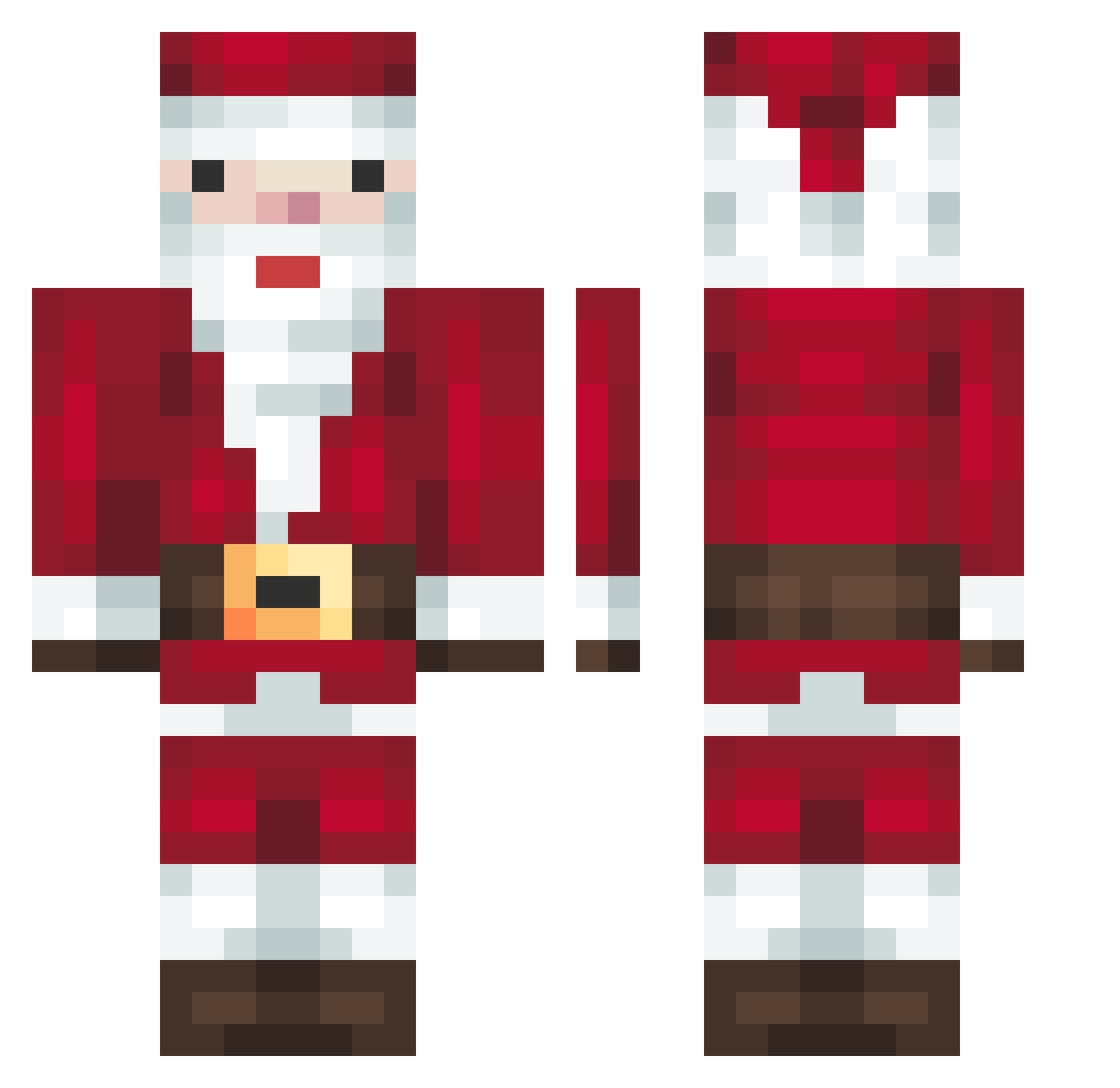
Current Minecraft skin of the player swaggerdude42, loaded from the official Mojang API. Rotate the 3D model with your mouse or finger, then download the skin as a PNG file and use it in Minecraft: Bedrock Edition or Java Edition for free. When swaggerdude42 changes their skin, this page updates automatically and the old skin stays in the history below.
Other players with this skin (328)
swaggerdude42 was the 281st player we have seen with this skin, first spotted on 02.11.2026. The same skin was seen on these players. Open a nickname to see their current skin and skin history.
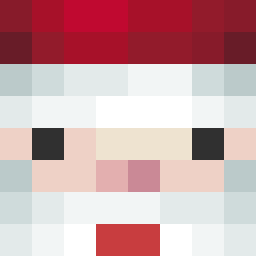 polo010101 daskranz lil_romanski eneeskaya helpicri mayo_tyan JasioKasti2012 szeregowypigula amanthewarrior DynamicPunch5 cwl1022 Santi2Go dbriggzz giuseppebcc SomeVlone darkfiregg TOT9913 SgtNimura DoRiTTosss MoonBird7 NicolasGSD ByyDanix Innanee Hwang_ddo Lucksort1 marchllol Bluerainbow88 TangWL StonksTV majkeleje whereisbean swissibang meliciano Transporter_YT trigger_tak ARDATTEA Paaskaa mrwhite313131 KasifDora6 Gamer_2022 Rxn3y Jackal2h hasakix1 Marihuanenx I_BESHI_I MaitreRolex Rafasupergirl GoogleFrance WadehadedudedaX Lendex89 chilltheo znzldpahd carlosandr Acunita colla30 janjabajan iMpuls30 4k_z_y8 Ryan_147 donenricos
More Santa Claus Minecraft skins
How to install the swaggerdude42 skin
- Press the Download button above to save the skin as a PNG file.
- Minecraft: Bedrock Edition (PE): open the Dressing Room from the main menu (or tap your character → Edit Character), go to Classic Skins → Owned, press the + (new skin) button, choose the downloaded PNG and pick the Classic (Steve) model. Works on PC and mobile; consoles cannot import custom skins.
- Minecraft: Java Edition: open the Minecraft Launcher, go to the Skins tab, click New Skin, load the PNG, pick the Classic (Steve) model and press Save & Use. You can also upload it at minecraft.net → Profile → Change Skin.
The skin does not show up after import - what should I do?
Restart Minecraft and open the Dressing Room again - imported skins sometimes appear only after a restart. Also make sure you selected the imported skin and picked the Classic (Steve) model.
Which model should I choose, Classic or Slim?
This skin is designed for the Classic (Steve) model. If you pick the wrong model, the arms of the skin will look stretched or squeezed.
Is the skin of swaggerdude42 free to download?
Yes. Press Download, save the PNG file and use it in Minecraft: Bedrock Edition or Java Edition - no payment or registration needed. The skin also works on multiplayer servers and Realms.
More skins
Looking for more? Go back to all Minecraft skins and check the top skins of the week, month and all time, or find any player's skin by nickname.