
 slag110 YBKEEF vigaviggo darraghc333 Hasikoko CristianWYE SpongeRobert Hexogone K1NG_Julien_ rachawill kirstynkoala EricXd Orogosaki KiNgDiRtY20 Atgaca Zidgy toast_fred V_kT0r22119 TheUltraGronckle UAEFOX12 SergeantPoossy talltejas Rraw Jordan_Air2012 muffpunch pizzatriplebacon jaidahamilton ScoobyDoobyDoge TheAzkhar BlushingAngel xAnKo_X iCIV2 viperSLATTT Faithytale DangerZone20 ItsRaiim Lainausiek CoffeeSpilled TheDarkDungeoner bbuw Veif Nailik2111 _0K__ daddycetric mimisqueen yelrebmikjl StarberrySeal Spiriruner Dru_Dru Ciggy_Heax3 IWasTooYoung fortniteballs24 MiddleRoamingMan c0ndm MilhousNixon shrekiscoolswag Waraioni mrsjordanreal BFindt Naelouuu
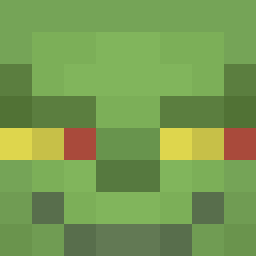
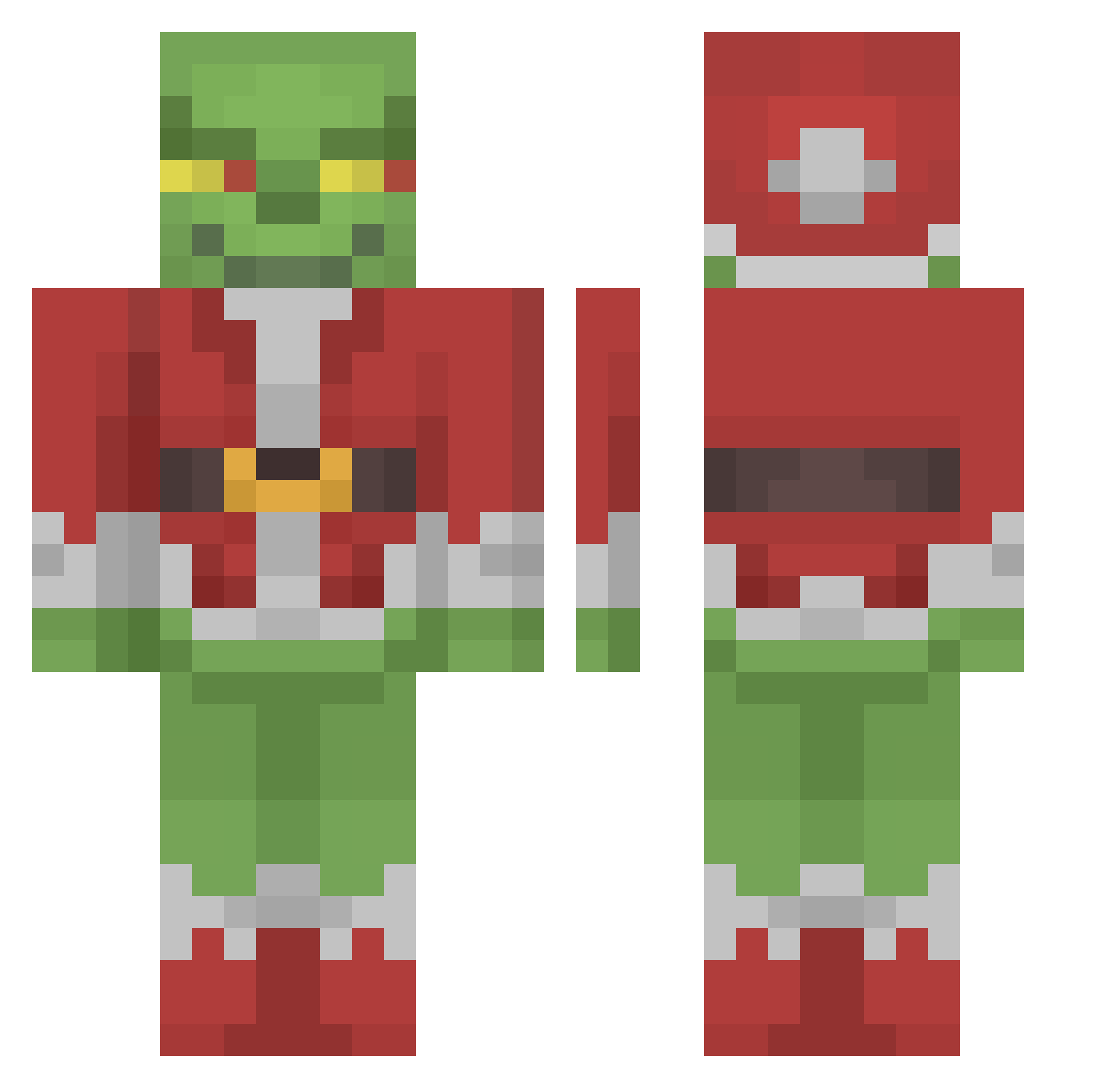
Minecraft skin of Chandley92. Rotate the 3D model with your mouse or finger to view the skin from every angle, then download it as a PNG file and use it in Minecraft: Bedrock Edition or Java Edition for free. Rate the skin with stars to help other players find the best skins in our collection.
How to install the Chandley92 skin
- Press the Download button above to save the skin as a PNG file.
- Minecraft: Bedrock Edition (PE): open the Dressing Room from the main menu (or tap your character → Edit Character), go to Classic Skins → Owned, press the + (new skin) button, choose the downloaded PNG and pick the Classic (Steve) model. Works on PC and mobile; consoles cannot import custom skins.
- Minecraft: Java Edition: open the Minecraft Launcher, go to the Skins tab, click New Skin, load the PNG, pick the Classic (Steve) model and press Save & Use. You can also upload it at minecraft.net → Profile → Change Skin.
The skin does not show up after import - what should I do?
Restart Minecraft and open the Dressing Room again - imported skins sometimes appear only after a restart. Also make sure you selected the imported skin and picked the Classic (Steve) model.
Which model should I choose, Classic or Slim?
This skin is designed for the Classic (Steve) model. If you pick the wrong model, the arms of the skin will look stretched or squeezed.
Is this skin free to use?
Yes. Press Download, save the PNG file and use it in Minecraft: Bedrock Edition or Java Edition - no payment or registration needed. The skin also works on multiplayer servers and Realms.
More The Grinch Minecraft skins
More skins
Looking for more? Go back to all Minecraft skins and check the top skins of the week, month and all time, or find any player's skin by nickname.