
superowls4me - Minecraft Skins & Skin History
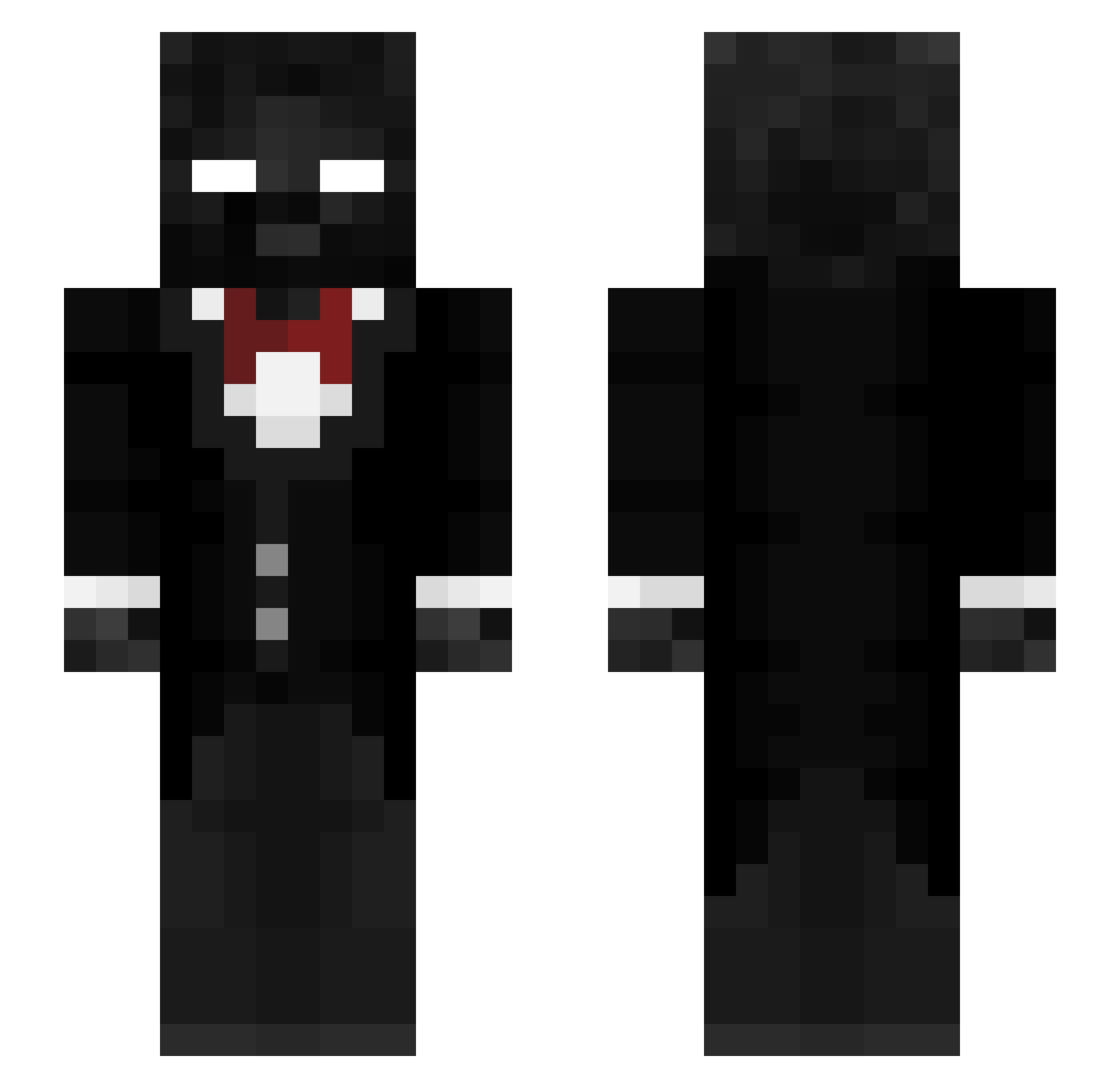
Current Minecraft skin of the player superowls4me, loaded from the official Mojang API. Rotate the 3D model with your mouse or finger, then download the skin as a PNG file and use it in Minecraft: Bedrock Edition or Java Edition for free. When superowls4me changes their skin, this page updates automatically and the old skin stays in the history below.
Other players with this skin (304)
superowls4me was the 100th player we have seen with this skin, first spotted on 30.08.2026. The same skin was seen on these players. Open a nickname to see their current skin and skin history.
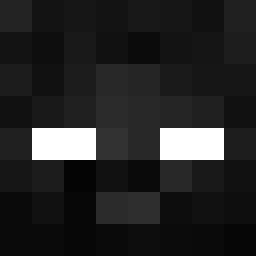 Jjaska456576854 Alemarco2010 Cenntu Manepierc3
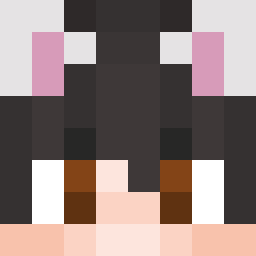 BigFL0ppa_1337 WuBryson WzkerDownBad dracvs
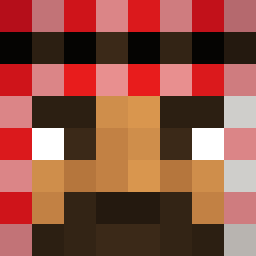 KavishN786 Thelion08_ Itz_Retroz DispicableDuck2 DaTeng0919 jasiekvrelo Tazoe0164 Creben McFaBaZaaRmepMB
 GamerLp187 _xeinx SalemRoyal Fetter_Ogar MAOAM15 moh_m0ney Changsuii Playmobil_01
 shadwman10 _STR1D3_
 waffle401 _Eedwin_ Twe1veseconds PiXiE_12 Ovelaud tonyhat839 Verxey___ fichti123 bunzZz2 Tim_1909
 The_R3deemer loffdawg P3wP3wMC JaceNinja69 DarkSword___ Tipou633 apoiiieeent Piliger28 NachoAzo Antfrostdgh c506 Edvardsson SGWIS LeonardoFontana Trycee_ jayjustraps
 YoungPunchman bigblackboy123_ TTV_FaudThug
 LimesAreSour viggok14 Mazen_GH ItzSaif_
How to install the superowls4me skin
- Press the Download button above to save the skin as a PNG file.
- Minecraft: Bedrock Edition (PE): open the Dressing Room from the main menu (or tap your character → Edit Character), go to Classic Skins → Owned, press the + (new skin) button, choose the downloaded PNG and pick the Slim (Alex) model. Works on PC and mobile; consoles cannot import custom skins.
- Minecraft: Java Edition: open the Minecraft Launcher, go to the Skins tab, click New Skin, load the PNG, pick the Slim (Alex) model and press Save & Use. You can also upload it at minecraft.net → Profile → Change Skin.
The skin does not show up after import - what should I do?
Restart Minecraft and open the Dressing Room again - imported skins sometimes appear only after a restart. Also make sure you selected the imported skin and picked the Slim (Alex) model.
Which model should I choose, Classic or Slim?
This skin is designed for the Slim (Alex) model. If you pick the wrong model, the arms of the skin will look stretched or squeezed.
Is the skin of superowls4me free to download?
Yes. Press Download, save the PNG file and use it in Minecraft: Bedrock Edition or Java Edition - no payment or registration needed. The skin also works on multiplayer servers and Realms.
More skins
Looking for more? Go back to all Minecraft skins and check the top skins of the week, month and all time, or find any player's skin by nickname.