
sullyg02 - Minecraft Skins & Skin History
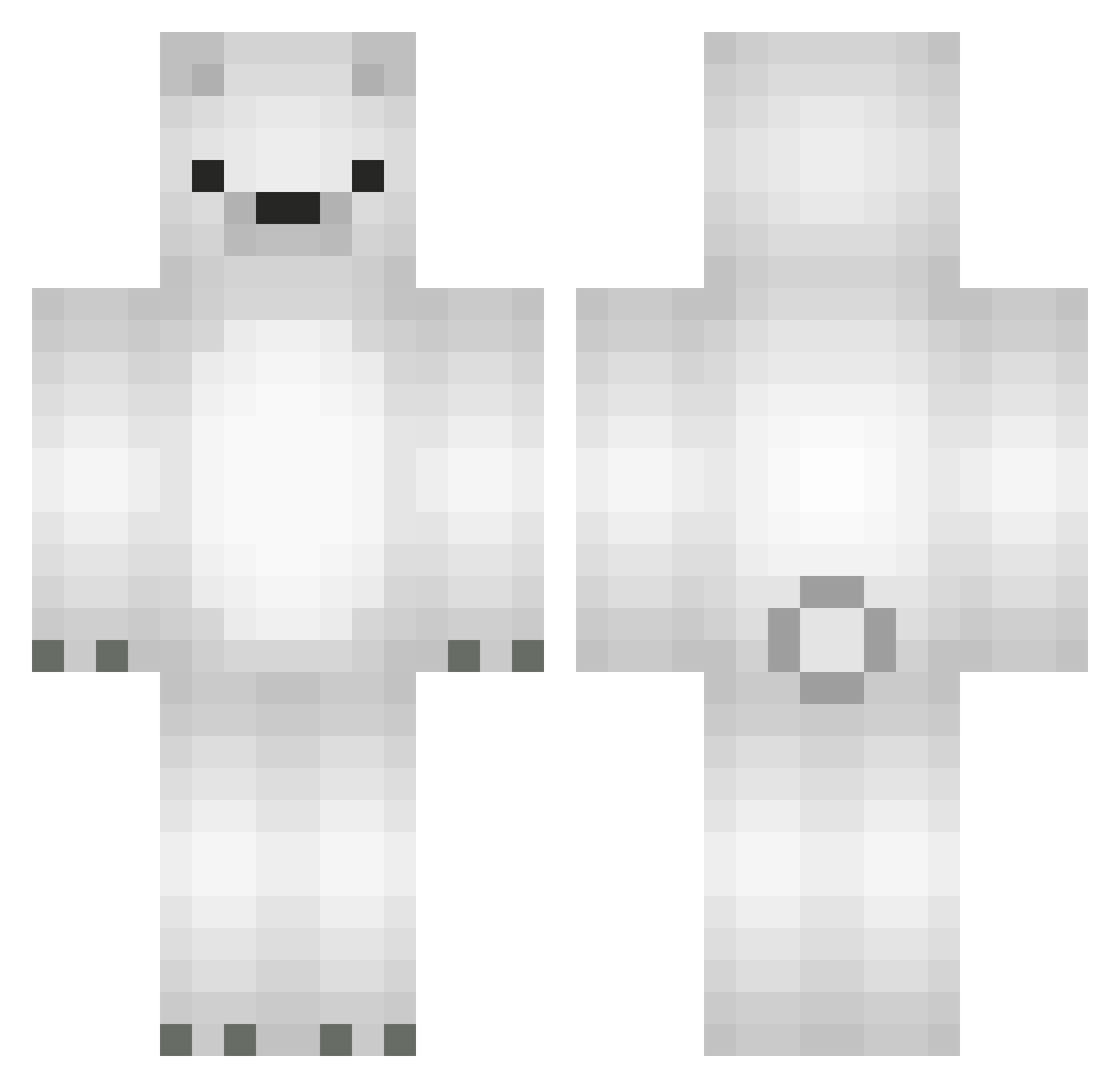
Current Minecraft skin of the player sullyg02, loaded from the official Mojang API. Rotate the 3D model with your mouse or finger, then download the skin as a PNG file and use it in Minecraft: Bedrock Edition or Java Edition for free. When sullyg02 changes their skin, this page updates automatically and the old skin stays in the history below.
Other players with this skin (566)
sullyg02 was the 227th player we have seen with this skin, first spotted on 09.09.2026. The same skin was seen on these players. Open a nickname to see their current skin and skin history.
 LFQ687 yena2878 LameTezzrTV KamilooS IceDragonzxe claimstaker Mgns85 Be_Lucy rendrea snu1717 jrlee0219 TheMichlo SeaPancake0 Aure1160 TSUDA029 staff_desu CarneDePanela DEKXO150 namanari69 guluxiong Crehhhh ReCat18 rishyfishy cdragoneer_ AlextheGreat0307 iyou3 s0ccerf1end recheruta 1rkid cudendo Krystus2007 U1known seongvin kotowski08 Hinsent MolarBear26 CoolBattle Only_dig_rocks sirokuma_0001 Someone0009 Phoeniffe yh21lee ExoTheRat Snowman0606 gom_ooo MazMDodge dylanooooo IScottNoFriends seongxha keynut ShicitaBonitaa SavageClo Polarromba Beastzilla Frost_blossom holly_fasching margoxee GussyRS yongja_0506 tlqkf1234
More Polar Bear Minecraft skins
How to install the sullyg02 skin
- Press the Download button above to save the skin as a PNG file.
- Minecraft: Bedrock Edition (PE): open the Dressing Room from the main menu (or tap your character → Edit Character), go to Classic Skins → Owned, press the + (new skin) button, choose the downloaded PNG and pick the Classic (Steve) model. Works on PC and mobile; consoles cannot import custom skins.
- Minecraft: Java Edition: open the Minecraft Launcher, go to the Skins tab, click New Skin, load the PNG, pick the Classic (Steve) model and press Save & Use. You can also upload it at minecraft.net → Profile → Change Skin.
The skin does not show up after import - what should I do?
Restart Minecraft and open the Dressing Room again - imported skins sometimes appear only after a restart. Also make sure you selected the imported skin and picked the Classic (Steve) model.
Which model should I choose, Classic or Slim?
This skin is designed for the Classic (Steve) model. If you pick the wrong model, the arms of the skin will look stretched or squeezed.
Is the skin of sullyg02 free to download?
Yes. Press Download, save the PNG file and use it in Minecraft: Bedrock Edition or Java Edition - no payment or registration needed. The skin also works on multiplayer servers and Realms.
More skins
Looking for more? Go back to all Minecraft skins and check the top skins of the week, month and all time, or find any player's skin by nickname.