
strawbs3 - Minecraft Skins & Skin History
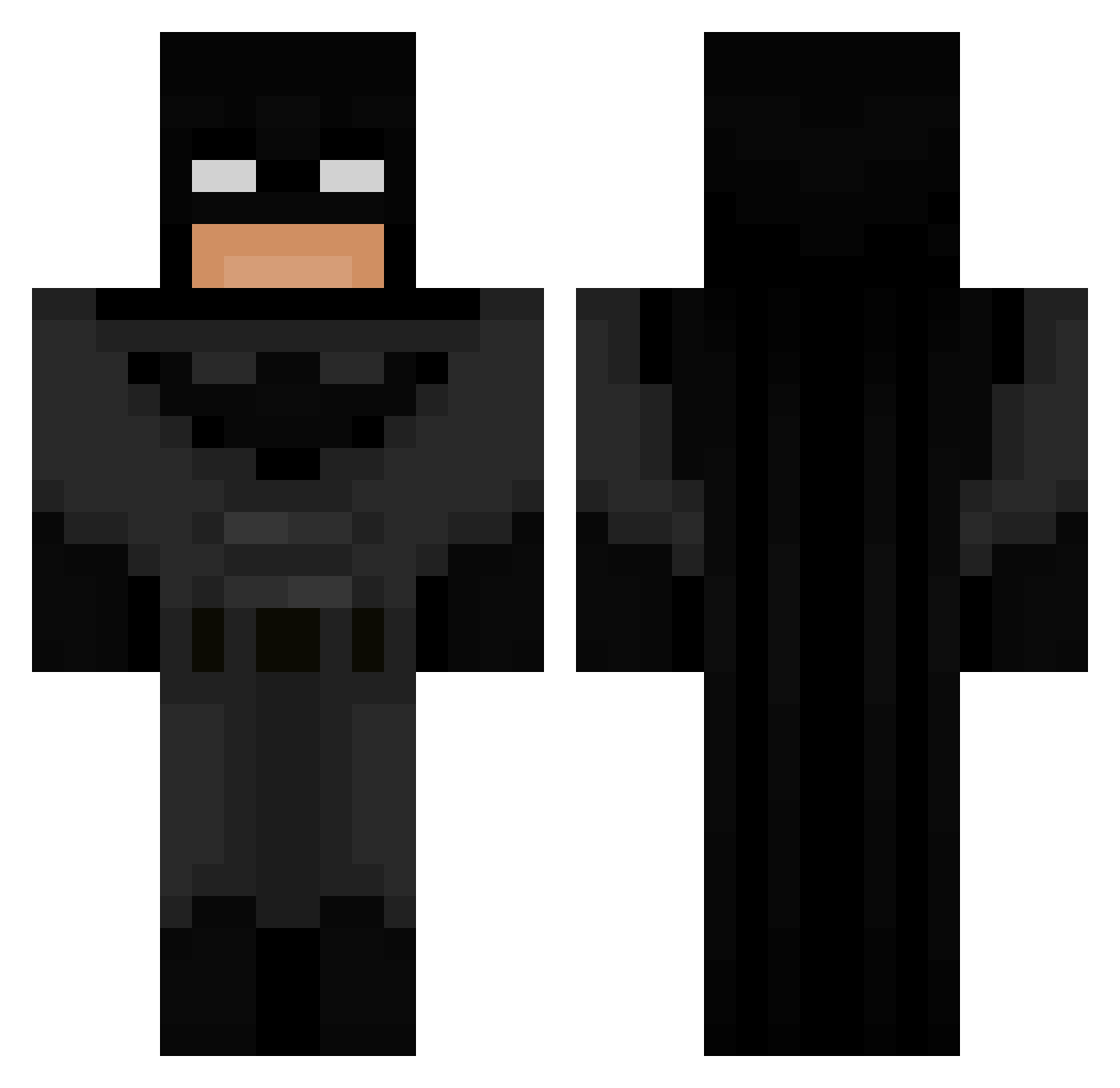
Current Minecraft skin of the player strawbs3, loaded from the official Mojang API. Rotate the 3D model with your mouse or finger, then download the skin as a PNG file and use it in Minecraft: Bedrock Edition or Java Edition for free. When strawbs3 changes their skin, this page updates automatically and the old skin stays in the history below.
Other players with this skin (590)
strawbs3 was the 172nd player we have seen with this skin, first spotted on 21.08.2026. The same skin was seen on these players. Open a nickname to see their current skin and skin history.
 TEIEN5 BLUE_AXOLOTLLL PllCKLE MineALot01 SteakSchuessel3 Prankeds Jvbei chemanel ywsf1 Likix YoungSausage GoudenScar electric007 jackjack_79 Kenany08 esegswarrior Mcdonaldgiftcard jaylalalala NZFishandChips FireAtom mystiquey Torstulf NyteBlayde _Riio_ YokInGame HasanB12 zadig06 ilyxdemo luisito_175 yusgur Delta_1235 Al3ria kray117 maslikesmilk SquashMelon BrownieBeast1 Caesahh axhh0 Joaquinalex726 kukiih hongyunseo HenriqueAlvim Aarette Anth19 AyooElii Widowmakerdoc WhiteZeus0 OliverWatto KillTurtlz PepperFish10 AlbanianHitman
 TheAtomicBro Screamingahahha B0nusPL YoutubeXoro Owencool65 Cerkel Tymek6767 ThatPlumberGuy real1batman
More Batman Minecraft skins
How to install the strawbs3 skin
- Press the Download button above to save the skin as a PNG file.
- Minecraft: Bedrock Edition (PE): open the Dressing Room from the main menu (or tap your character → Edit Character), go to Classic Skins → Owned, press the + (new skin) button, choose the downloaded PNG and pick the Classic (Steve) model. Works on PC and mobile; consoles cannot import custom skins.
- Minecraft: Java Edition: open the Minecraft Launcher, go to the Skins tab, click New Skin, load the PNG, pick the Classic (Steve) model and press Save & Use. You can also upload it at minecraft.net → Profile → Change Skin.
The skin does not show up after import - what should I do?
Restart Minecraft and open the Dressing Room again - imported skins sometimes appear only after a restart. Also make sure you selected the imported skin and picked the Classic (Steve) model.
Which model should I choose, Classic or Slim?
This skin is designed for the Classic (Steve) model. If you pick the wrong model, the arms of the skin will look stretched or squeezed.
Is the skin of strawbs3 free to download?
Yes. Press Download, save the PNG file and use it in Minecraft: Bedrock Edition or Java Edition - no payment or registration needed. The skin also works on multiplayer servers and Realms.
More skins
Looking for more? Go back to all Minecraft skins and check the top skins of the week, month and all time, or find any player's skin by nickname.